User Manual PYXIS TRACK February 16, 2010
Xynergi Media Production Centre Page 257
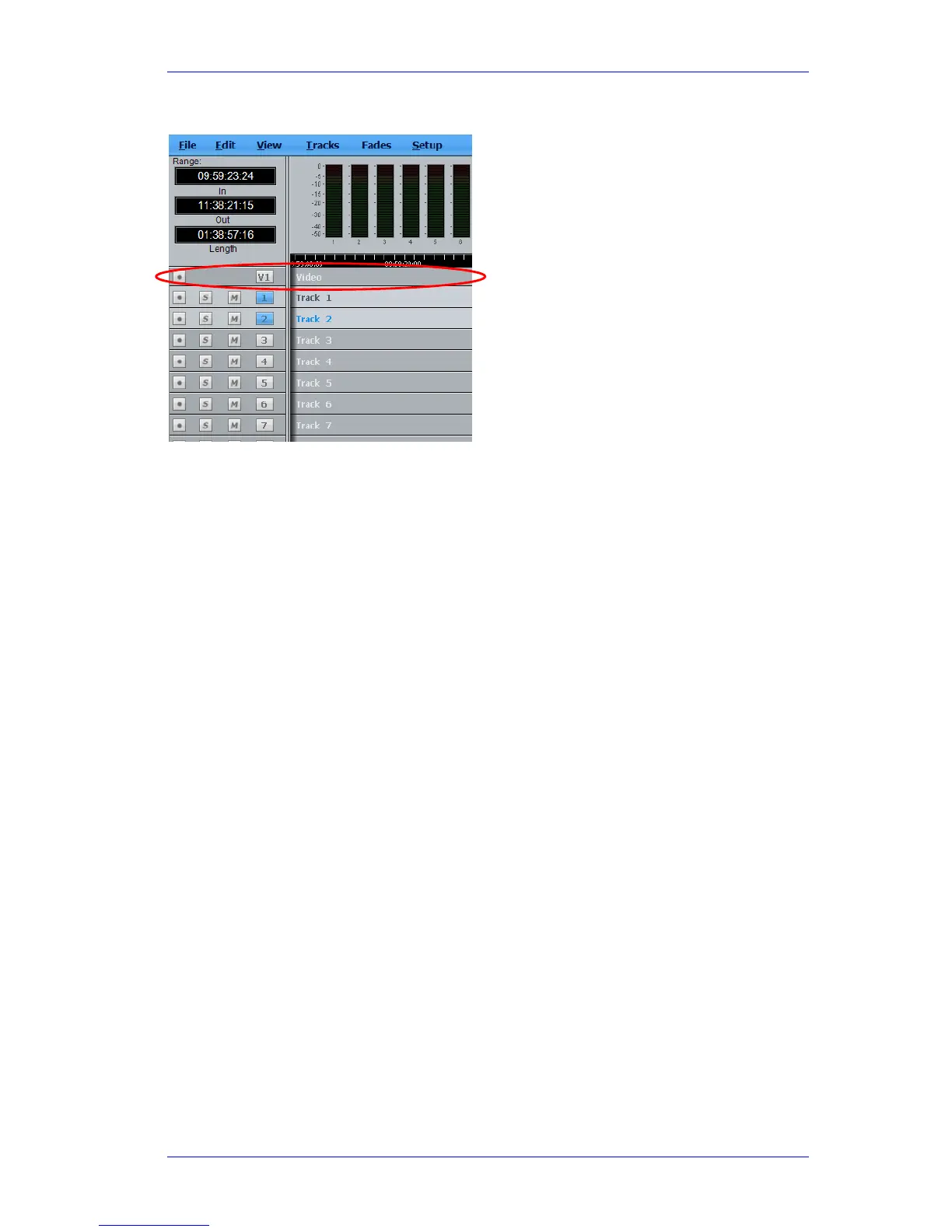
Once created, the Video track appears at the top of the Edit Screen:
Hiding and Showing the Video Track
To hide or show the video track on the Edit Screen use the menu commands:
View Show Pyxis Track Show and
View Show Pyxis Track Hide
Video Track Display Offset
When using a monitor with an inbuilt display, such as an LCD or plasma screen, the picture may
be one or two frames late at play speed. You can adjust for this using the General Preferences
dialog. To access this, click Setup at the top of the Edit Screen, then click General Preferences,
then Playback.



 To Next Page