User Manual HOW TO … February 16, 2010
Xynergi Media Production Centre Page 61
Get Ready
Press the green Mon button.
Details
To toggle to an alternative set of speakers, press Alt spkr.
This will toggle to the last non-standard speaker set you used (or the first defined set if you
haven’t used any yet). Note: you can also do this by pressing
MUTE and DIM together.
To toggle to an alternative monitor source, press
Alt source.
This will toggle to the last non-standard source you used (or the first defined External Source set
if you haven’t used any yet).
To toggle to an alternative monitor format, press
Alt format.
This will toggle to the last non-standard format you used (if any)
Setup
Frame Rate
Overview
Timecode Frame Rate can be changed at any time while a project is open, and the timecodes of
all clip heads and tails, Marks and other time-based items will update to match.
This guide shows you how to change frame rate.
Get Ready
Press the green Setup button.
Press the
sync key. This displays the Sync Smart Panel above the Edit Screen.
Note: you can also select the Sync Smart Panel at any time using the mouse with the View menu
above the Edit Screen, as follows:
View
Smart Pane Sync Setup
Details
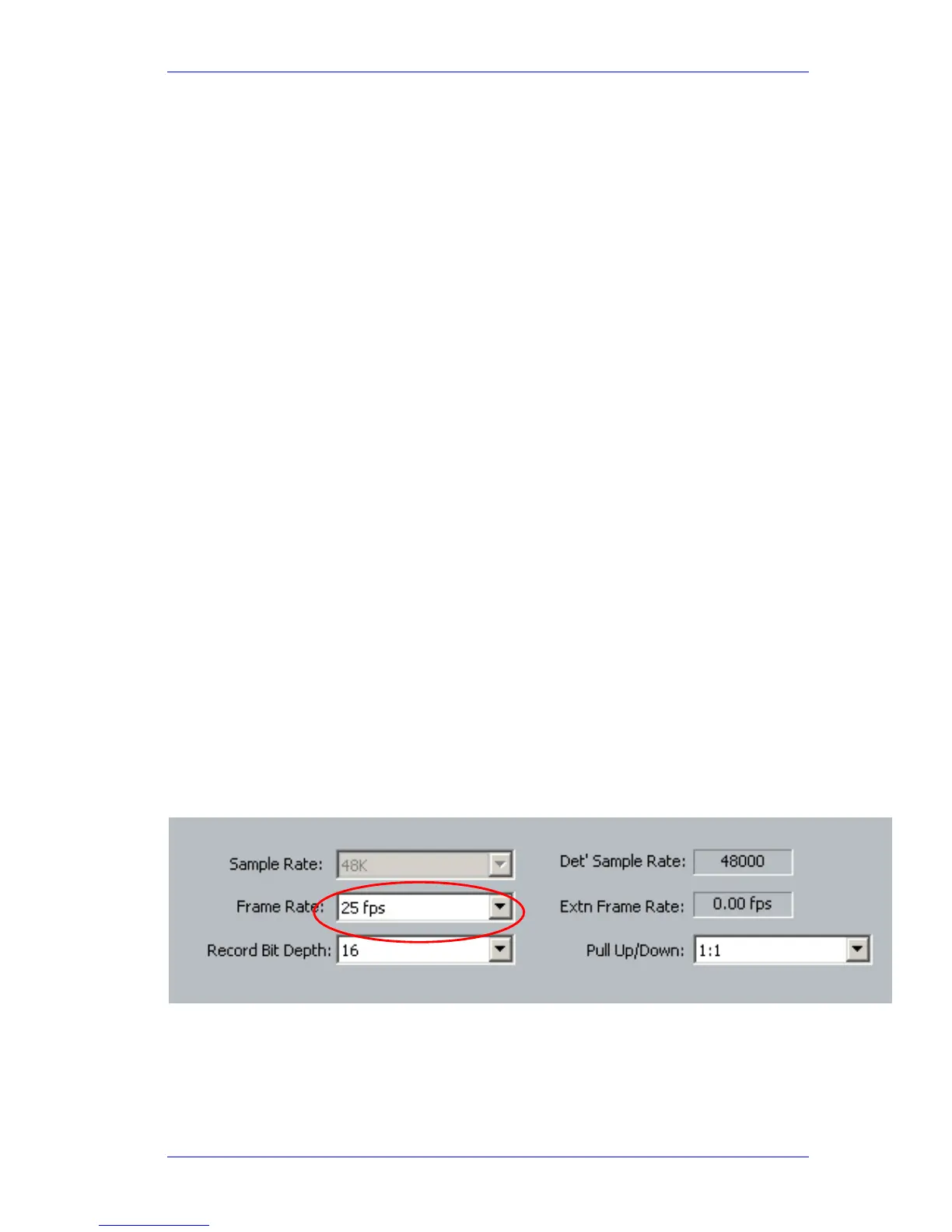
Use the pull-down menu to choose frame rate.
Other fields include:
Extn Frame Rate
if you are using a video reference to drive your SX-20, set this field to the
frame rate you are feeding it.



 To Next Page