User Manual PYXIS TRACK February 16, 2010
Xynergi Media Production Centre Page 266
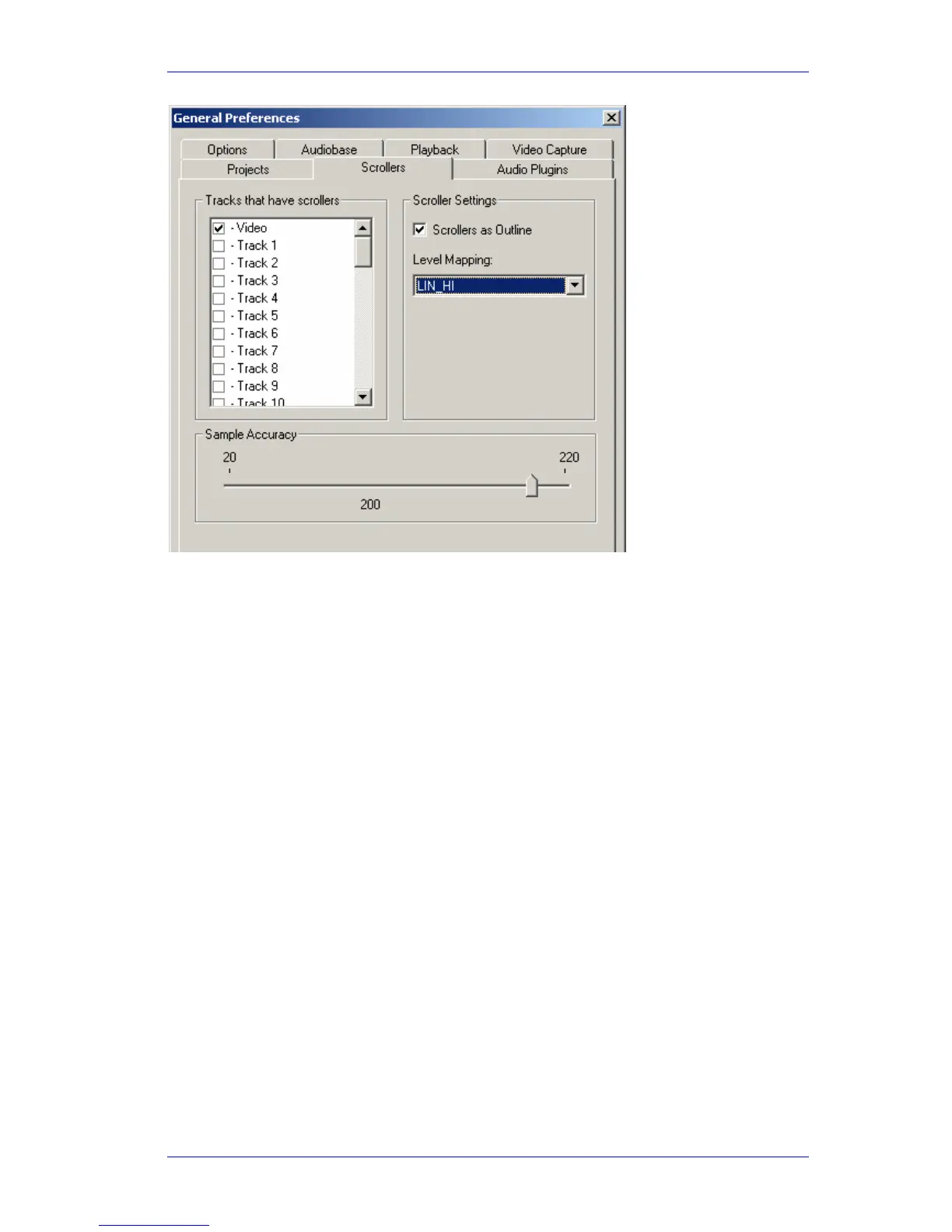
Select the Video checkbox. Note: Audio Scrollers are discussed in Chapter 4 - Tracks and
Transport.
While the Video Scroller is active you can:
Click on any part of any frame to locate the transport to that position.
Drag the scroller left or right to move the transport.
Note: there is no zoom control on the video scroller.
Editing the Video Track
Selection
To select the video track
Click on the
V symbol at the left of the video track (double clicking makes it the only
selection)



 To Next Page