User Manual PYXIS TRACK February 16, 2010
Xynergi Media Production Centre Page 267
OR
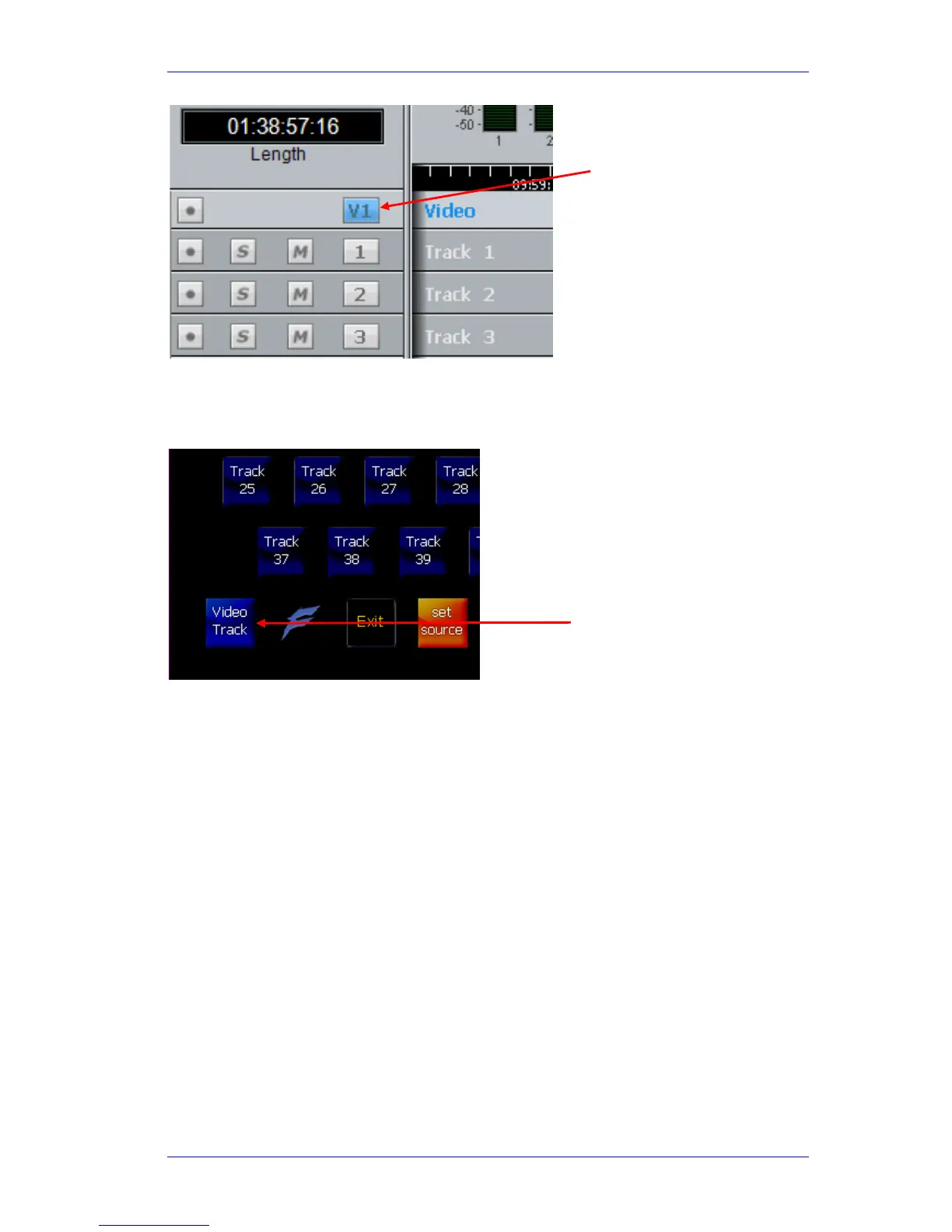
Press the
SEL button, then toggle Video Track on the Picture keys (it’s at the lower left
where ctrl is normally placed).
Editing with XYNERGI Buttons
Editing with XYNERGI Buttons
Editing commands can be used with the video track, the same way as they are with audio. The
copy and cut commands can be used as with audio to put video clips on the clipboard, but unlike
audio clips, they can only be pasted back to the video track.
NOTE: Cross fades between two video clips become dissolves.
Audio tracks and Pyxis track can be selected and edited simultaneously.
Editing with the Mouse
Video clips can be dragged left and right, but not up and down (across tracks).
Click Here.
Video track is shown
selected.



 To Next Page