User Manual EDITING February 16, 2010
Xynergi Media Production Centre Page 112
Editing
Introduction
This chapter goes into more detail about Xynergi editing.
Edit Modes
Xynergi editing uses six main modes, selected in the Edit Megamode:
Copy copies the selection to the clipboard (Enter pastes it into the tracks)
Cut cuts the selection to the clipboard (Enter pastes it into the tracks)
Erase erases the selection.
Trim retracts or extends the heads or tails of clips.
Slip one-step movement of clips through time (not using clipboard).
Fade fades or cross-fades the selection.
Once a mode is selected, it remains current until another mode is selected.
The Cursor
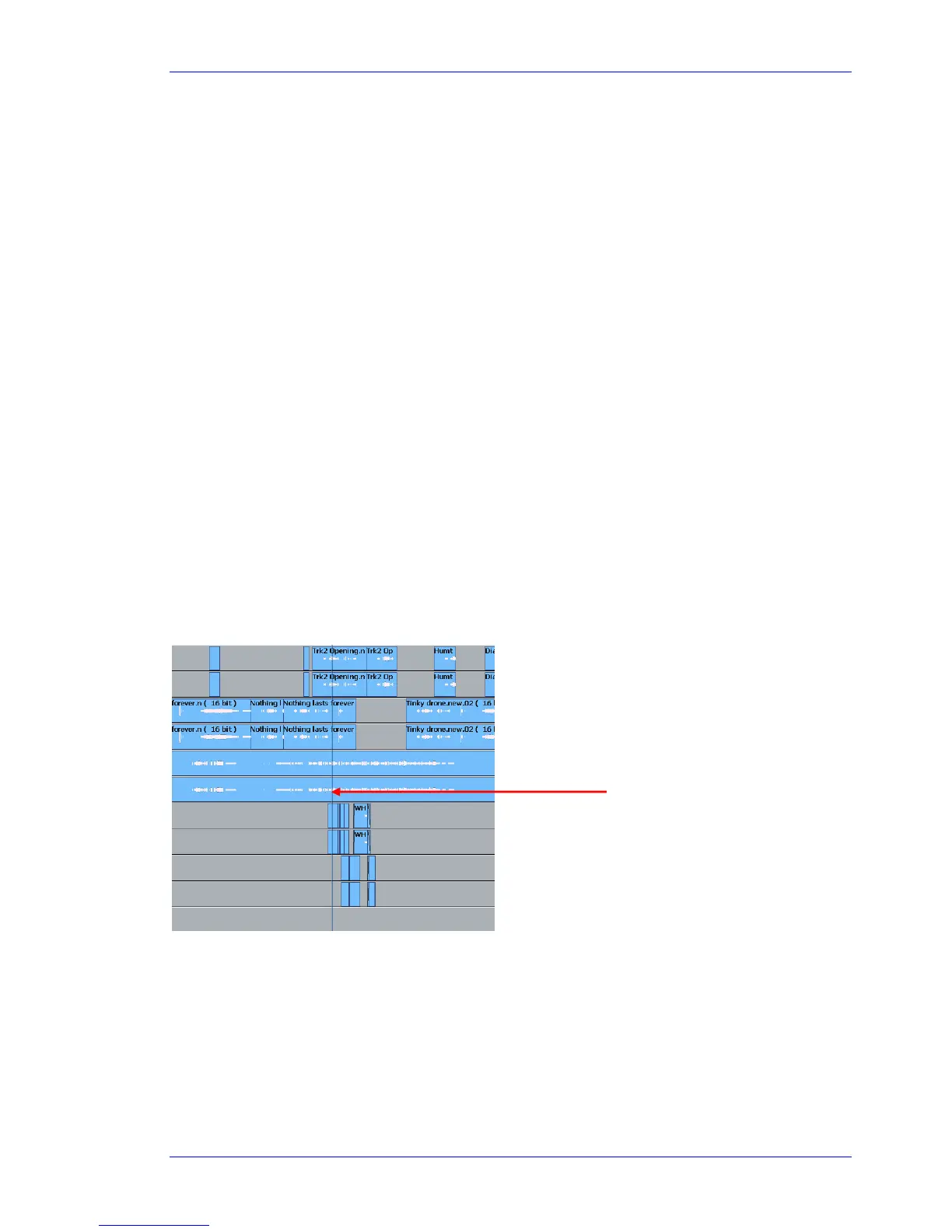
Most edits are performed at the Play Head or Cursor. This is the vertical line in the center of the Edit
Screen.
Normally the Cursor is stationary, and the clips scroll across the tracks. The audio you hear is the
waveform passing the Cursor (hence its name – Play Head).
Moving Cursor
Many products show stationary waveforms with a moving cursor. To show this in Dream II, select Setup
Locked Playhead from the Edit Screen menu bar.
When this item is ticked, the cursor is stationary, but otherwise it moves.
Cursor (Play Head)



 To Next Page