User Manual TRACKS & TRANSPORT February 16, 2010
Xynergi Media Production Centre Page 166
Tracks & Transport
Introduction
Xynergi provides up to 192 disk recorder tracks routed via dedicated track feeds. In addition to
the track feeds it supports live feeds which may be used for effects returns or any other real-time
signal source.
Displaying Tracks
Number of Tracks
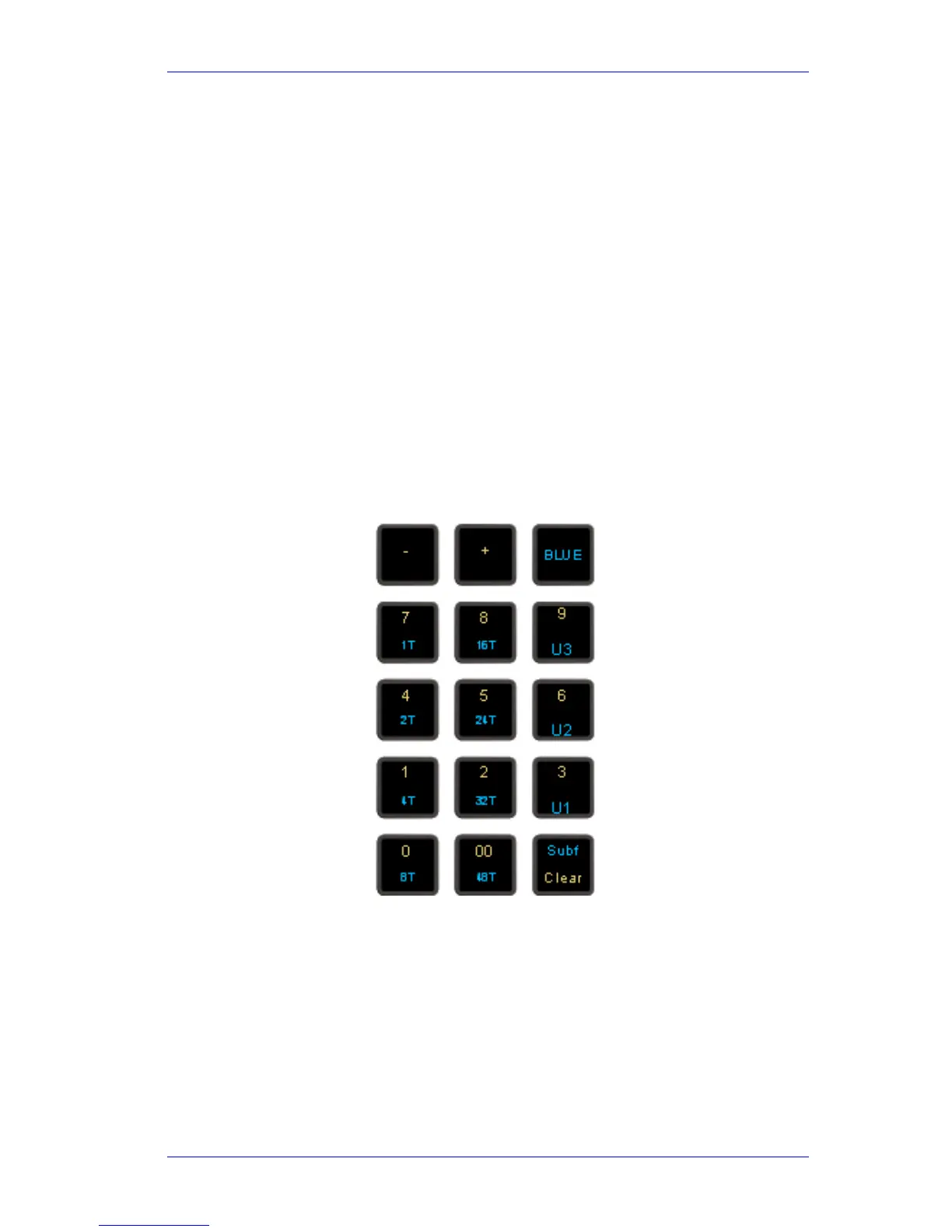
Disk recorder tracks are displayed on the video screen. Select the number of tracks to display by
holding down the BLUE key, and pressing one of the numeric keys labeled
1T, 2T, 4T, 8T, 16T,
24T, 32T and 48T. The most recently selected track always appears in the track display.
Step 1 Hold down the BLUE key
Step 2 Press the desired Track Display key
You can also select the desired track view in the onscreen View Menu, Tracks Submenu.
A new method using the Jog Wheel is provided as follows:
Step 1 Hold down the ctrl or BLUE key, and the
Zoom key
Step 2 Turn the Jog Wheel
The number of tracks will change, always keeping the most-recently-selected track visible.



 To Next Page