User Manual TIMECODE SETUP February 16, 2010
Xynergi Media Production Centre Page 301
Timecode Setup
Introduction
The Setup Menu is used to configure the Project’s synchronisation setup.
Step 1 Press the Setup key or click View Smart Pane Sync Setup
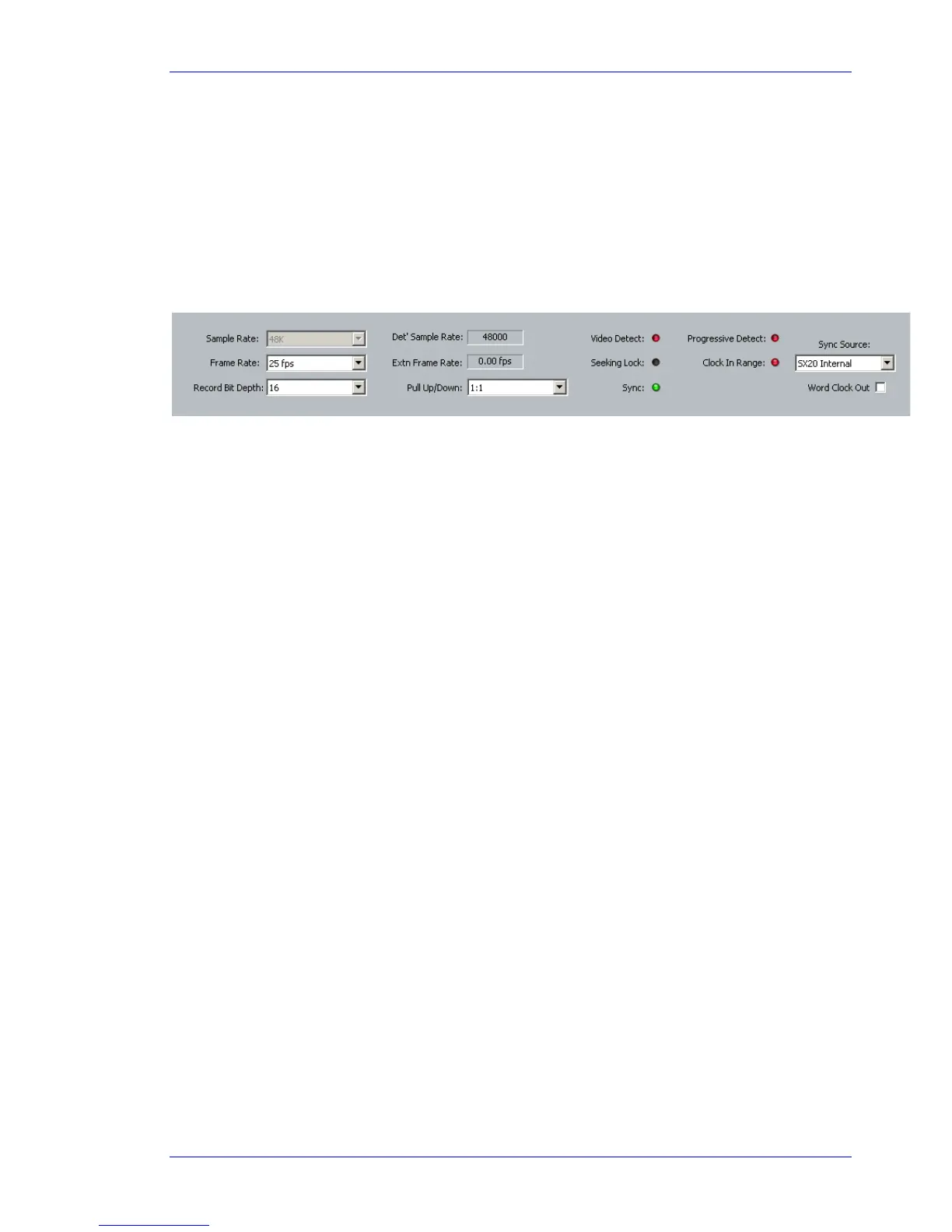
Step 2 The following dialog is displayed
Sample Rate
This value can only be set when creating a new project.
Frame Rate
Can be changed at any time. Normally it is best to choose the frame rate of the Master video device in
your system, or of the timecode being chased, if any.
Bit Depth
Can be changed at any time. All subsequent recordings will have this depth.
Extn Video Rate
This is the rate of the external video reference applied to the SX-20. This must be set properly for
correct operation!
Pull Up/Down
Allows setting of Pull Up and Pull Down, often used in NTSC video setups. Detailed explanation below.
Sync Source
The system sample rate is synchronised to its clock source. There are many choices, but normally you
will use the SX20 as a sync source, and lock it to whichever sync signal your studio is running.



 To Next Page