User Manual THE NUMPAD February 16, 2010
Xynergi Media Production Centre Page 110
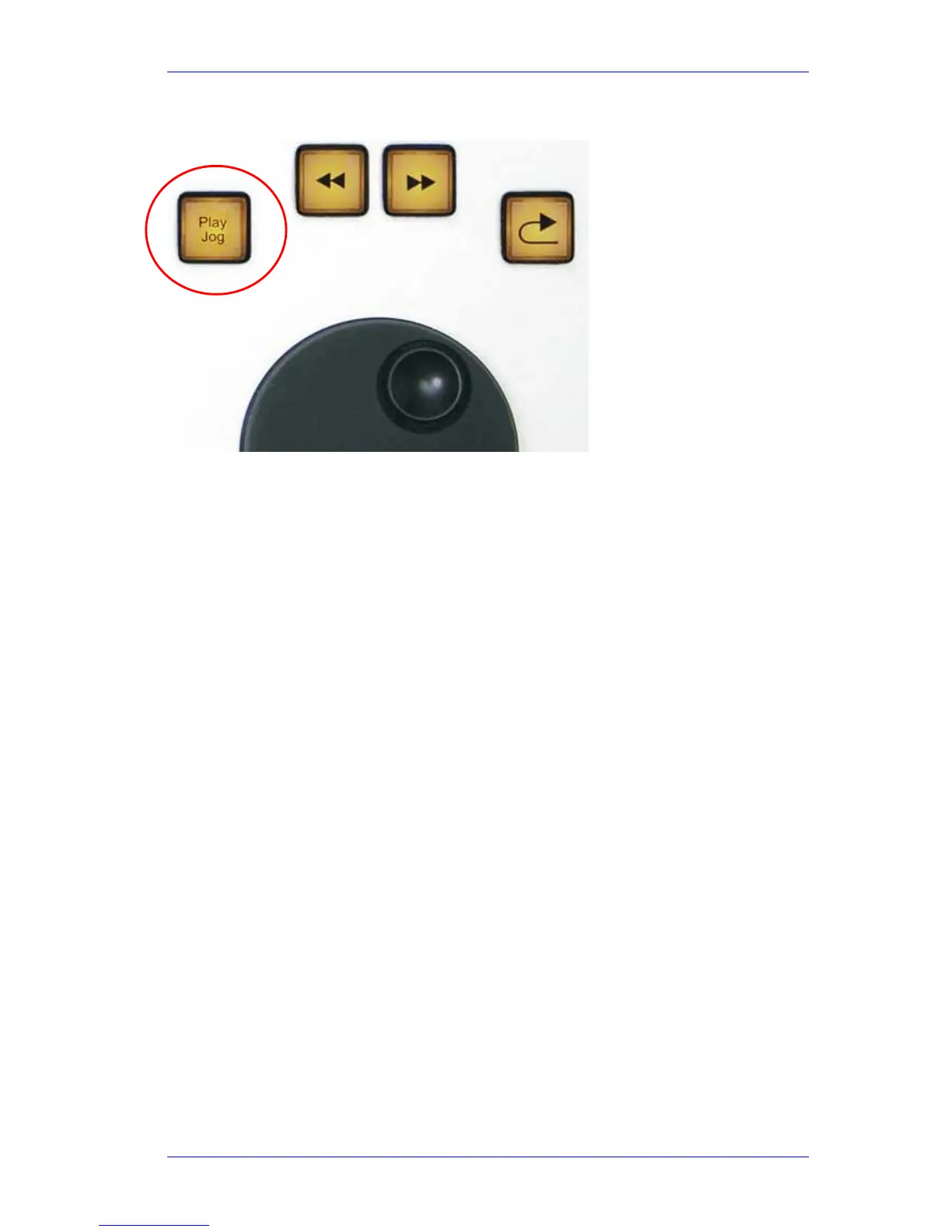
Play Jog
Play Jog toggles between playing and jogging.
If the transport is in any mode except Jog, this key initiates Jog mode. When Jog is active, the
key is illuminated in blue.
If the transport is already in Jog, this key initiates Play mode. When Play is active, the button is
bright yellow.
If the BLUE key is held down when Play/Jog is pressed, the transport goes into Shuttle mode
(constant speed, forward or reverse, controlled by the Jog Wheel). When Shuttle is active the key
flashes blue.
When Jog mode is active, the transport moves as you turn the Jog Wheel. Audio is heard on all
tracks, up to about four times play speed (depends on number of tracks playing, and speed of
disk system).
Jog Speed
Jog Speed depends on Zoom setting – the wider you zoom, the faster you jog. This can be
changed in two other ways:
Hold down
Jog and select Jog Gear on the soft keys.
Hold down
Zoom and press-and-release Jog – this sets the jog gear ratio to three turns
per second = play speed, at the current zoom setting..
While in Jog mode,
ctrl + Jog Wheel go 5 times faster.
SHIFT + Jog Wheel go 64 times faster.
SHIFT +ctrl + Jog Wheel go 512 times faster.
Shuttle
BLUE + Play Jog button enter Shuttle mode.
When Shuttle is active, the transport moves forward or backward, using the Jog Wheel as a speed
dial. Audio is heard with shuttle speeds up to about four times play speed (depends on number of
tracks playing, and speed of disk system).



 To Next Page