User Manual PLUG-INS AND REWIRE February 16, 2010
Xynergi Media Production Centre Page 273
change its parameters. It can also be made to appear in the Pad (see Plug-ins in the Pad
below).
Step 6 Press the
Plug-ins button a second time to toggle the plug-in image into the Pad area.
Step 7 To remove the plug-in, press the
Remove Plug-in soft key on the LCD screen.
Step 7a Another way to remove the plug-in, when the Pad plug-in display is shown, is to hold the
ALT key down and press the Un Plug soft key on the LCD screen.
Automation of Plug-ins
This is described in our section on mixer automation, starting page 86.
Controlling Plug-ins on Screen
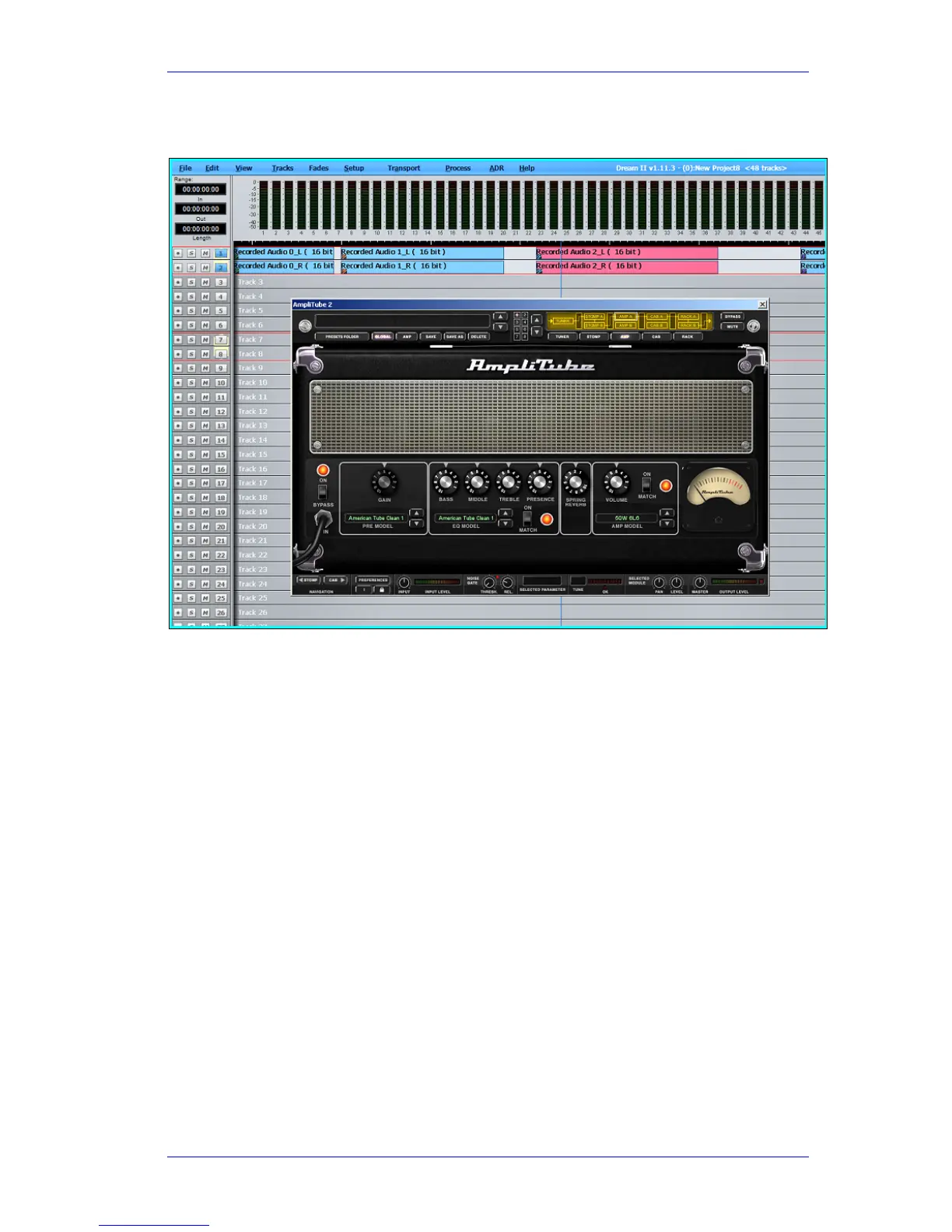
Each Plug-in comes with a graphical user interface (GUI) designed by its manufacturer). To
display the GUI, do one of the following:
Press the Plug-ins button in the Editor or Mixer Megamode. This will display the current
plug-in for the channel.
Right-click a Plug-in in the Mixer Screen Fat Channel



 To Next Page