User Manual AUTO CONFORM WITH EDL TOOL February 16, 2010
Xynergi Media Production Centre Page 240
Auto Conform with EDL Tool
Introduction
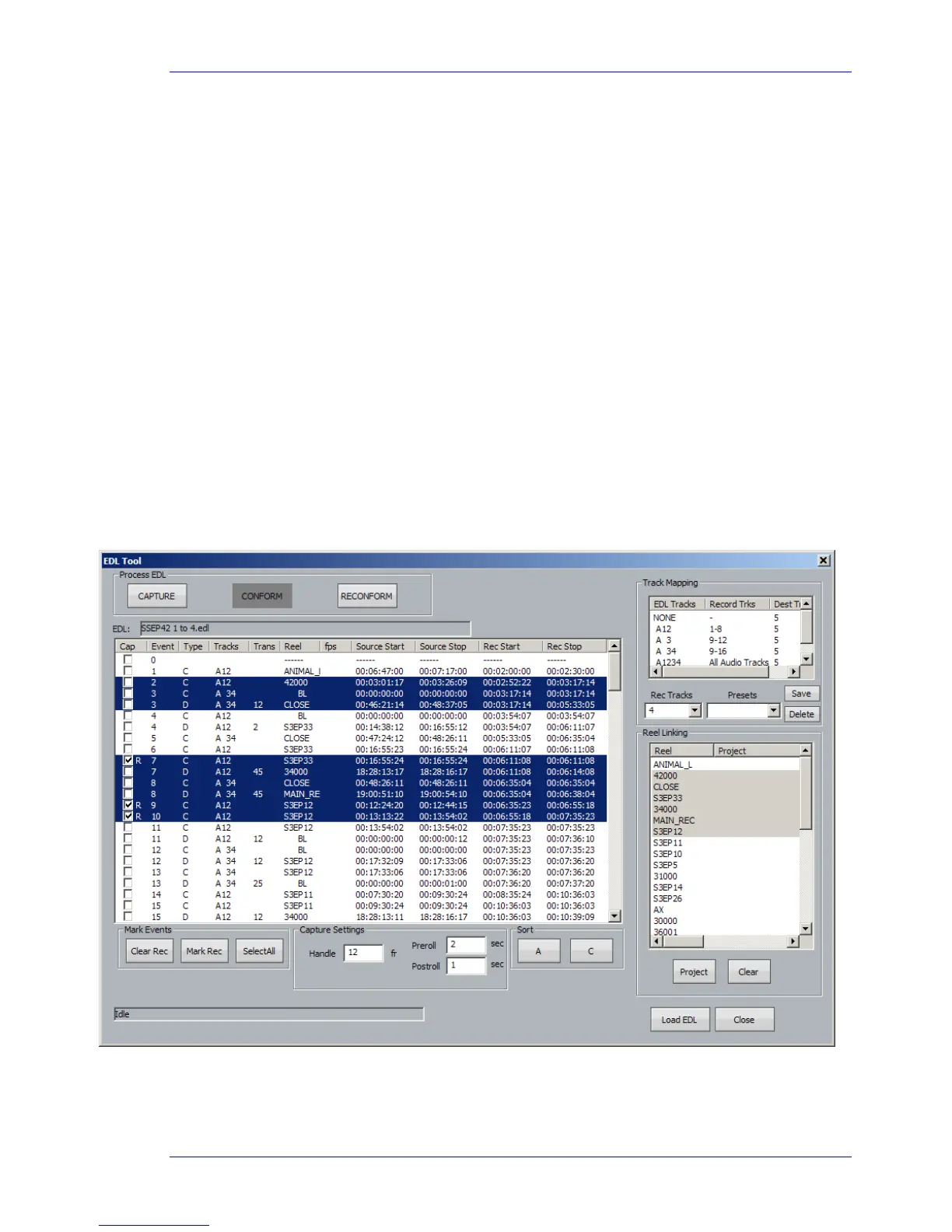
EDL Tool supports three activities associated with EDLs (Edit Decision Lists) produced by other editing
products.
Capture records the material needed by the edit list, from original sources such as video tape
Conform edits the source audio recorded in the capture process, placing it at the destination locations
indicated by the edit list
Reconform re-edits an existing DREAM II project according to a “cut list”, usually representing a re-edit of
the pictures in a video project
Loading an EDL
The first step is to load an EDL file.
Step 1 At the top of the Edit Screen, click File
Import EDL
Step 2 Navigate to the file location of an EDL file and click the Open button
This will cause the display of the EDL dialog
Capture and Conform
Capture and Conform are performed at the same time. The audio for each line in the EDL is captured
and immediately conformed.



 To Next Page