User Manual PYXIS TRACK February 16, 2010
Xynergi Media Production Centre Page 265
Video locators are also displayed in the Edit Marks list (Locators list) and can be edited there.
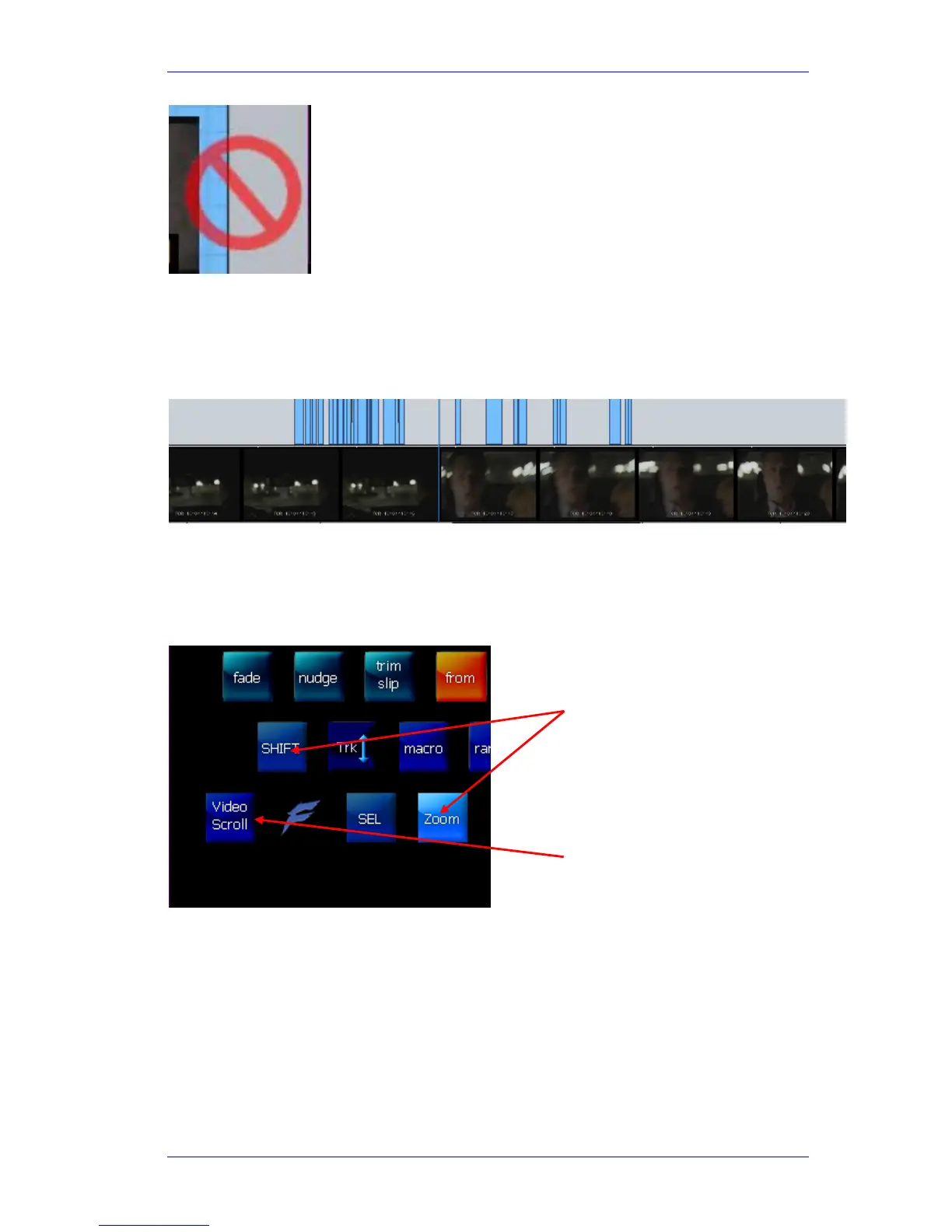
The Video Scroller
The Video Scroller is a line of frames across the bottom of the screen, centered at the current
frame. These frames cover the same width as the audio tracks.
The Video Scroller is useful because you can see specific frames and scene changes coming up,
and use it for easy location.
To Display the Video scroller, hold down the Shift and Zoom buttons. Now the track buttons allow
you to select audio scrollers, and a Video Scroll button appears at the lower left of the picture
keys. Use this button to toggle the Video Scroller on and off screen.
Another way is to click:
Setup General Preferences Scrollers
Another way is to click:
Setup General Preferences Scrollers
Delete icon



 To Next Page