User Manual EDITING February 16, 2010
Xynergi Media Production Centre Page 134
This will cause the head of the selected clip to extend fully.
Step 3 Use the
Jog Wheel (or any transport control) to locate to the point where you want to trim the
head.
Step 4 Release the
Trim Left button to make the edit.
Note: Clips on multiple tracks can be trimmed at the same time.
Fade Head+Curve / Fade Tail+Curve
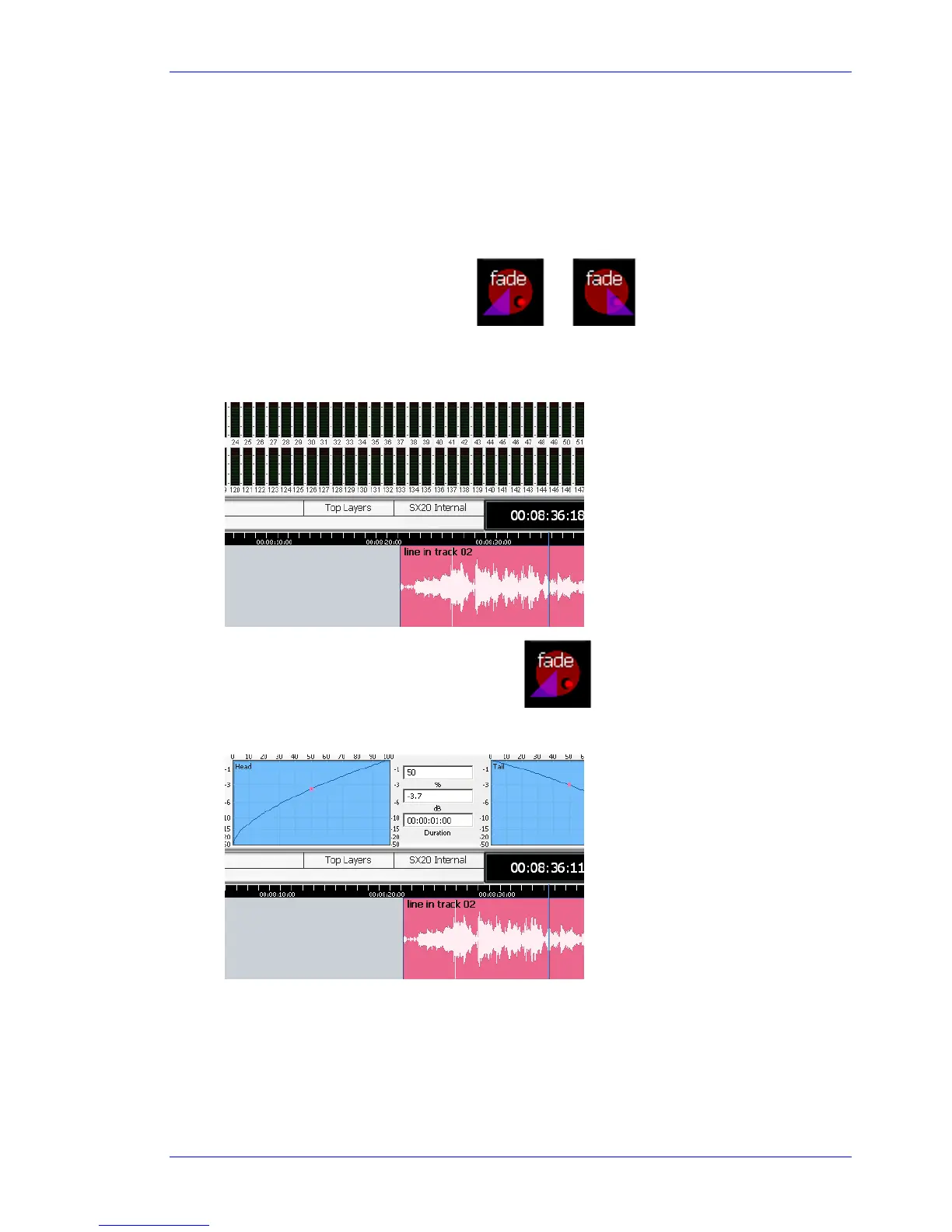
These keys combine the Jog Wheel and the Fade function. To use the Fade Head+Curve button:
Step 1 Start with the cursor touching a clip where you want the Fade In point.
Step 2 Press and hold the
Fade Head+Curve button.
This will cause the Fade display to show in the Smart Pane.
Step 3 Turn the
Jog Wheel to adjust the displayed curve.



 To Next Page