User Manual EDITING February 16, 2010
Xynergi Media Production Centre Page 143
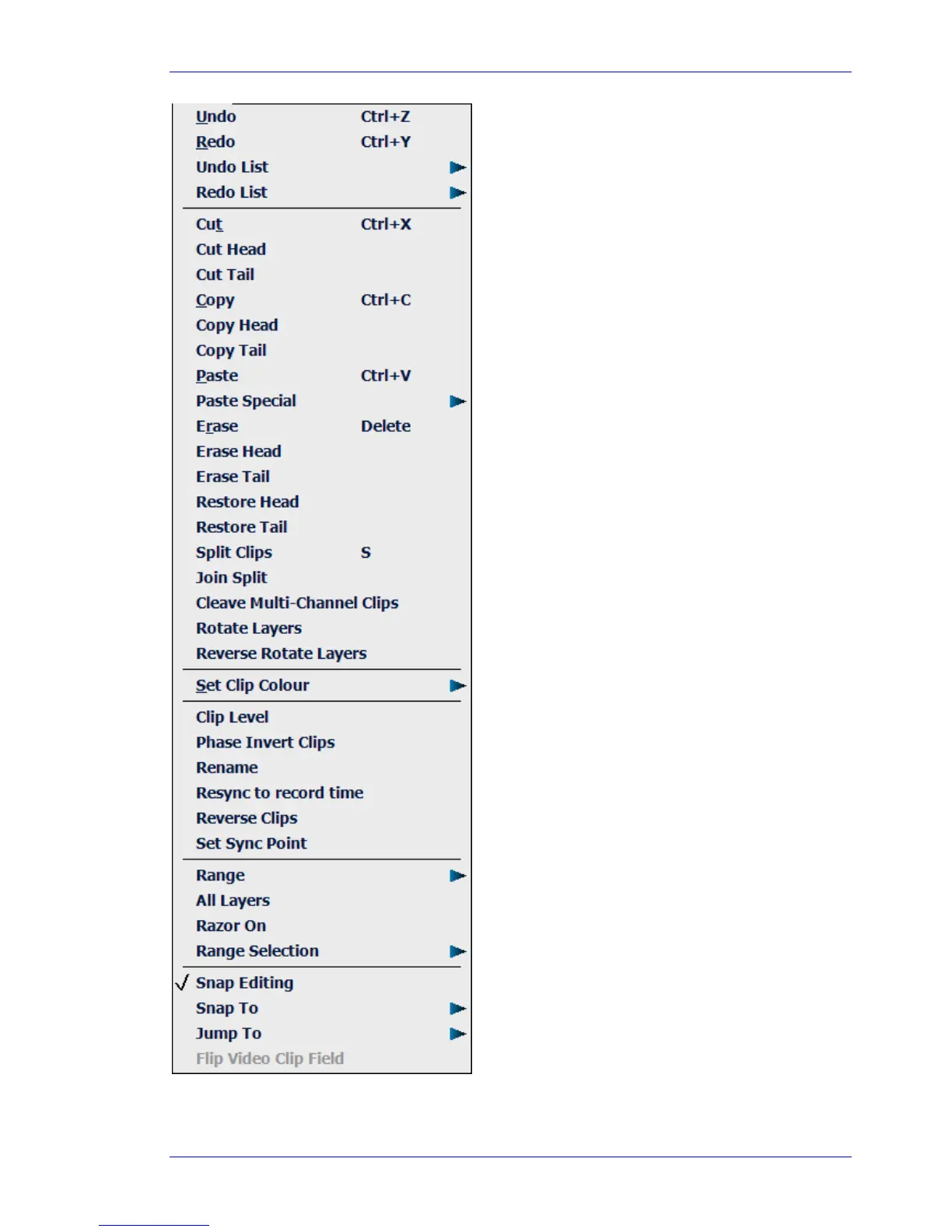
Undoes the last edit
Redoes the last edit that was undone
Shows a list of the edits that can be undone
Cuts the selected clip or ran
e to the clipboard
Cuts the head of the clip at the cursor position, to the clipboard
Cuts the tail of the clip at the cursor position, to the clipboard
Copies the selected clip or ran
e to the clipboard
Copies the head of the clip at the cursor position, to the clipboard
Copies the tail of the clip at the cursor position, to the clipboard
Pastes a copy of the clipboard at the current position
Erases the selected clip or ran
e
Erases the head of the clip at the cursor position
Erases the tail of the clip at the cursor position
Extends the clip head to use all the recorded audio
Extends the clip tail to use all the recorded audio
Heals split in audio clips (must be positioned to
ether)
Unlinks linked clips
Opens a palette of colours for directly applyin
to clips
Cuts the selected clips into two at the cursor
Allows the level of selected clips to be set
Allows the selected clips to be renamed
Syncs the selected clips to their record timecode
Reverses the audio in the clips
Cycles clip layers, sendin
top layer to bottom.
Positions the Sync point in the clip. Can be used for Jumpin
e On/Off and sets head and tail of ran
e
Controls the number of layers affected by edits
urns Razor edit on and of
Defines where clips snap to when mouse editin
Defines Jump destination points for speedy pro
ation
Shows a list of the edits that can be redone
Allows characteristics of the first clip on the clipboard to be pasted.
Reverse cycles clip layers, brin
e selection type between inclusive and exclusive
Inverts the audio phase of selected clips



 To Next Page