User Manual XYNERGI TACTILE CONTROLLER February 16, 2010
Xynergi Media Production Centre Page 18
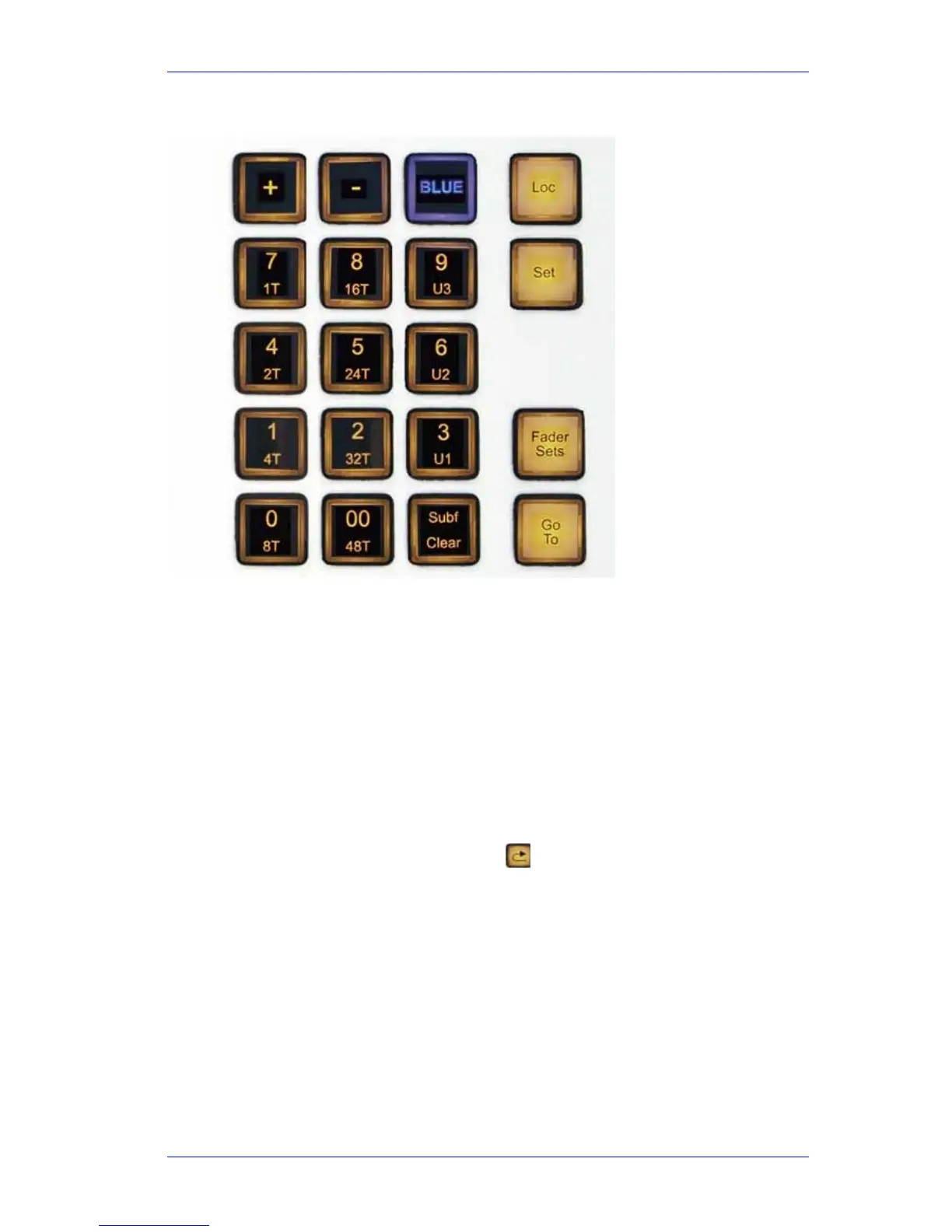
Numeric Keypad (Numpad)
The Numeric Keypad, also known as the Numpad, has many uses. Its function changes when you
press the keys surrounding it, like Loc, Set, Fader Sets and so on.
The following functions are available on the Numpad:
Function Press or Hold Button
Type Numbers None
Parameter Entry None
Choose Fader Set Fader Sets
Choose Number of tracks on Edit Screen BLUE
Go To a timecode, mark or clip name Go To
Jump by a number of seconds Jump Left \ Right or REW \ FF
Set Review time
Review
Choose Meter Set Meters (Setup Megamode)
Capture timecode into a Locator Set
Move to a Locator Loc
Set Loop Jog width Jog Play (hold down)
Macro execution Macro key (see Chapter “Macros” page
208).
These functions are described in detail in the Chapter “The Numpad”
Type Numbers
When naming channels, clips and other things, these keys type the large number written on them.



 To Next Page