User Manual TRACKS & TRANSPORT February 16, 2010
Xynergi Media Production Centre Page 174
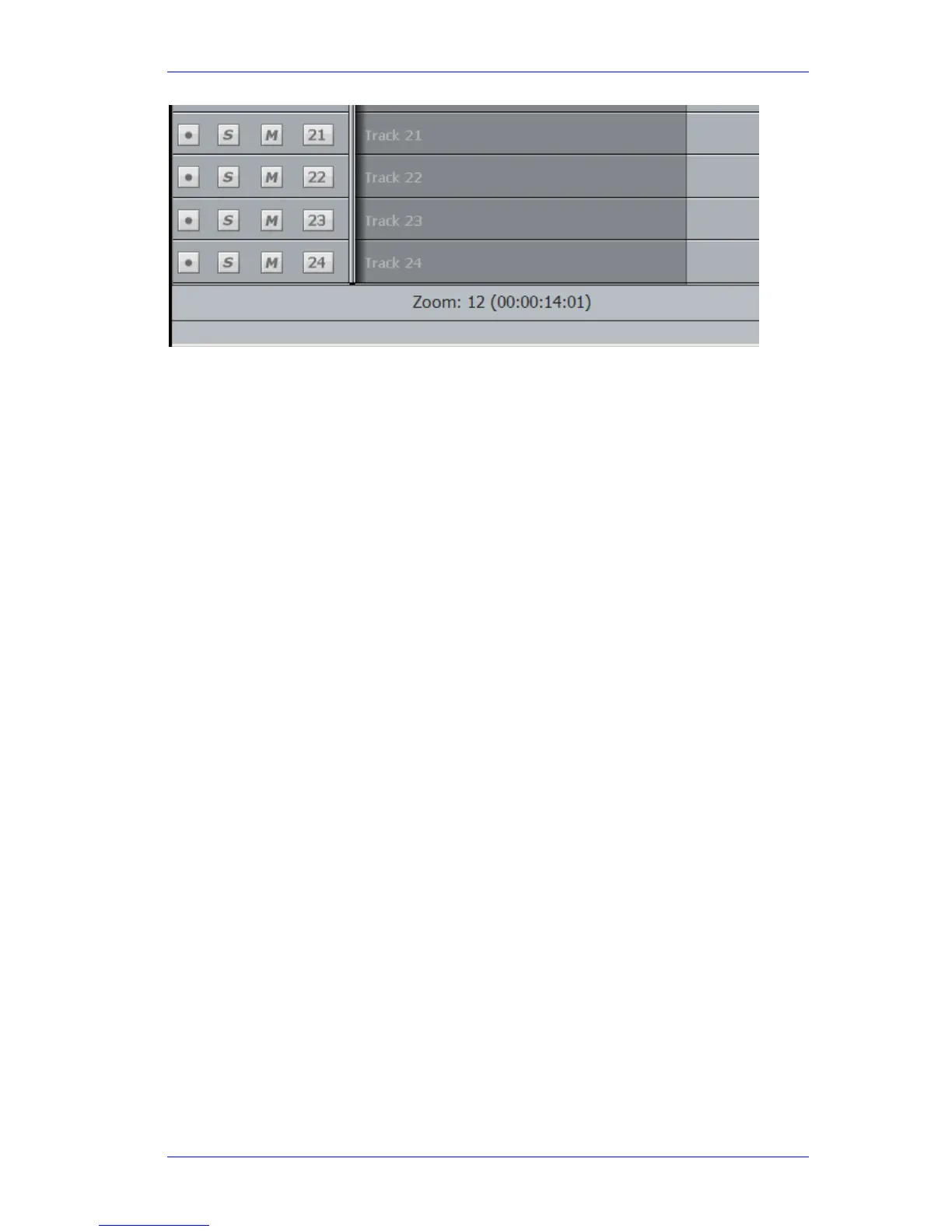
To change zoom range:
Step 1 Hold down either of the
Zoom buttons
Step 2 Turn the jogger wheel to zoom in and out
Alternatively:
Step 1 Hold down a
Zoom button
Step 2 Press a
Number key on the Numeric Keypad.
Alternatively:
Step 1 Hold down a
Zoom button
Step 2 Press the
+ or – key.
The Mouse wheel can also be used to zoom the display (click on the Edit Screen first, to put it in
focus). Float the mouse over the track display while turning the wheel.
Track display selection and zooming is possible while playing and recording.
Timescale display
Timecode positions can be displayed in whole frames, frames with subframes, frames with
subframes and samples, feet and frames in either film format, or Bars and Beats.
To toggle between whole frames and frames with subframes, hold down the BLUE key and press
the
Subf/Clear key in the Numeric Keypad.
For all other timescale choices, select View Timescale and choose one of the options.



 To Next Page