User Manual XYNERGI TACTILE CONTROLLER February 16, 2010
Xynergi Media Production Centre Page 21
Note: Undo applies only to audio editing, not mixing or automation moves.
Zoom
Hold down Zoom then turn the Jog wheel (or press the + and – buttons) to adjust the amount of
time being displayed horizontally across the Edit screen.
A specific Zoom value can be obtained by holding down
Zoom and pressing a Numpad key
combination, making a number between 1 and 20, the releasing
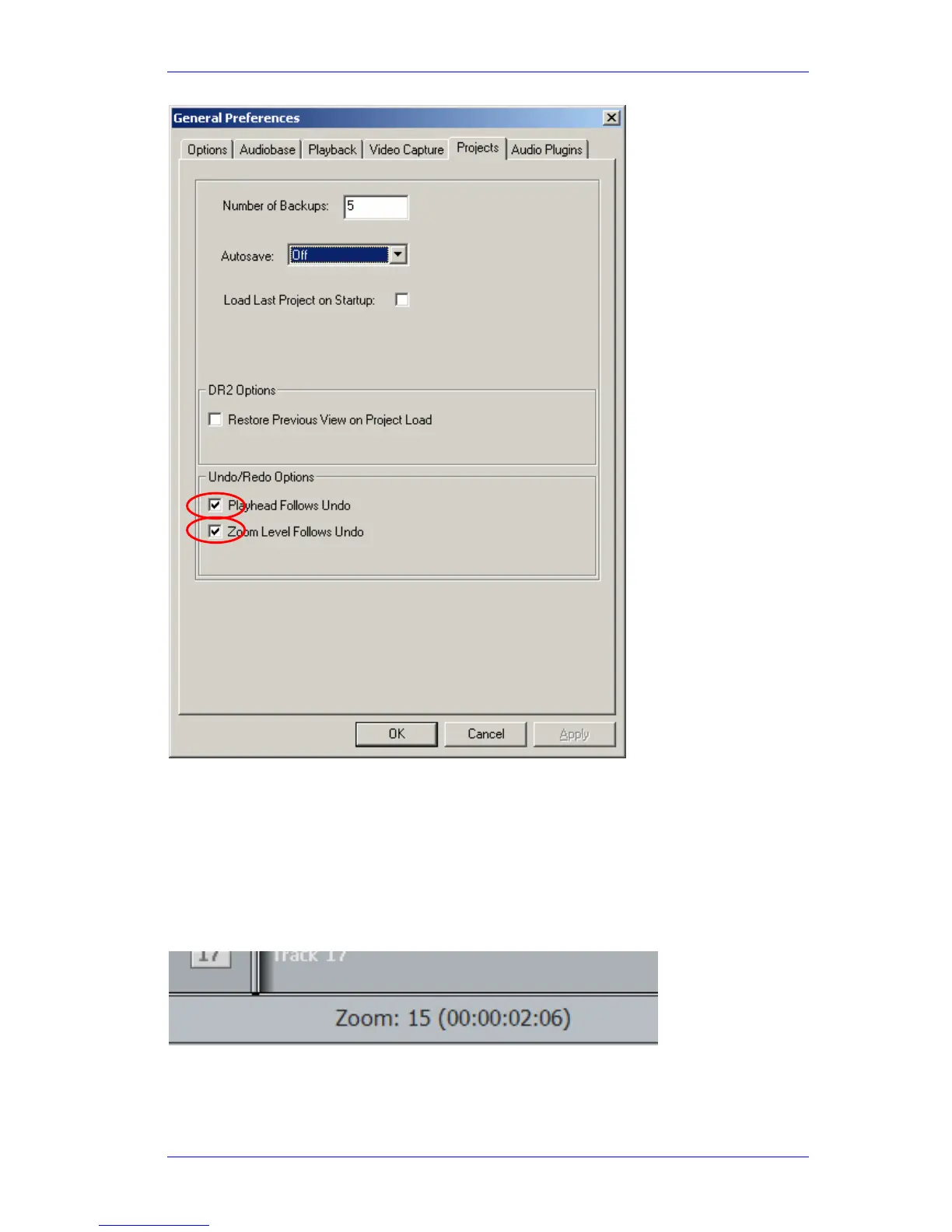
Zoom. The Zoom value is shown
at the bottom of the Edit Screen.
Zooming in and out can also be done using the
wheel on your mouse, when the Edit screen is in
focus (if not, click somewhere on it).
Simply pressing and releasing
Zoom toggles between your last two zoom settings.



 To Next Page