User Manual SCREEN MIX CONTROLS February 16, 2010
Xynergi Media Production Centre Page 198
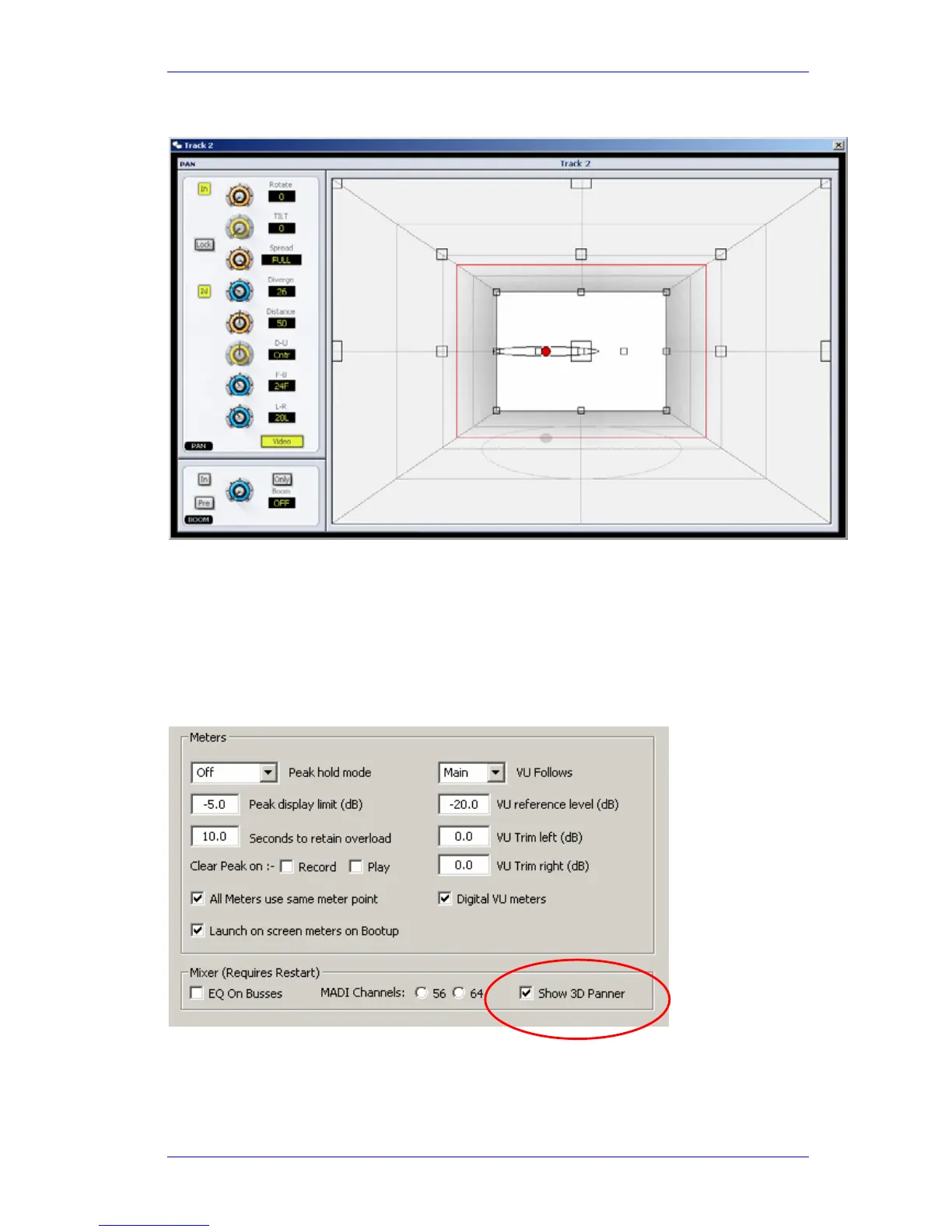
The 3D Panner
The 3D panner provides extra dimensions of panning such Up-Down, Distance and Tilt. These are
intended for applications with new surround types.
It also provides a useful perspective for normal panning, especially when Link Groups are
involved.
To choose the 3D panner as your panning display:
Step 1 Click on the Mixer Screen and type Shift+ctrl+U, which opens the System Variables
dialog.
Step 2 Select the Show 3D Panner checkbox.
Step 3 Click OK to close the dialog.



 To Next Page