User Manual GROUPING February 16, 2010
Xynergi Media Production Centre Page 218
This setting will be remembered for following sessions.
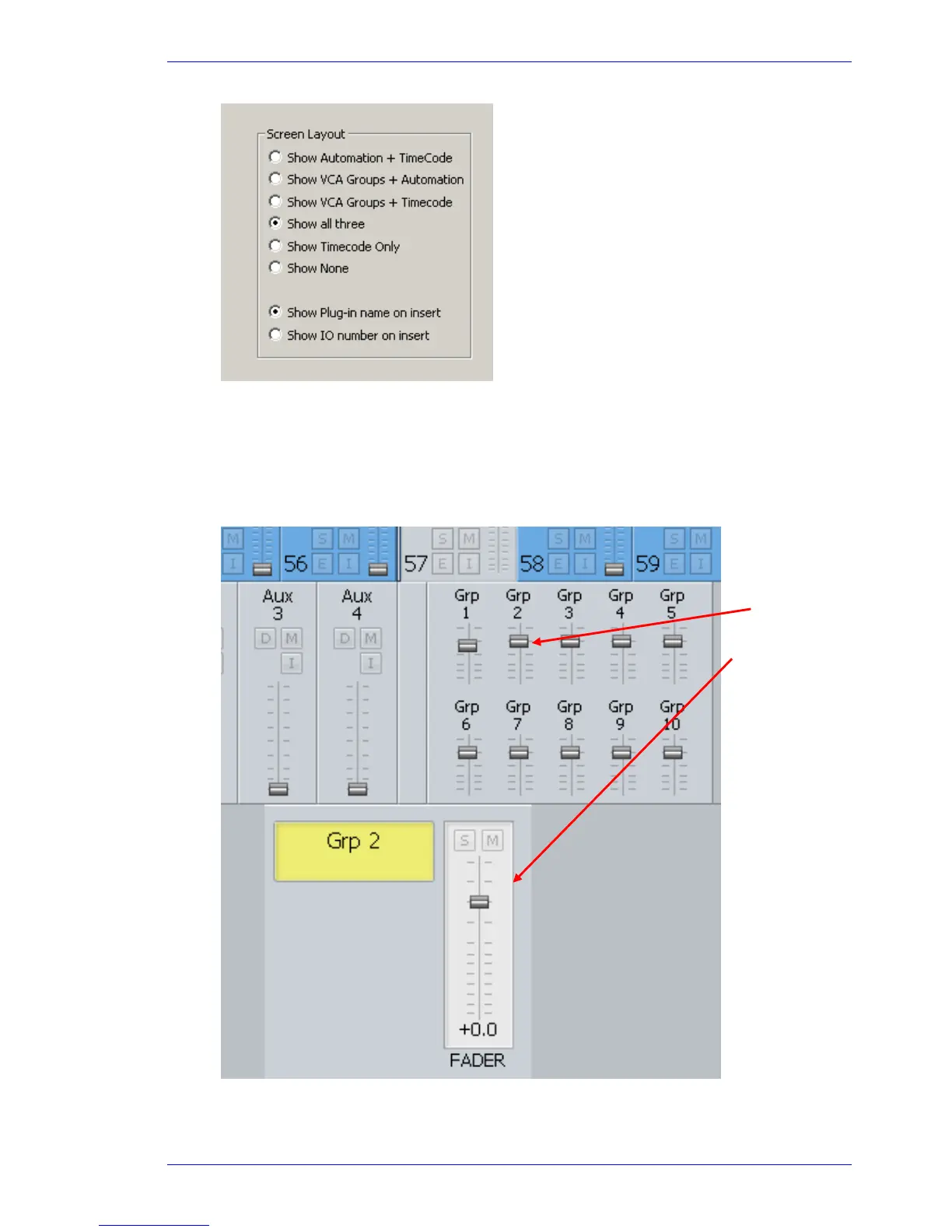
Add the Group Master to a fader set.
This is done using the Mapping software. See page 230.
Use the mouse directly on the Mixer Screen, by moving the Group Master faders. By clicking on
a Group Master you call it, and that displays a larger fader in the Fat Channel.
Click here to
display Group 2
Master Fader
here



 To Next Page