User Manual PROJECT AND FILE MANAGEMENT February 16, 2010
Xynergi Media Production Centre Page 255
Discarding Unused Media
It is possible to create a number of recordings which end up not being used. To remove these from your
hard disk automatically, select a project and use the command:
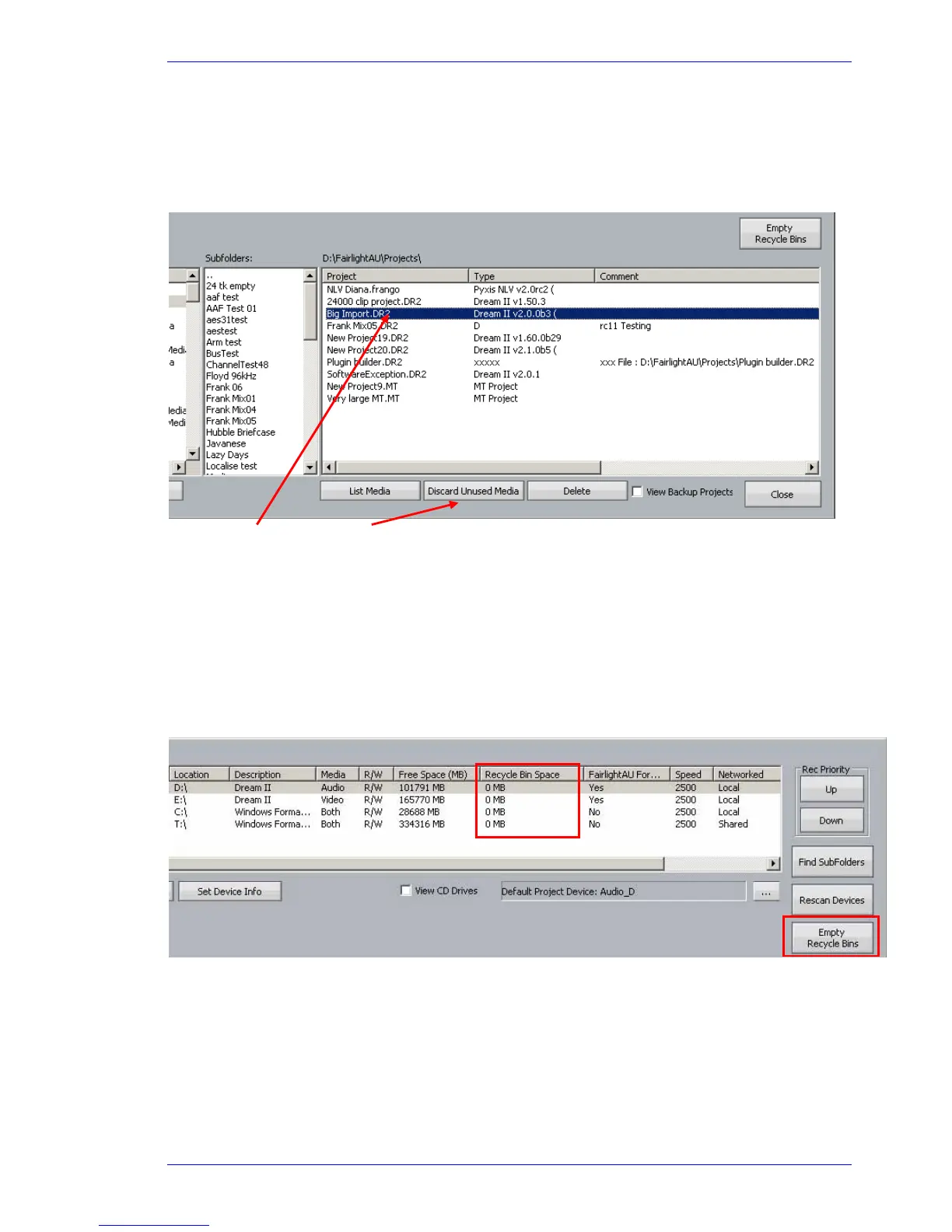
Setup Media and Project Management Discard Unused Media
Selected Project Discard command
This command moves the unused media into a recycle bin, of which there is one for each media device.
Specifically, it removes media in the selected project’s media directory that is
not used by any
project in the selected project’s current directory
. It will only remove native (recorded or
localized) media, not files that have been imported from other systems.
The device list has a column reporting how much space a device's recycle bin is taking up. To clean up
the recycle bins there is a button on the dialog called 'Empty Recycle Bins'. This can be used when you
are sure you do not need any media from them anymore. The new recycle bins are located on each
media device under the 'FairlightAU' folder.
Note: the same thing can be achieved using
Process Discard Unused Media, with one difference:
this will remove unused media from UNDO files as well, so UNDO is not possible afterwards. This is great
for recording sessions with a lot of useless takes, because only the ones used in the project survive.



 To Next Page