User Manual PYXIS TRACK February 16, 2010
Xynergi Media Production Centre Page 262
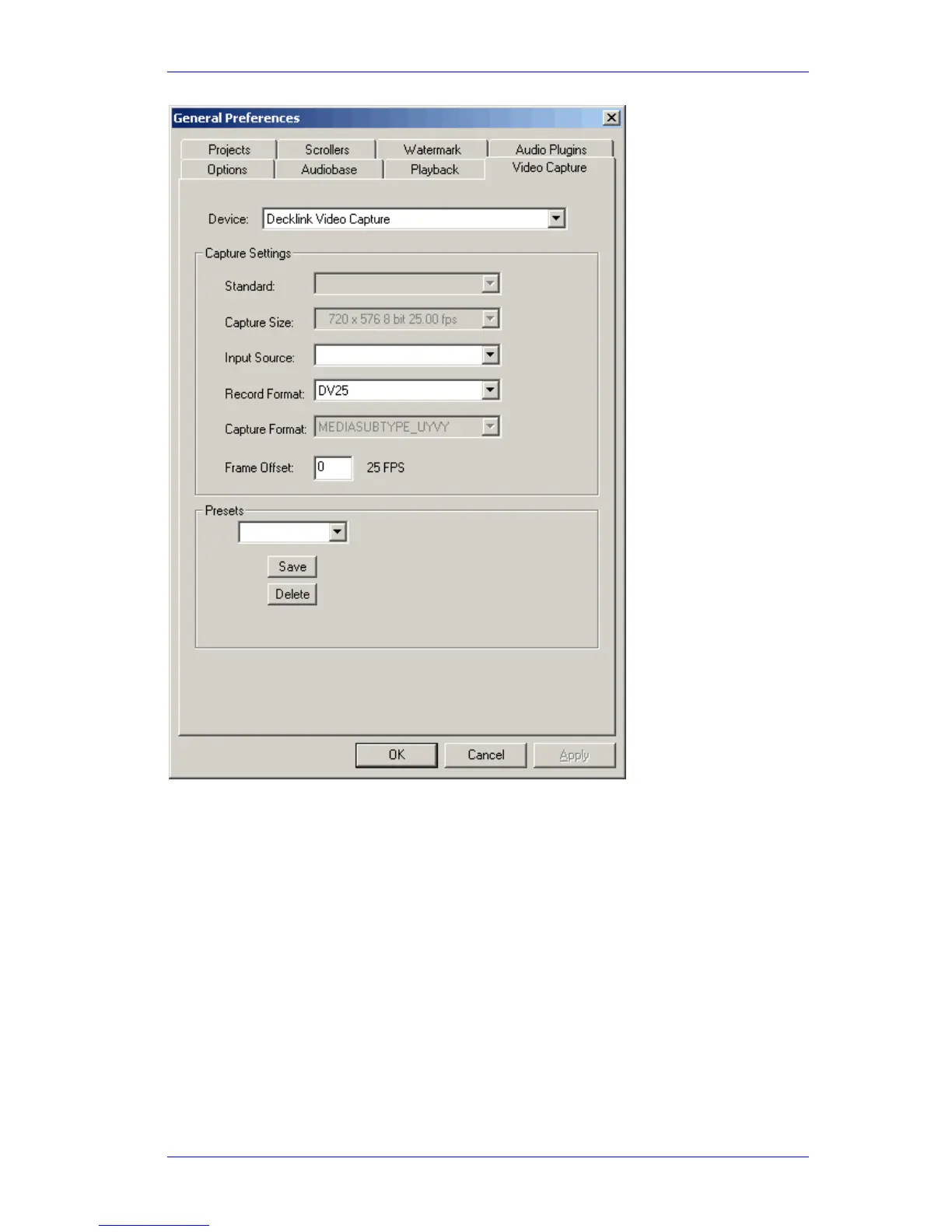
“Capture Size” is a default value, based on whether Dream II is launched in Standard or High
Definition mode, and the current project sync settings (See View Smart Pane Sync)
If this setting is not the format you are wishing to capture, it is recommended you consider
exactly what format you wish your project to be, and configure it in consequence.
The “Device” value tells Dream II which video hardware capture unit will provide the incoming
video signal. Under normal conditions, this will be “Decklink Video Capture”.
“Input Source” is currently not activated. Setting the correct Video Input must be performed
within the Decklink Control Panel. (See above).
“Record Format” is the video file and codec format for capturing the incoming video signal. The
options available are:
- DV25 (DV Codec, 3.5Mb/sec, SD NTSC or PAL ONLY)
- MPJEG
- Uncompressed



 To Next Page