User Manual IMPORT / EXPORT February 16, 2010
Xynergi Media Production Centre Page 299
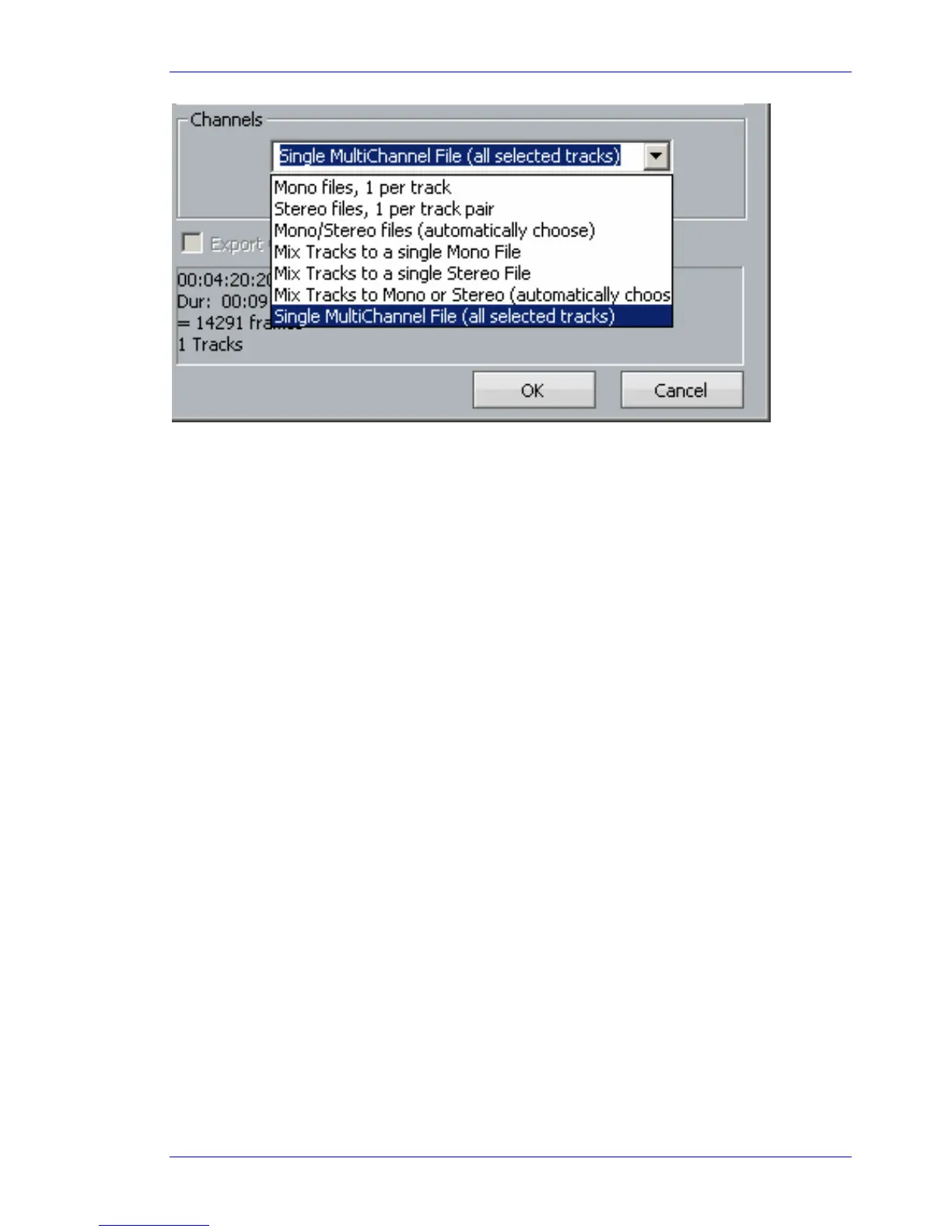
Mono files, 1 per track
Creates a single mono media file for each track in the export i.e. all tracks or selected tracks,
depending whether the Selected Tracks Only checkbox is selected
Stereo files, 1 per track pair
For each pair of tracks in the export, a single stereo media file is created
Mono/Stereo files (automatically choose)
If a track is mono, and contains no multi-channel clips, its contents will be exported as a stereo
media file.
If a pair of tracks are linked as a Link Group, their contents will be exported as a stereo media
file.
If a track contains a two-channel clip, its contents will be exported as a stereo media file.
Mix Track to a single Mono File
All tracks in the export are mixed together to form a mono mix, and this is recorded into a mono
media file.
Mix Track to a single Stereo File
All tracks in the export are mixed together to form a stereo mix, and this is recorded into a
stereo media file.
Single MultiChannel File (all selected tracks)
A single file is created with multiple linked media, one for each track in the export.
Exporting Video
You can export the video straight from a project and automatically combine it with your choice of audio
from a project.
To do this, choose click on the File Menu and choose Export then Video
This box pops up:



 To Next Page