User Manual MACHINE CONTROL February 16, 2010
Xynergi Media Production Centre Page 307
Edit Delay (frames)
Each VTR has a built-in delay between receiving the Edit command (equivalent to a pre-
programmed Record command) and actually entering the Edit mode. If you the Edit Delay to
match the machine’s behaviour, Dream II will issue the Edit command early so that the VTR
enters Edit at the right time.
Confidence Head
Switches the video machine’s Confidence Head on or off.
Stop Command
Allows the option of keeping the VTR tape on the heads when the machine stops. This will allow it
to start playing much quicker, but it does increase head wear.
Head Protect
Specifies a time after which the tape is removed from the heads automatically, to prevent wear.
Play Tracking
Determines how many incorrect frames the system must see before it jumps to be in sync with
the incoming timecode, or stops if no timecode is coming in. This allows the system to keep
playing over timecode that has gaps.
Record Tracking
As with Play Tracking, but recording uses a different number. This is because recording
sometimes needs to be more tolerant. Note that, if timecode sync is lost during recording, then
re-established, the transport will go back into Play, but not into Record.
Run Lock
If the Play Run Lock checkbox is ticked, the system will continue to play after first achieving lock
to timecode, no matter what the timecode does.
The lower Run Lock checkbox provides the same option when recording.
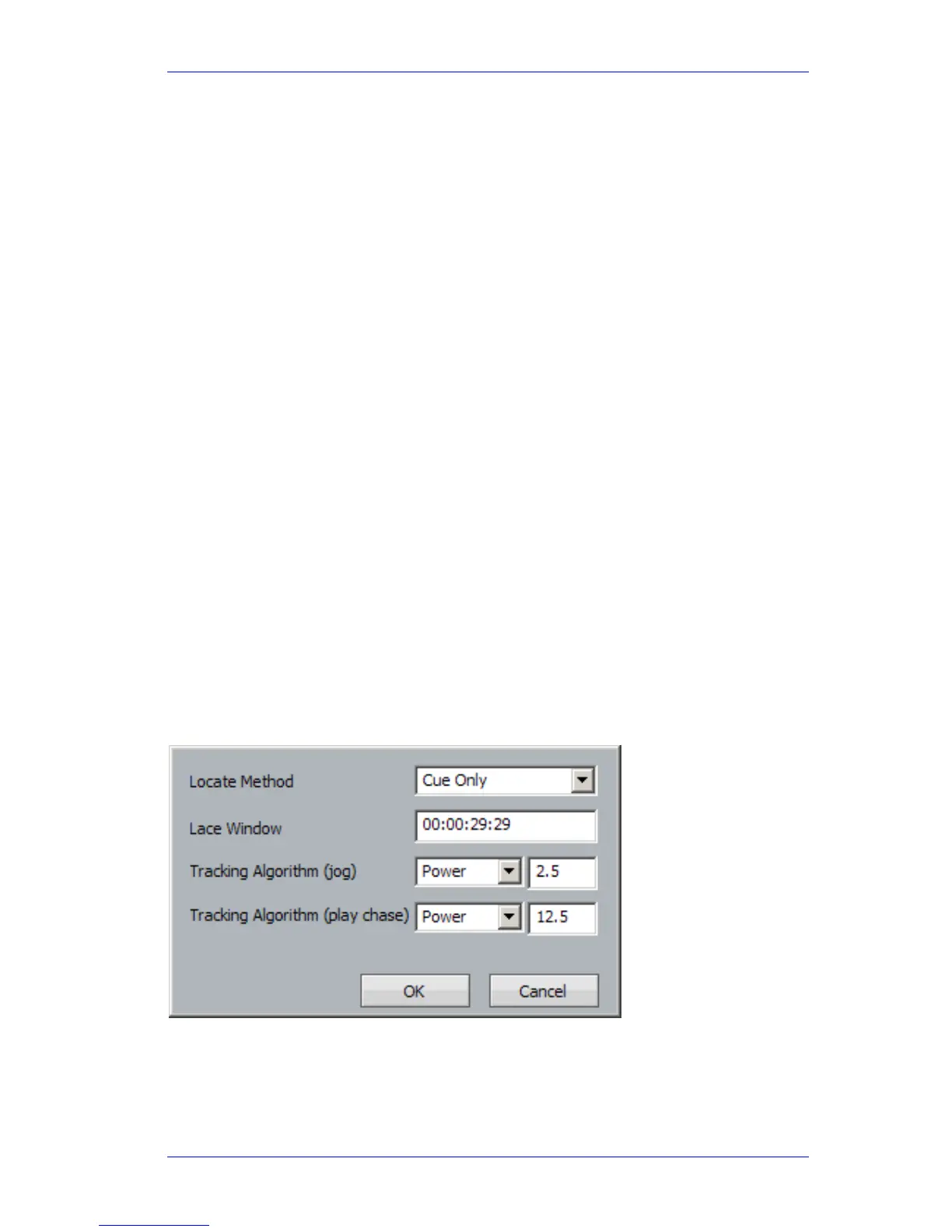
As for TC Master, but there is an individual choice of tracking algorithm for Play and Jog.



 To Next Page