User Manual MACHINE CONTROL February 16, 2010
Xynergi Media Production Centre Page 311
Editing with Machine Control
All the transport controls and locating methods operate with a 9 pin remote machine online. The
following procedure is used to place new recordings or previously used clips to picture.
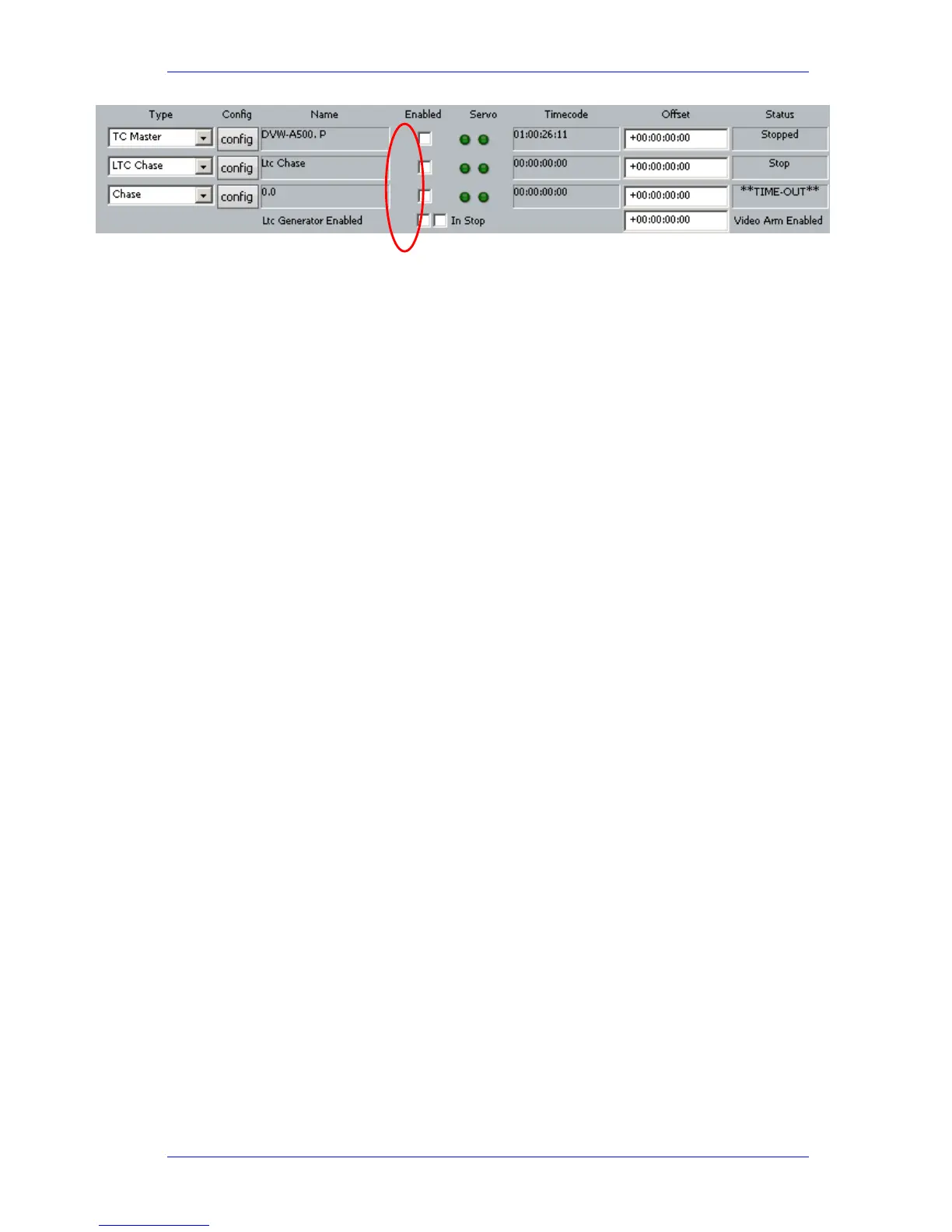
Press the M1 key to toggle the 9 pin machine on or off. Constellation s transport will locate to the
timecode from the 9 pin machine. The system defaults to M1 controlling 9 pin Port A.
Placing Sound to Picture
Step 1 With M1 online, locate the video at the desired frame.
Step 2 Take M1 offline.
Step 3 Locate the transport so the cursor lies on the sync point of the clip.
Step 4
CUT or COPY the clip to the clipboard.
Step 5 Place M1 online – the transport will relocate to the video at the desired frame.
Step 6 Press
<Enter> to paste the clip.
It is also possible to
CUT or COPY the clip before locating to the desired frame.



 To Previous Page