User Manual HOW TO … February 16, 2010
Xynergi Media Production Centre Page 52
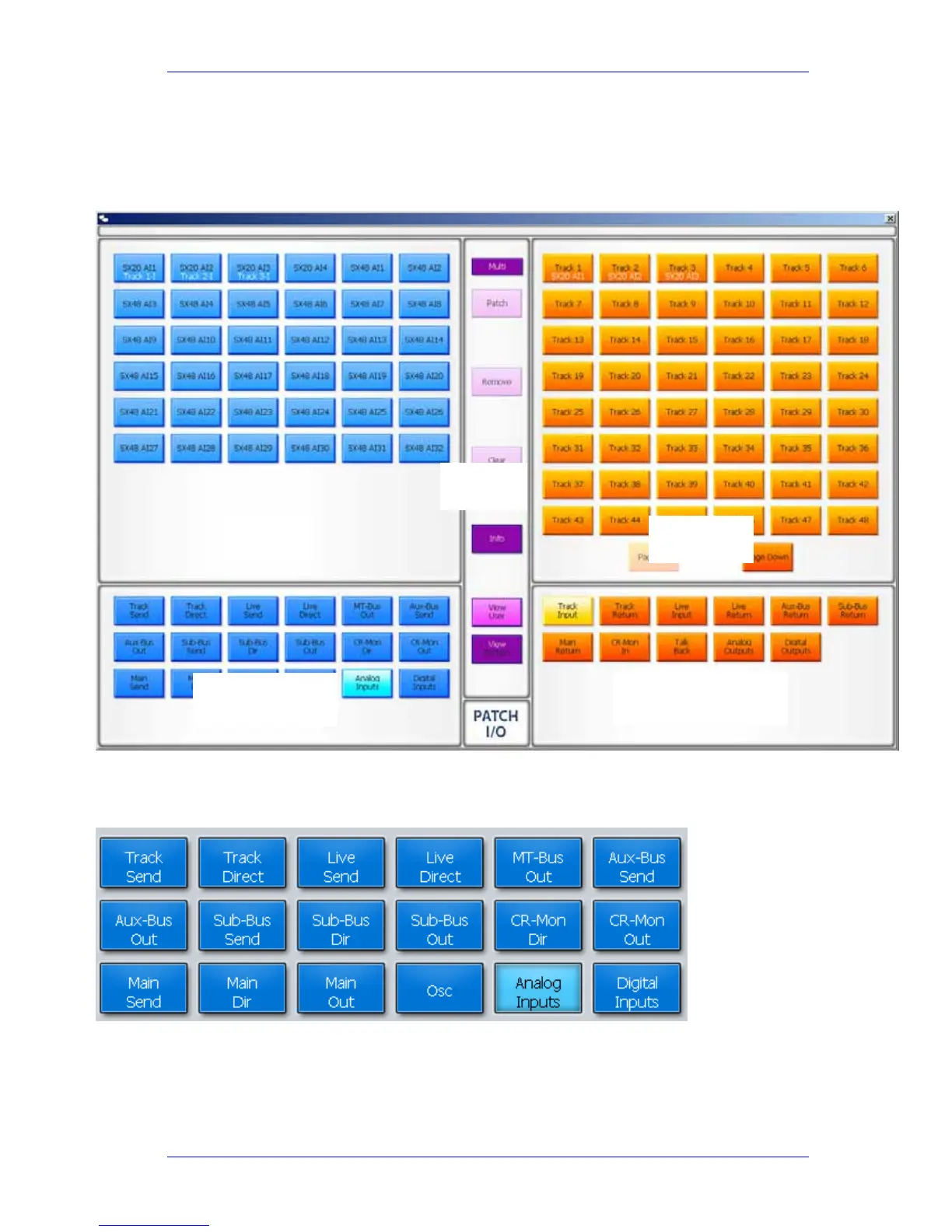
This is an overlay to the Mixer screen, where the mouse is used to select sources and
destinations, then patch them together.
You can patch one source to many tracks, but not vice versa.
Sources are shown on the left of the screen, while destinations are shown at the right.
Source Categories
Categories of signal paths are selected in the lower part of the screen.
Selecting a category of sources expands the category in the upper left of the screen.
Source categories
Source categories
Sources
Destination categories
Command
Buttons
Destinations



 To Next Page