User Manual HOW TO … February 16, 2010
Xynergi Media Production Centre Page 73
Open Project
Projects you have already saved are accessed via a Windows dialog. You can get there using the
Xynergi controller as follows.
Press the green
proj megamode button. Press the proj button, if not already selected.
Press the
open soft key in the Pad. This opens a Windows Open dialog.
Use the mouse to navigate the Open dialog showing on the Edit Screen.
Click OK when you have found the project you want.
Or: select from the list of recently used files.
Note: you can bypass the Xynergi controller and use the mouse directly, by clicking
File Open
above the Edit screen.
Import project
Overview
Importing a project is like opening one, where the file format is non-Fairlight.
It is done through the Windows File menu, which is above the Edit Window.
You must have a project open before importing a third-party file, so that it has somewhere to go.
Operation
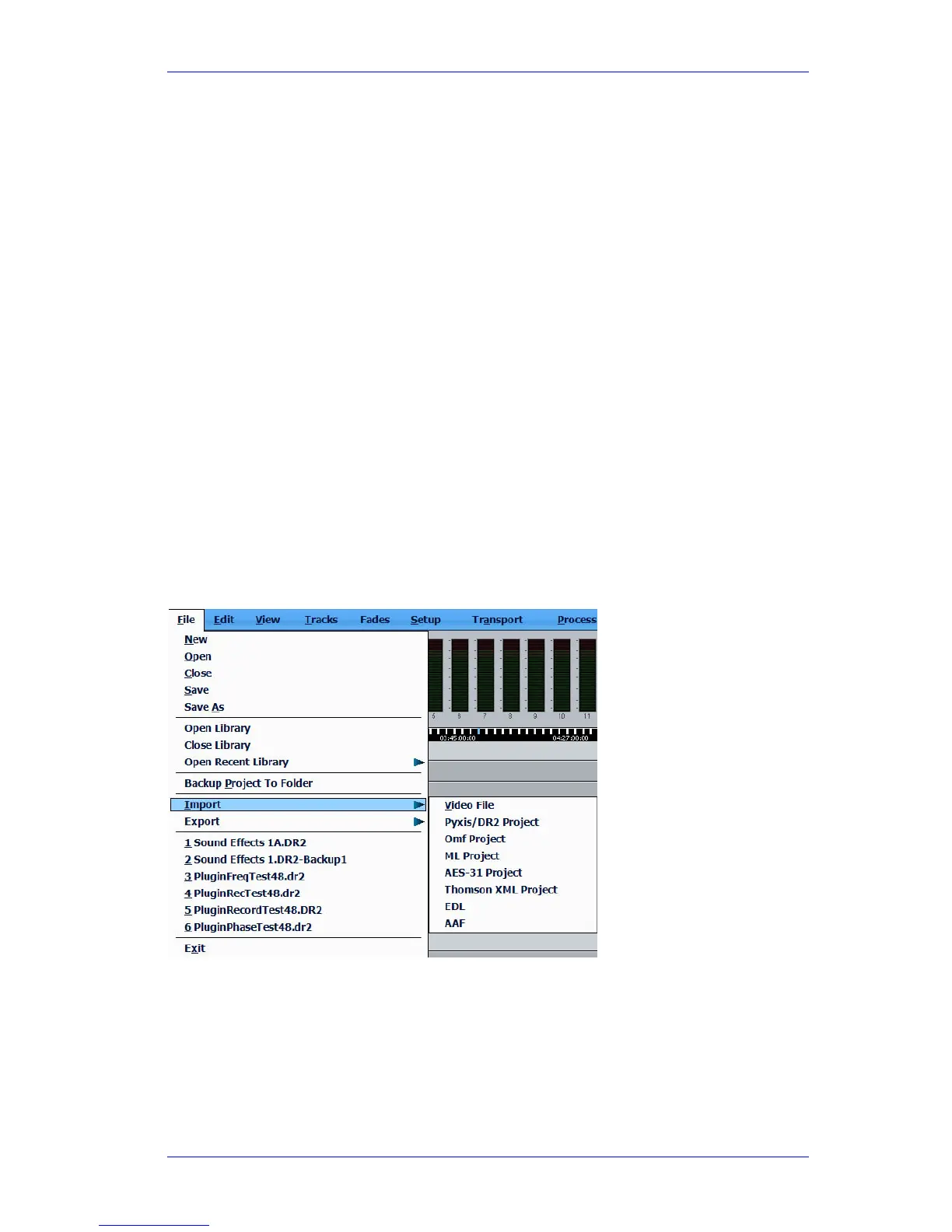
Click File on the menu bar above the Edit Screen, and select the Import command.
Select the right file type from the list, then navigate to the file you want to Import. Click
OK.
Save Project
Overview
You must save your project, or you will lose all the work you have put into it.
This is done via the
Project menu in the Proj Megamode.



 To Next Page