l Waiting for Processing - The scan must be processed.
l
Status Unknown - The scan is initiated, but the status is unknown.
Tap the arrow to the right of the scans to go to the Scan Details Page below for further actions on the
particular scan .
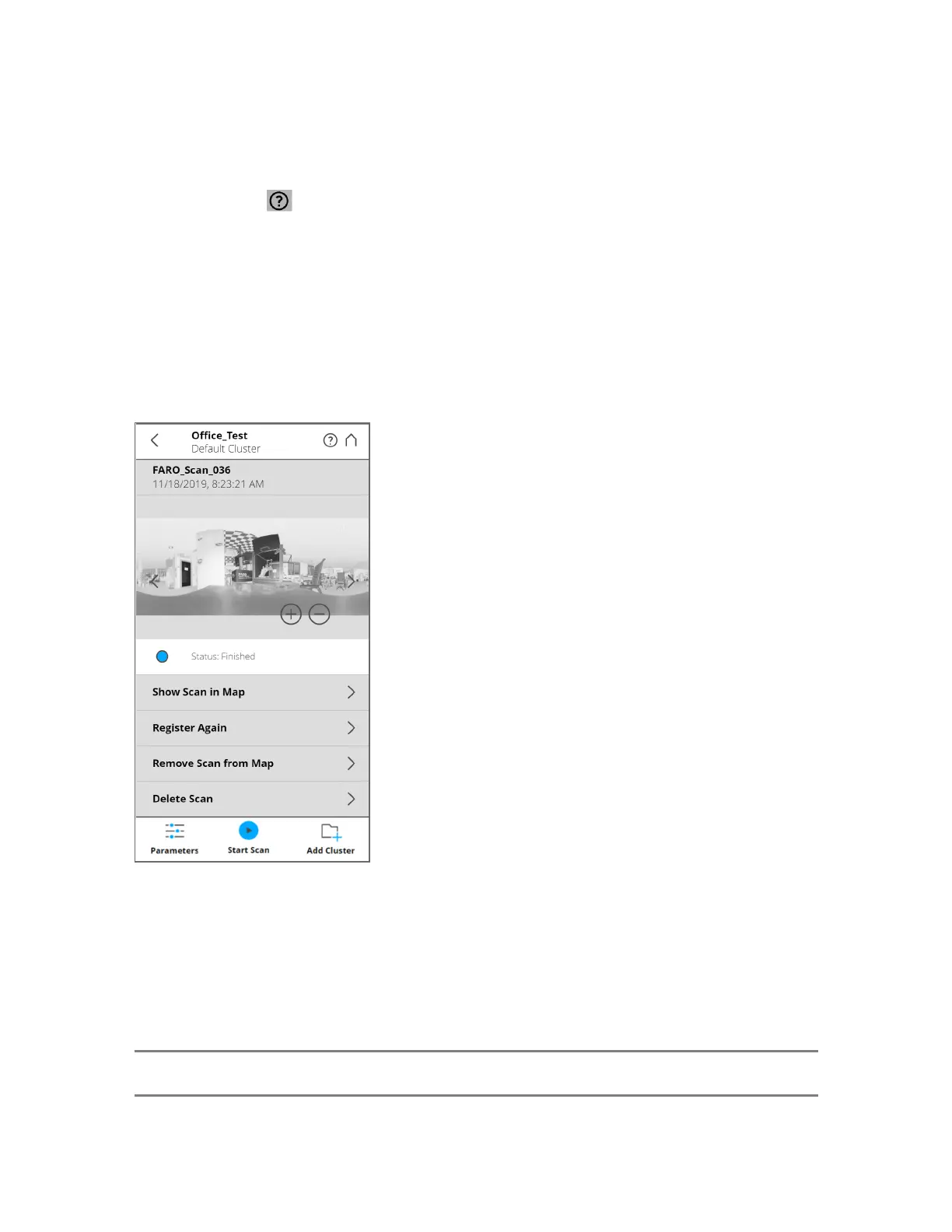
Scan Details Page
This screen shows detailed information for a single scan.
Figure 7-8 Scan Details Page
Preview image - The preview image of the scan. As with the preview page, switch current scans by
clicking the arrows to the left and right of the preview image.
Status bar - Displays the information about the on-site registration status of the scan.
List of actions - Lists the different actions that can be performed on the scan, depending on the status of
the scan. These are listed below the status bar.
NOTE: If it is impossible to perform an action, the listed item is grayed out.
FARO
®
Focus Premium Laser Scanner User Manual
Chapter 7: Special Scanning Modes
FARO Focus Premium (March 2022) Page113of157



 To Next Page