22 4812325559EN 2018-02-20
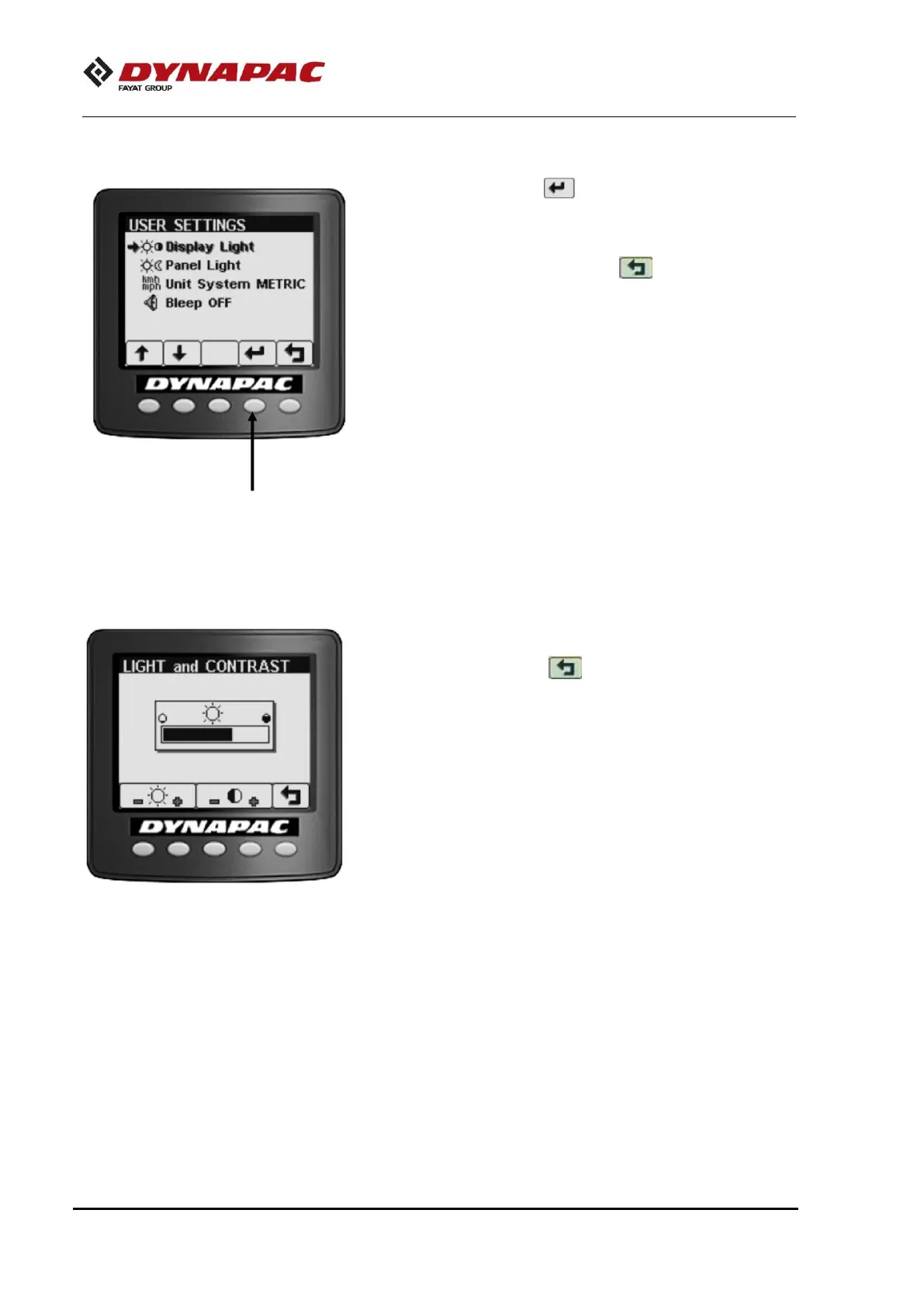
Multifunction display – User settings
Press the setting button ( ) so the users can change the
lighting settings, choose between the metric or imperial system
and define whether there will be sound alarms.
NOTA: In every screen, pressing the button returns to the
Initial screen.
Press the + and - buttons to adjust the brightness and contrast
values as you wish. Press ( ) to return to the main screen.














 To Next Page