1. Installation
1-12
Festo P.BE-CPX-PNIO-E N en 1407c English
Note
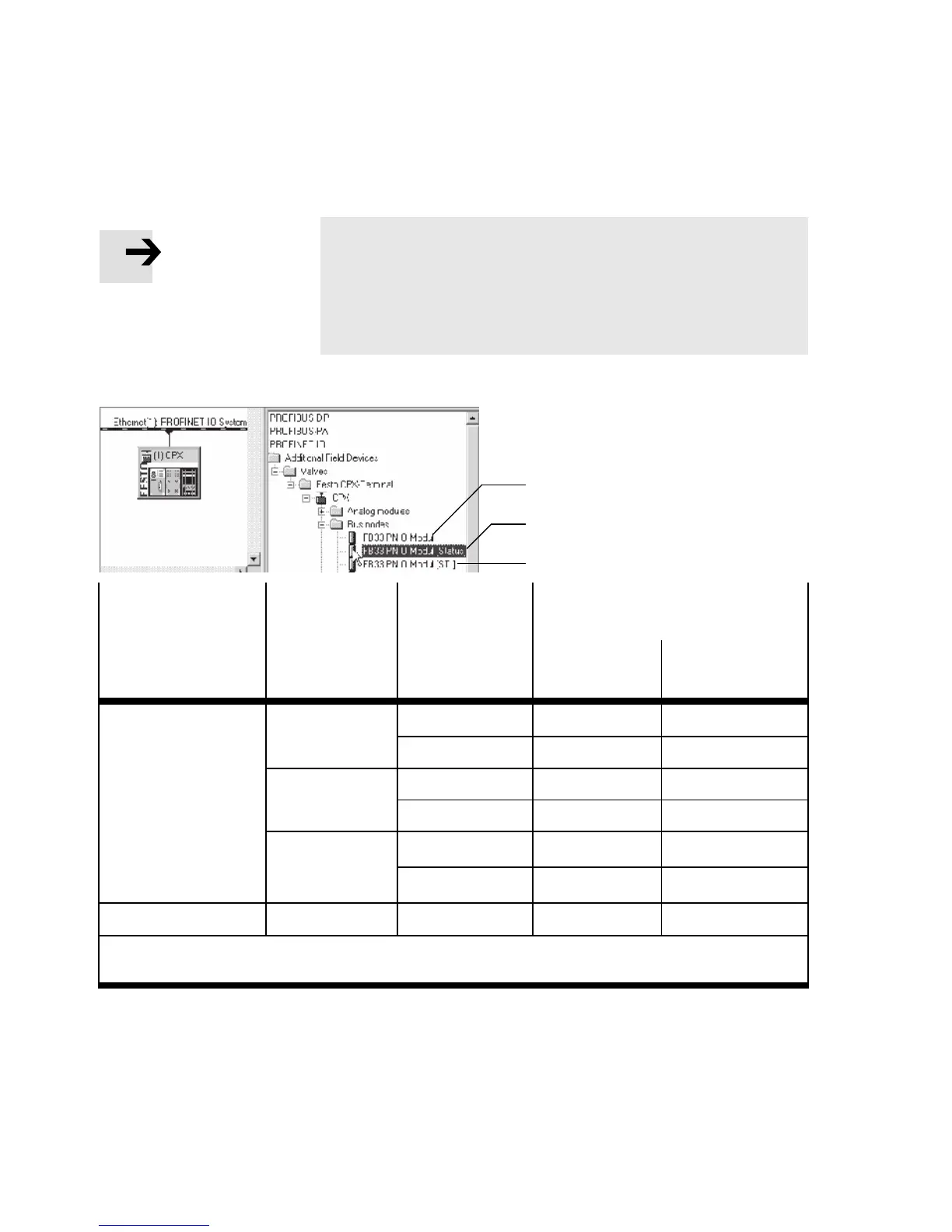
The DIL switch settings for operating mode and dia-
gnostics mode must match the bus node selection in the
context of a PLC hardw are and network confi guration (see
Tab. 1/3 and section 2.6.2).
1
3
2
Operating mode
of the bus node
Diagnostics
mode
[Mode
identification]
Additional
function
Fast sta rt-up
(FSU)
Field device group
(station symbol)
FB33 (M12),
FB34 (RJ45)
FB35 (S CRJ)
Remote I/ O Without
diagnostics 1
No CPX
1)
CPX-FO
1)
Yes, with FSU CPX FSU
1)
CPX-FO FSU
1)
Status bits
[Status] 2
No CPX
1)
CPX-FO
1)
Yes, with FSU CPX FSU
1)
CPX-FO FSU
1)
I/O diagnostics
interface
[STI] 3
No CPX
1)
CPX-FO
1)
Yes, with FSU CPX FSU
1)
CPX-FO FSU
1)
Remote controller – – CPX RC CPX-RC-FO
1) CPX Rev 18, CPX-FO Rev 18, CPX FSU Rev 18 or CPX-FO FSU Rev 18 for bus node with CPX revision
code Rev 12 … Rev 18
Tab. 1/3: Bus node selection (station symbol or field device group) dependent on
operating mode, diagnostics mo de and additio nal function FSU



 To Next Page