2. Commissioning
2-37
Festo P.BE-CPX-PNIO-EN en 1407c English
10. Make sure that the follow i ng values are set for “IO Cycle”:
– Update time 2:
–Mode: fixed
Update time
– Update time: 1,000 ms
– Address monitoring time 3:
– Number of update cycles: 3
– Address monitoring time: 3,000 ms
11. Confirm your inputs by clicking on “OK”.
12. Click on the symbol of the CPX terminal to be configured
in the PR O FINET Hardware Configuratio n (HW Config, 3
in Fig. 2/2).
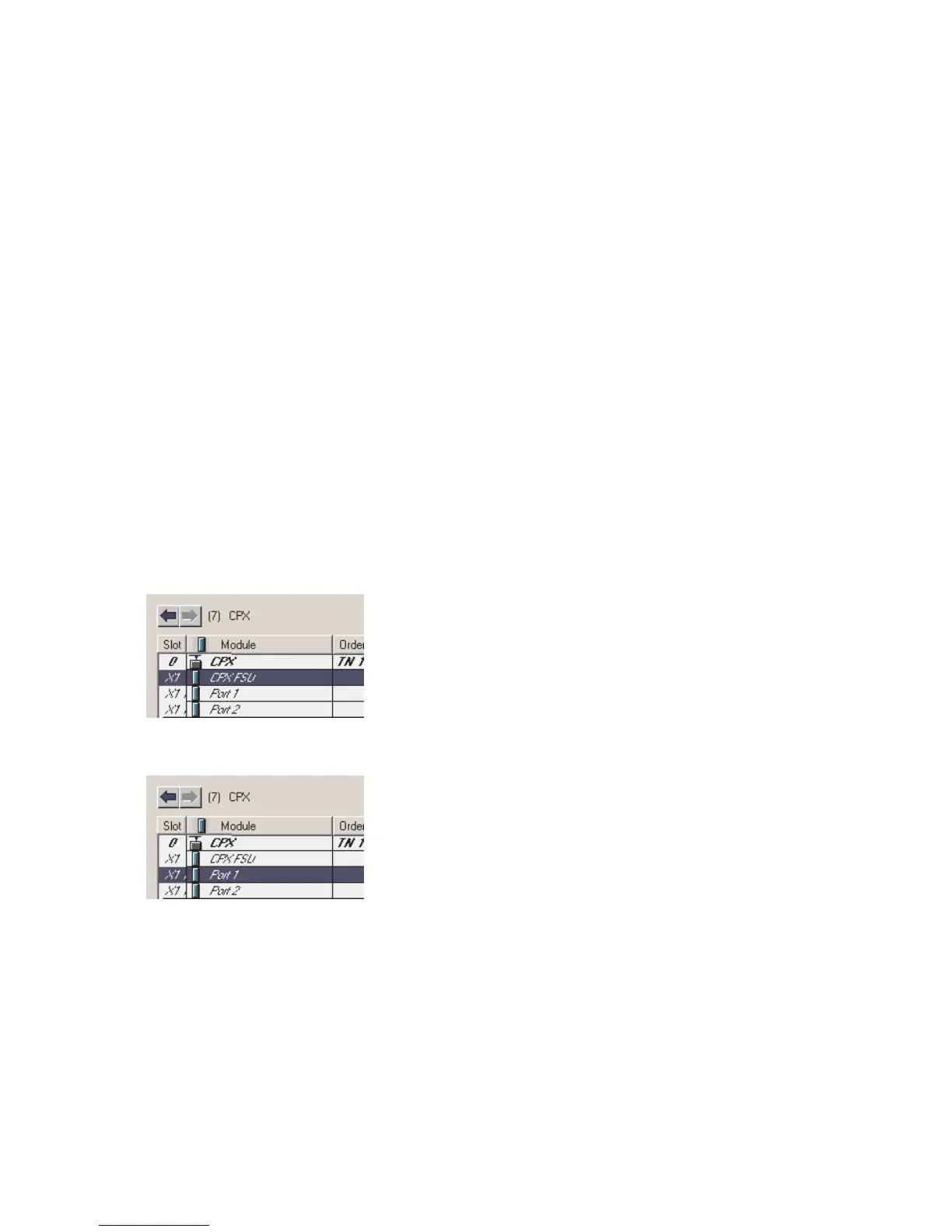
13. The confi gurati on table is displ ayed:
You will find the configuration table below the schematic
representation of the PROFINET-IO system. If necessary,
increase the size of this area of the HW Config window
(see Fi g. 2/2 or 2 in Fig. 2/11).
14. Double click in the configuration line of the connection
(port) “X1 TP1”.
The window “Properties – CPX FSU Port 1” (X1 TP1) is
displayed (see Fig. 2/7).



 To Next Page