73
CONNECT NAV+
“Voice recognizer”: allows to man-
age a voice sample associated to
stored names/numbers.
“OK”: confirms the insertion of the
new entry, proceed as follows:
– rotate the knob 15-fig. 1, select
the icon key and then press the knob
to confirm; the display shows “Please
wait…” and the system will store the
new entry in the directory.
IMPORTANT If the same name is
already existing, the display will show
“Name already in phonebook”.
Voice recognition
(active only when phonebook has
been selected as stored phone
number location)
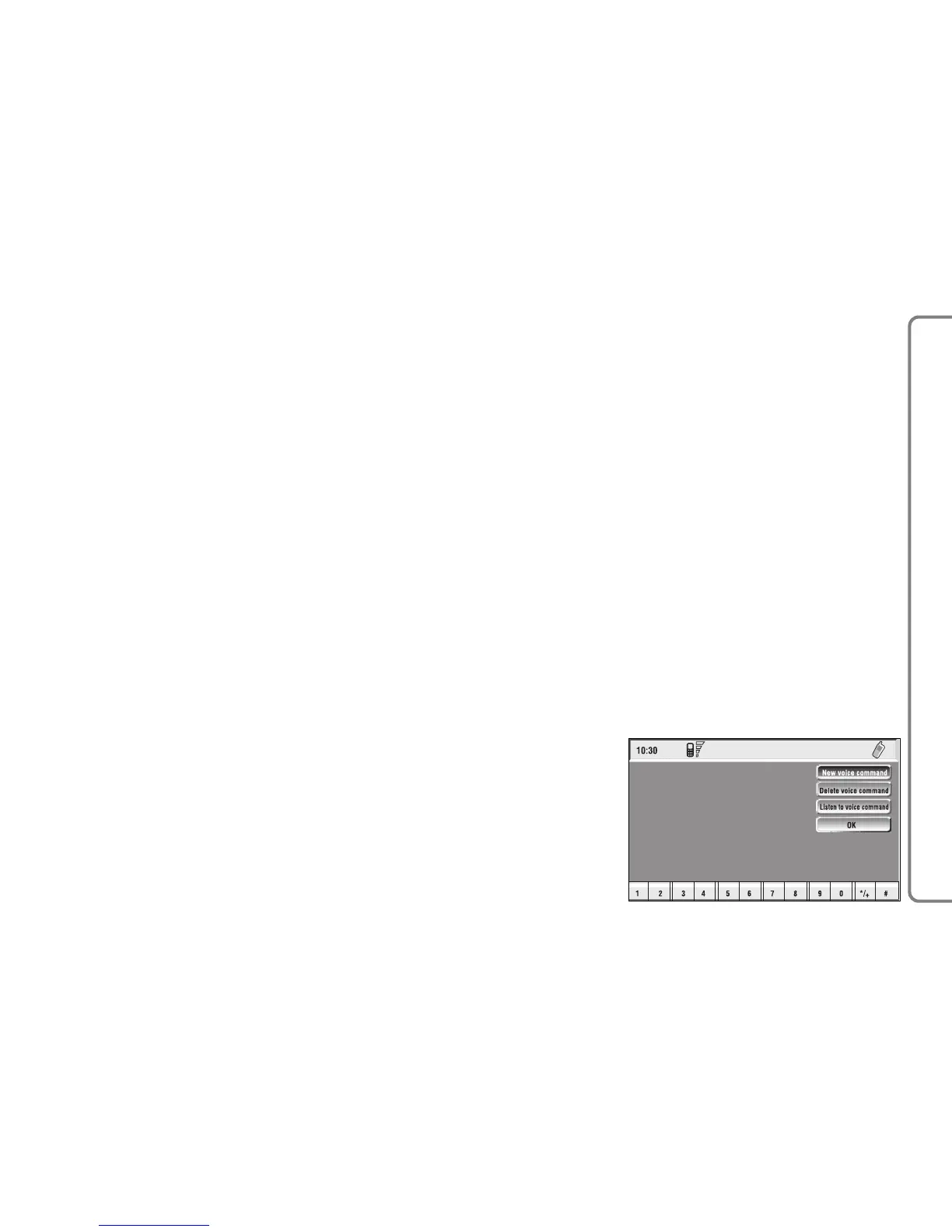
To enter this mode proceed as fol-
lows:
– rotate the knob 15-fig. 1, select
“Voice recognizer” and then press the
knob to confirm; the display shows the
condition in fig. 58 and the following
icon keys: “New voice command”,
“Delete voice command”, “Listen to
voice command”, “OK”.
fig. 58
F0Q3057g
“New voice command”: activates
recording of a new voice sample, pro-
ceed as follows:
– rotate the knob 15-fig. 1, select
the icon key and then press the knob
to confirm;
– user is guided by appropriate mes-
sages and will have to pronounce
twice the name to be recorded;
– after recording, rotate the knob
15-fig. 1, select “OK” and then press
the knob to confirm, recorded voice
sample is then stored in the directory.



 To Next Page