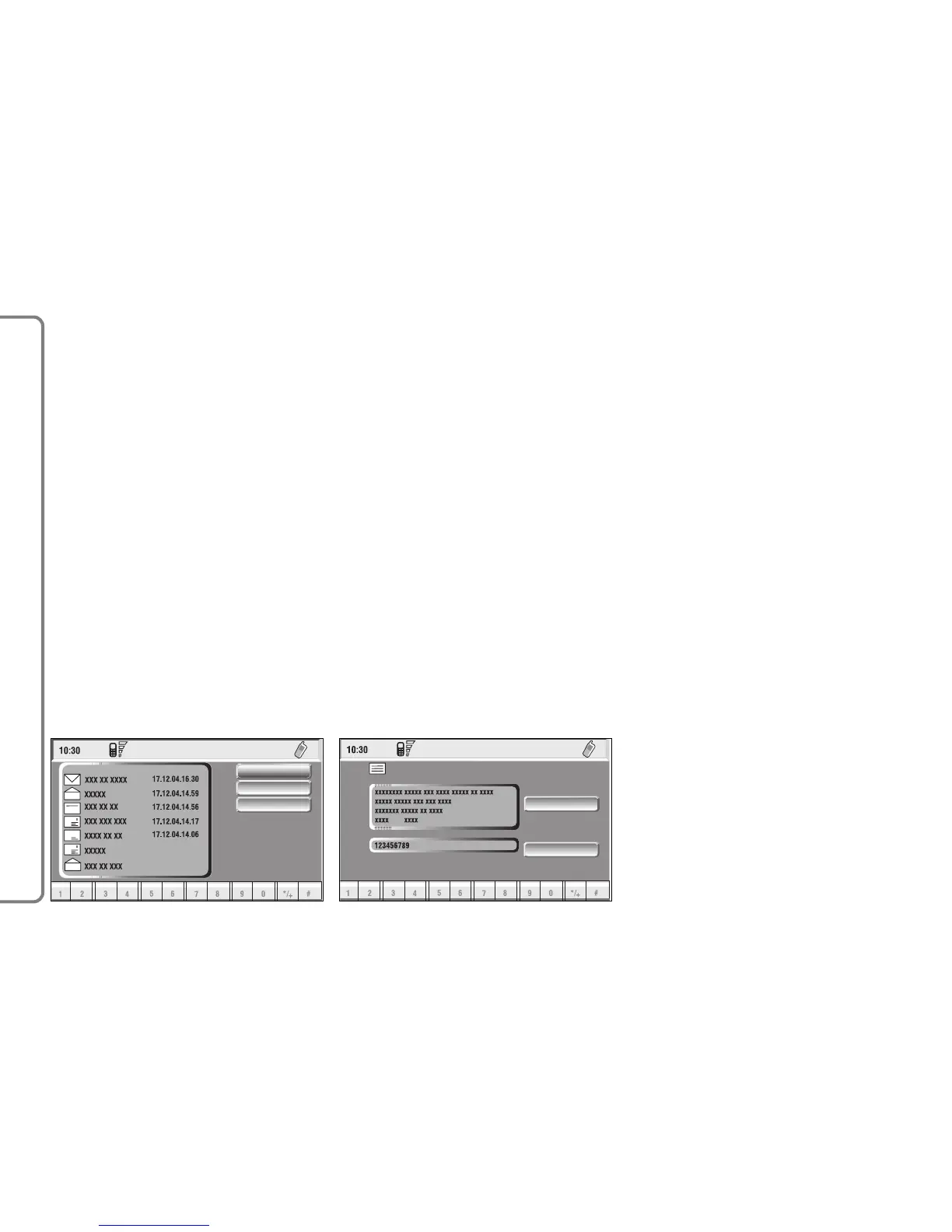
fig. 61
F0Q3074g
Dial
When selecting “Dial” by rotating
and pressing the knob 15-fig. 1, the
display shows the message list fig. 60.
There are four different message
types:
î - message stored but not sent;
í - message stored and sent;
ó - message received but not read;
ñ - message received and read.
When the user selects a message of
type î or í from the above list,
screen displayed is that shown in
fig. 61.
Selecting “Delete” by rotating and
pressing the knob 15-fig. 1, activates
selected message deletion. A confir-
mation dialog (with YES and NO) is
shown for user confirmation; select-
ing and confirming “YES” starts mes-
sage deletion from SIM card.
When selecting “Send” by rotating
the knob 15-fig. 1 and then pressing
it to confirm:
– the message is sent; on the display
appears the string “User information”
– “Please wait …”. Information about
message delivery (successful or not) is
then displayed before returning to
screen in fig. 60



 To Next Page