77
CONNECT NAV+
Press “ESC” 14-fig. 1 to go back to
fig. 60 screen.
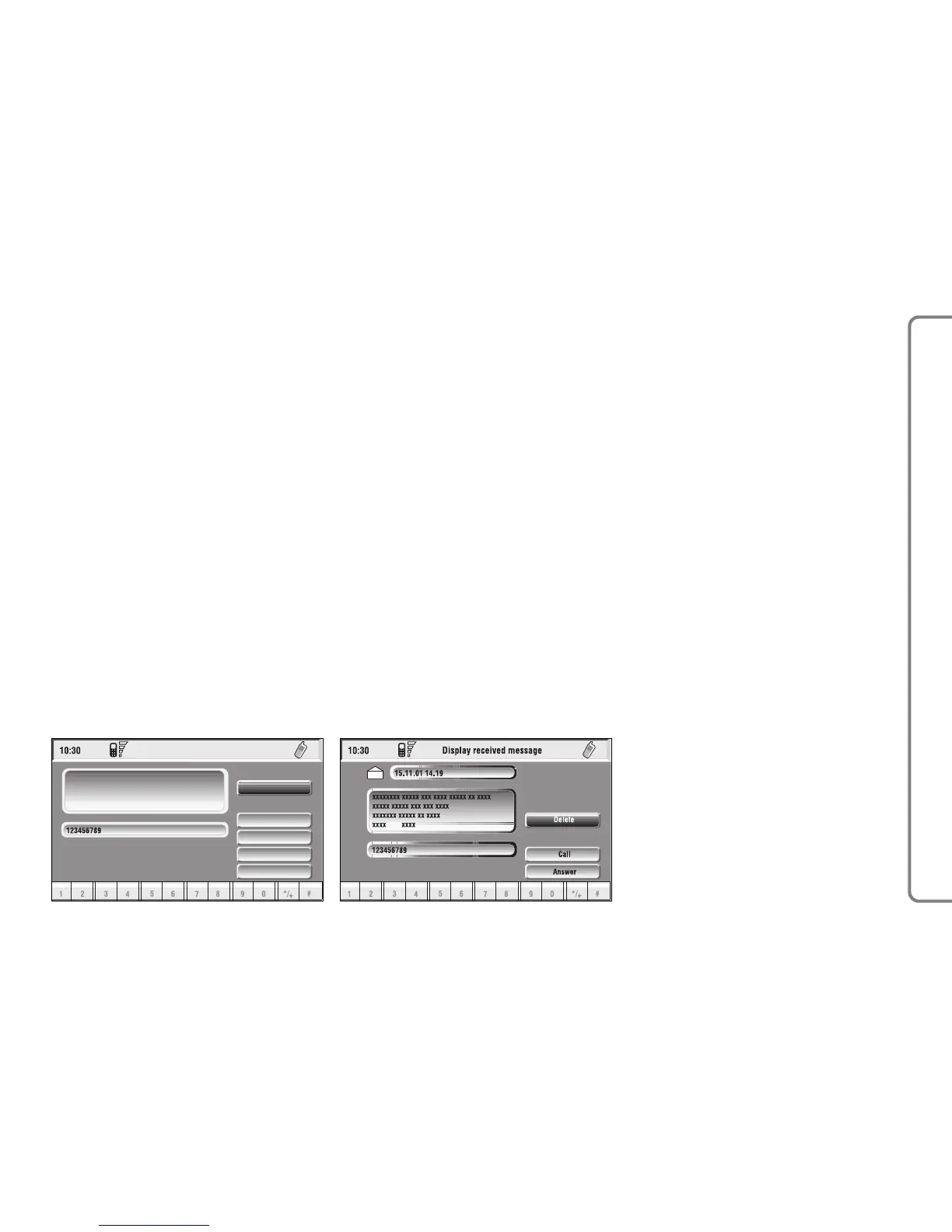
When selecting ó or ñ from the
above list, the display will show fig. 63
screen.
Selecting “Delete” by rotating and
pressing the knob 15-fig. 1, activates
message deletion, the system will ask
for confirmation and then the message
is deleted from the SIM card.
Selecting “Call” by rotating and
pressing the knob 15-fig. 1, starts a
call to the sender of the message; the
display shows “Call in progress”.
Selecting “Answer” by rotating and
pressing the knob 15-fig. 1, lets the
user reply to the received message
with a new SMS; the display shows
fig. 62 screen.
Press “ESC” 14-fig. 1 to quit and go
back to fig. 60 screen.



 To Next Page