“In directory” icon key
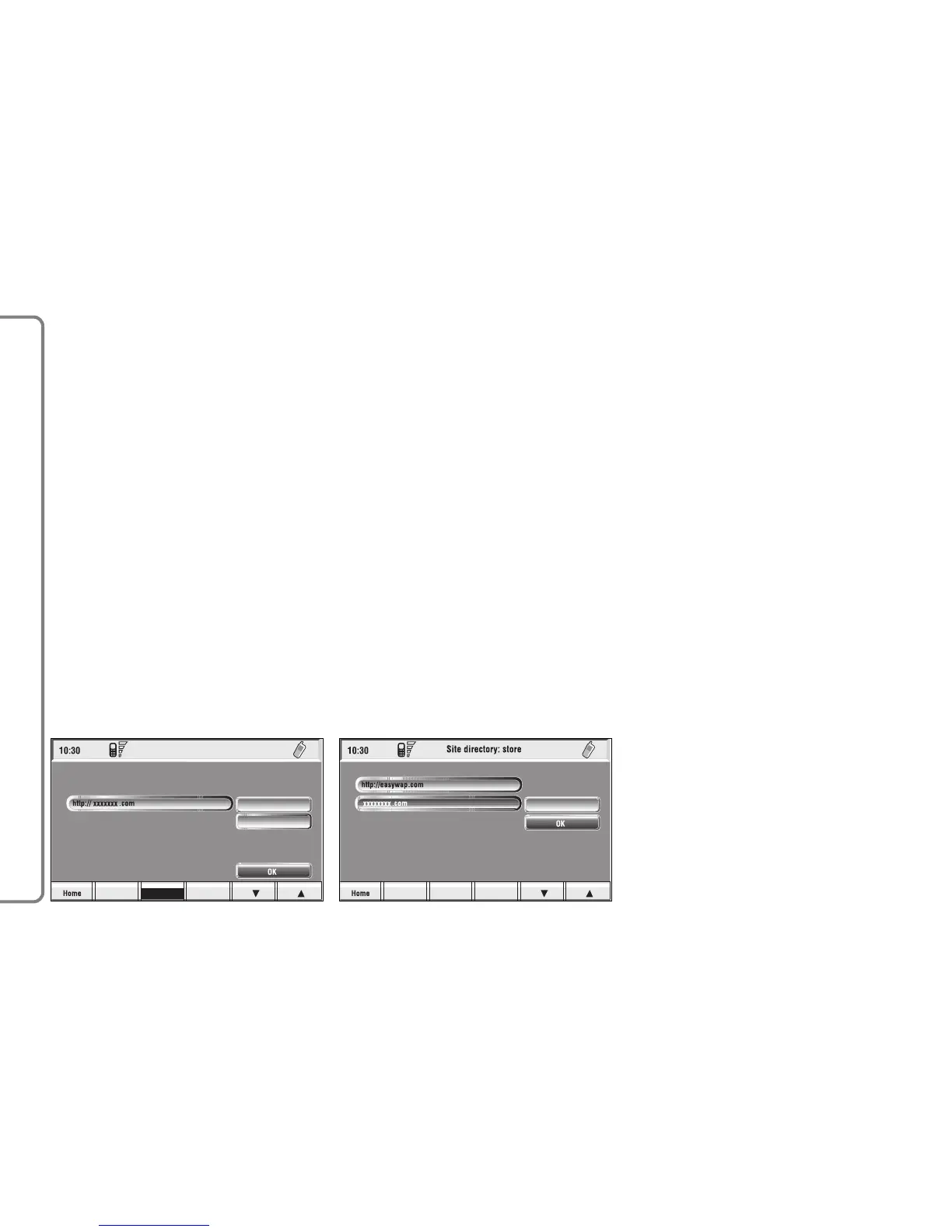
This key fig. 74-75, selected and
confirmed by rotating and pressing the
knob 15-fig. 1, stores current dis-
played site address in the “Site direc-
tory” (with a maximum of 10 stored
addresses), proceed as follows:
– rotate the knob 15-fig. 1 to se-
lect the address and then press the
knob to confirm.
Storing the tenth address, the display
shows a dialog box warning the user
that the directory is full and the icon
key (“In directory”) is greyed. Further
storing requests a preventive deletion.
A mnemonic string (max. length 30
characters) can be associated to each
stored address fig. 77; proceed as fol-
lows:
– rotate the knob 15-fig. 1 to se-
lect “Name” fig. 77 and type in the re-
quired name using the keypad.
“WAP Options” icon key
This key fig. 74-75 selected and con-
firmed by rotating and pressing the
knob 15-fig. 1, allows to set up the
following WAP options: address of
“Home setup” site, “Site directory”,
“Settings”.
“Home set-up”
This key fig. 78 selected and con-
firmed by rotating and pressing the
knob 15-fig. 1, allows specification of
home site address; proceed as follows:
– select “Address” key fig. 76 ro-
tating and pressing the knob 15-fig. 1,
the display shows the keypad and the
editing box for typing the required ad-
dress;
84
CONNECT NAV+



 To Next Page