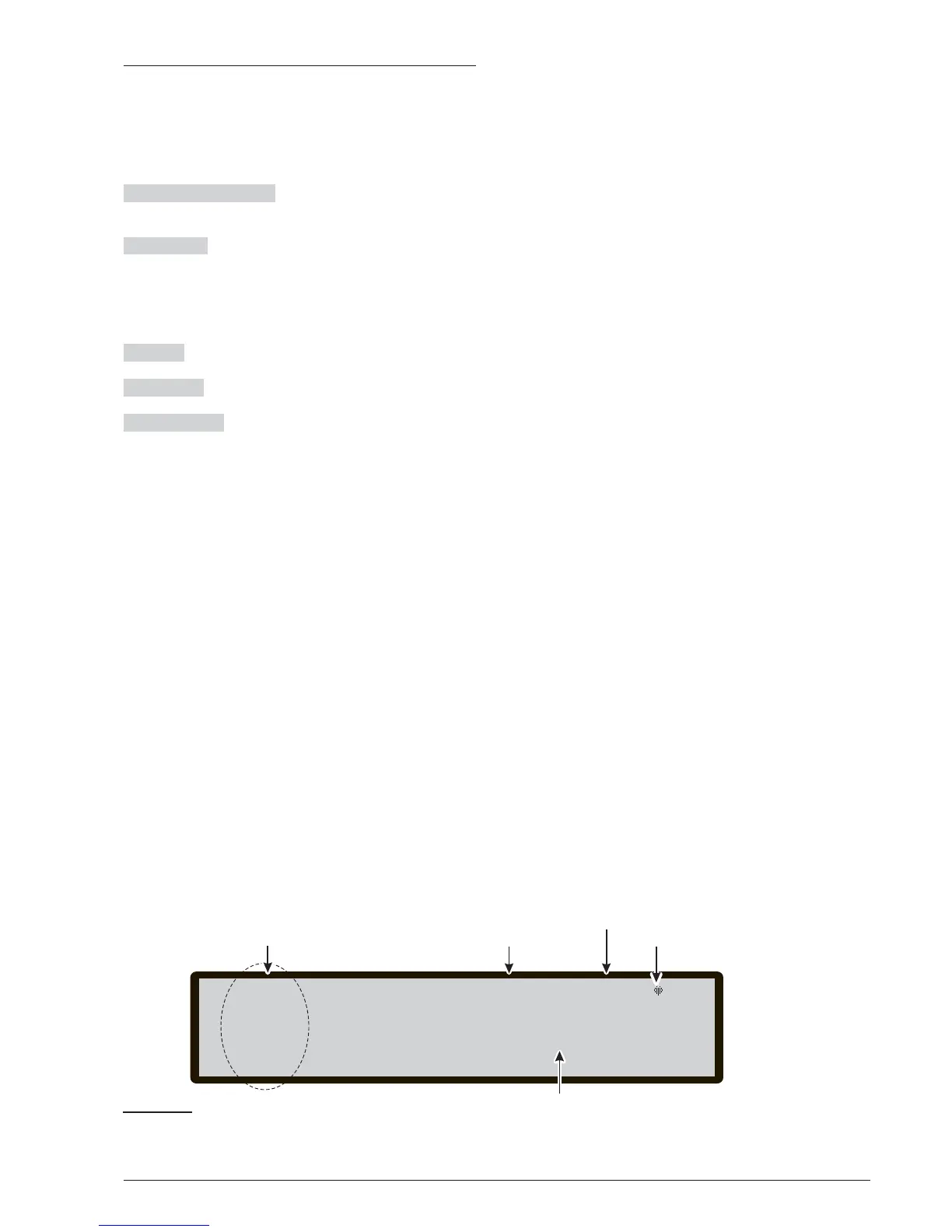
Main Page - Accessing the system
After this Control panel has been installed and powered
from the Mains, the main page of the display shows as
per Figure 33.
In this phase:
Alphanumeric keypad No function is related to
Alphanumeric keypad.
Cursor keys
The UP Key: increase the brightness of
LCD display;
the Down Key: decrease the brightness of LCD display;
the Right Key: increase the contrast of LCD display;
the Left Key: decrease the contrast of LCD display;
ESC Key No function is related to ESC key.
ENTER Key No function is related to ENTER key.
Function Keys
Use F1 Key to select the Program
-
ming or Disable phase;
Use F2 Key to show the List Disabled devices or to se
-
lect the Analize phase;
Use F3 Key to select the Modify phase or to show the
events in the LOG;
Use F4 Key to select the related functions to F1, F2, F3
Keys.
42 Addressable Fire Control Panels FC500
F1=Program lev.1: ACTIVE
F2=Analyze MASTER PANEL
F3=View LOG SCANNING LOOP
F4=More
Related
functions to the keys
F1, F2, F3, F4
Access Level
This symbol shows the presence
of the connection between the
User Interface and the Main Board
Current phase
Control panel
Status
18 50 27 - 17/05/07::



 To Next Page