KEY 6-TELECOM
The Telecom option in the PROGRAMMING menu ac
-
tivates the transmission device programming page. If
Key 6 is used to select Telecom device programming,
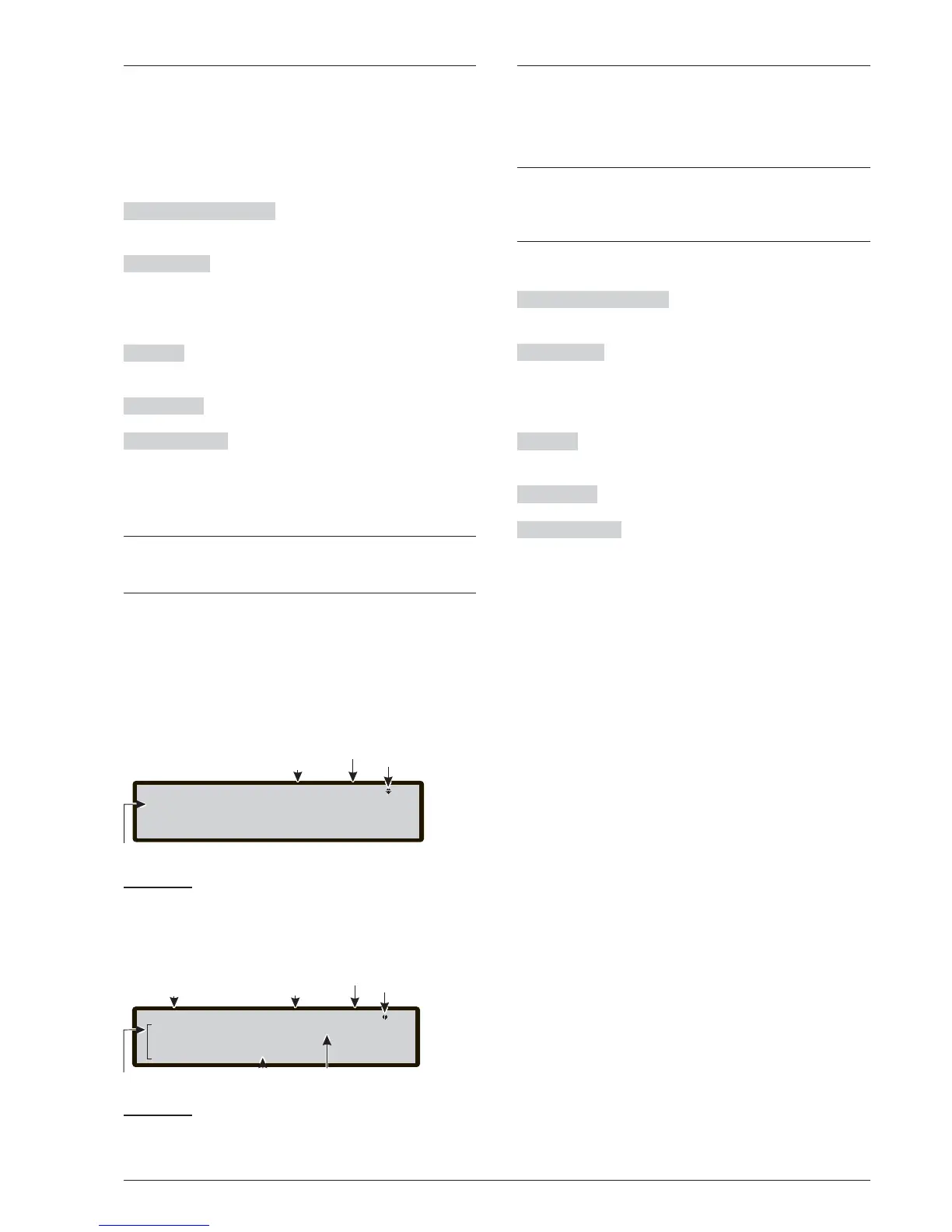
you will be taken to the Voice message recording/repla
-
ying page, Figure 47:
in this phase:
Alphanumeric keypad The Alphanumeric keypad is
used to select the number of the Voice message.
Cursor Keys
No function is related to UP Key;
No function is related to Down Key;
Use the Righ key to select the next voice message.
Use the Left key to select the previous voice message.
ESC Key
Use ESC key to cancel the operation and to
step back to previous page.
ENTER Key No function is related to ENTER Key.
Function Keys
No function is related to F1 key;
Use the F2 key to start the record of voice message;
Use the F3 key to start the play of voice message;
Use the F4 Key to stop the record or the play of the voi
-
ce message.
+
The transmitter (Telecom module) can record 32
voice messages up to 8 seconds long – See chap-
ter “Appendix: FC500PSTN”
KEY 7-OPTIONS
The term OPTIONs in the PROGRAMMING menu acti
-
vates the DAY-NIGHT-AUT mode programming page.
If Key 7 is used to select Functioning mode, Figure 48
will show:
+
For an explanation of Day mode and Night mode
operation, please refer to page 6. If you select Auto
-
matic, switching between one mode and the other
will take place automatically.
in this phase:
Alphanumeric keypad No function is related to the
Alphanumeric keypad.
Cursor Keys
No function is related to UP Key;
No function is related to Down Key;
Use the Righ key to select the next operating mode.
Use the Left key to select the previous voice message.
ESC Key
Use ESC key to cancel the operation and to
step back to previous page.
ENTER Key ENTER Key accepts the selection.
Function Keys
No function is related to F1 key;
No function is related to F2 key;
No function is related to F3 key;
No function is related to F4 key.
50 Addressable Fire Control Panels FC500



 To Next Page