9 KEY- Restore Default
The Restore Default option from the PROGRAMMING
menu will allow you to restore default setting.
Use the 9 Key to select Restore Default, the display
will show the Figure 39:
in this phase:
Alphanumeric keypad No function is related to
Alphanumeric keypad.
Cursor Keys
No function is related to UP Key;
No function is related to Down Key;
No function is related to Right Key;
No function is related to Left Key .
ESC Key
The ESC Key deletes the procedure and re
-
turns to the previous page;
ENTER key
The ENTER Key starts the default settings
restore procedure.
Function Keys
No function is related to F1 key;
No function is related to F2 key;
No function is related to F3 key;
No function is related to F4 Key.
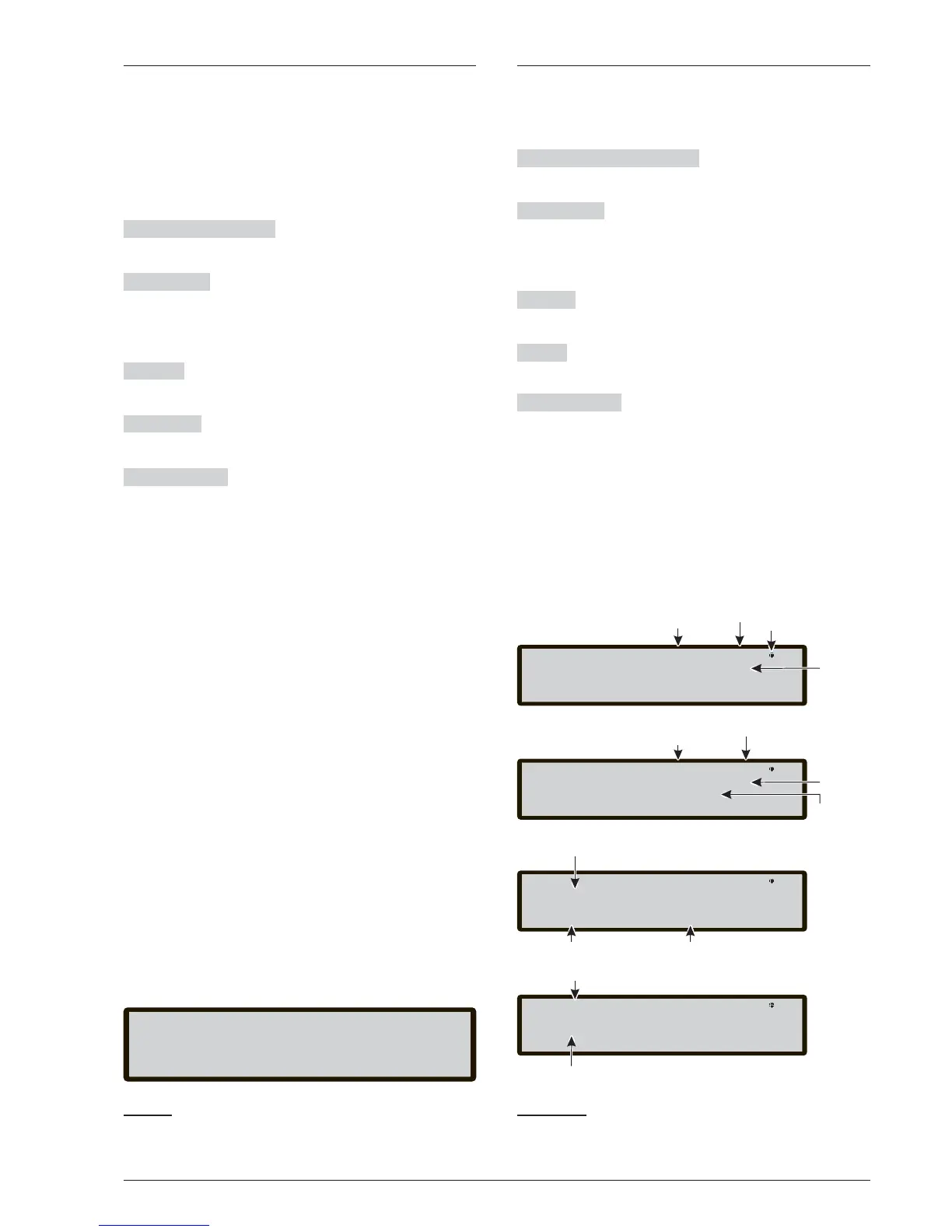
KEY 2 -Device
The Device command in the PROGRAMMING menu
activates the screen used to select and program the de
-
vices on the loops;
The Alphanumeric keypad The Alphanumeric key
-
pad is used to digit the address of the device.
Cursor Keys
No function is related to UP Key;
No function is related to Down Key;
The Right key selects the next available device;
The Left key selects the previous available device
ESC key : ESC key deletes the procedure and returns
to the previous page;
ENTER The ENTER key accepts the selection and acti
-
vates the corresponding programming page.
Function Keys
No function is related to F1 key;
No function is related to F2 key;
The F3 key resets the address value entered using the
numeric keypad;
No function is related to F4 Key.
46 Addressable Fire Control Panels FC500
Master panel lev 3: PROGRAM
Master Panel
[L1]L2
Choose loop
Lev 3: PROGRAM
Master panel
[MS]
Choose Panel
Loop 1
Name
selected
loop
Master Panel lev 3 : PROGRAM
Master Panel
d001 [d187] m250
Programmed
address
Loop 1
Add=<123>
400PH
Selected address Type selected detector
MS:L1 det001 lev 3 : PROGRAM
Master Panel
Detector
to program
[Temperature]
Device name
Paramether to program
Master panel
Name of
Control Panel
This symbol shows the presence
of the connection between the
User Interface and the Main Board
Control panel
Status
Access Level
Name of
Control Panel
Control panel
Status
Access Level



 To Next Page