4 KEY- OUTPUT
The Outputs command in the PROGRAMMING menu
activates the output programming screen. If KEY 4 is
used to select Output programming, you will be asked
to select the output you wish to program; this will be fol
-
lowed by the programming procedure for that output.
n
Choose Output
In this phase:
Alphanumeric keypad The Alphanumeric keypad is
used to select the number of the Output.
Cursor Keys
The UP Key: shows the next/previous
output category (NAC-OC-OS);
The Down Key shows the previous output category;
No function is related to Right key.
No function is related to Left key.
ESC Key
Use ESC key to delete the operation and to
step back to previous page.
ENTER Key Use the ENTER to accept the selection
and activate the view of the next page.
Function Keys
No function is related to F1 key;
No function is related to F2 key;
Use the F3 key to reset the value entered using the al-
phanumeric keypad (if incorrect). Navigate using the
Right or Left keys;
No function is related to F4 Key.
Once the Output has been programmed (type and iden-
tification number) and ENTER pressed to accept the
selection, enter the label for that output.
NAC active on disablements
The programming NAC Outputs can be activated on di
-
sablements of any part of the system.
From PROGRAMMING Menu select Output (KEY 4)
and than work through the following steps:
-insert the number of NAC you want to program the op
-
tion "NAC active on disablements";
-in the following diplay insert the name of Output and
than press ENTER;
-in the following diplay, press ON to enable the new op
-
tion and than press ENTER.
In this phase:
Cursor Keys
No function is related to Up key;
No function is related to Down key;
Use the Righ key to select: On-OFF;
Use the Left key to select: On-OFF.
ESC key
Use ESC key to delete the operation and to
step back to previous page.
ENTER key Use the ENTER to accept the selection
and activate the programming page.
+
If a NAC has this option programmed, it shall be not
silenceable.
48 Addressable Fire Control Panels FC500
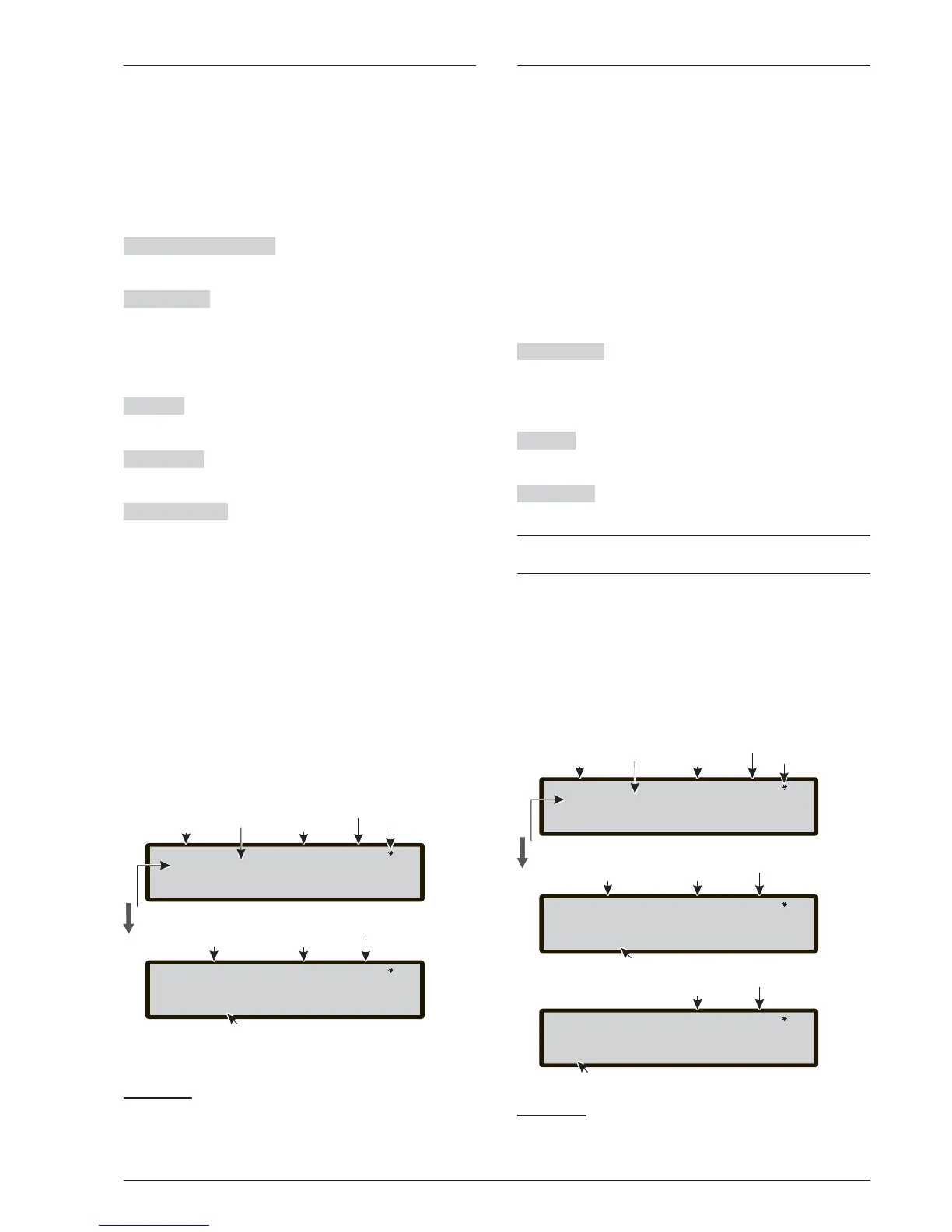
Master Panel lev 3: PROGRAM
NAC Output: 001
Control Panel name
Access Level
Outputs type
Output
Number
NAC Output 001 ev.l 3 :PROGRAM
[]
OUTPUT NAME
Insert Output label
Up or Down to select the type
Enter the NAC Output number
This symbol shows the presence
of the connection between the
User Interface and the Main Board.
The symbol KO will be shown
when the connection fails
Control panel
Status
Access Level
Control panel
Status
Output
Number
Master Panel lev 3: PROGRAM
NAC Output: 001
Control Panel name
Access Level
Outputs type
Output
Number
NAC Output 001 ev.l 3 :PROGRAM
[]
OUTPUT NAME
Insert Output label
Up or Down to select the type
Enter the NAC Output number
This symbol shows the presence
of the connection between the
User Interface and the Main Board.
The symbol KO will be shown
when the connection fails
Control panel
Status
Access Level
Control panel
Status
Output
Number
NAC Output 001 ev.l 3 :PROGRAM
on OFF
NAC ACTIVE ON DISAB.
Select the option
Access Level
Control panel
Status
^



 To Next Page