4 | Start-up FISCHER Mess- und Regeltechnik GmbH
28/108 BA_EN_FT90
4.2.1.3 Back lighting
The LC display is equipped with RGB back lighting. This allows it to create vari-
ous coloured backgrounds for the measuring data display.
Also, the so-called colour changes can be configured that serve to indicate
when limits have been overstepped.
For more information, please go to menu display and/or colour change.
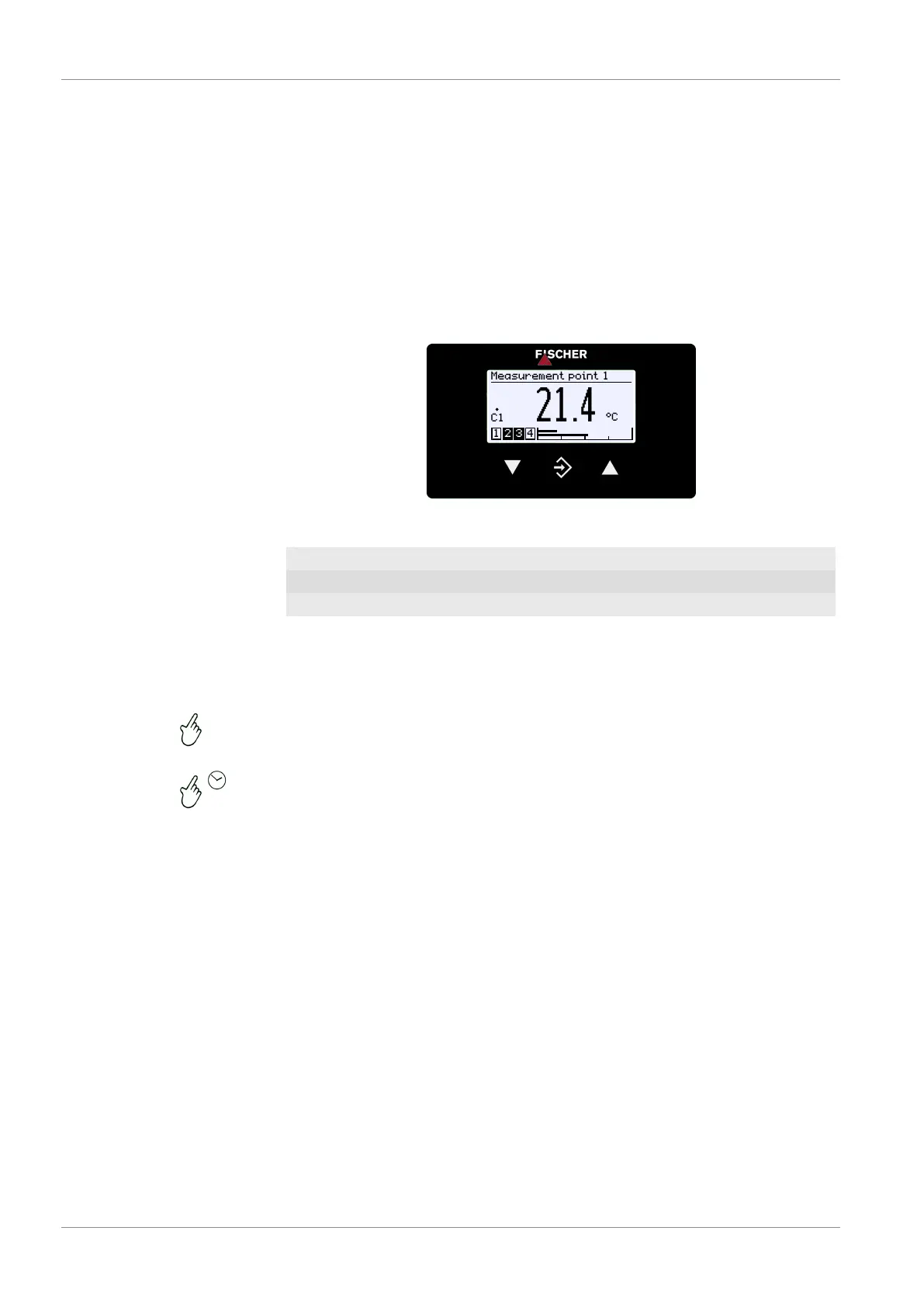
4.2.2 Keyboard
The basic functions of the keyboard are explained in this section. For more in-
formation about the operating concept, please see the section 'First steps'.
Measurement point 1
°C
Pa21.4
C1
1 2 3 4
Fig.34: Operating keys
ÿ
Page down Decrease value
û
Call up menu Save value Go back
þ
Page up Increase value
The buttons are always pressed individually. Combinations such as pressing
two buttons at the same time are not used.
A button can be actuated in two ways. Below, the adjacent symbols indicate the
actuation type.
1. Pressing a button briefly triggers an immediate reaction.
2. Pressing a button for longer than 250 ms triggers a 'Repeat' reaction. Hold-
ing a button down, triggers a continuous sequence of 'Repeat' reactions.
However, there is no acceleration.
3. Automatic stop at the menu item 'Back' : Holding the button ÿ or þ
down returns the user to the menu item 'Back' very quickly. The stop is
automatic there.
4. Return to the operating display: Holding the button û down takes the user
from the menu item 'Back' to the operating screen.













 To Next Page