FISCHER Mess- und Regeltechnik GmbH Operation | 5
BA_EN_FT90 85/108
5.5.4.5 LCD colour
Path: \Configuration\Display\LCD colour
Level: 3
\...\...\LCD colour
1 2 3 4
Off
Red
Green
Yellow
S
R
U
R
R
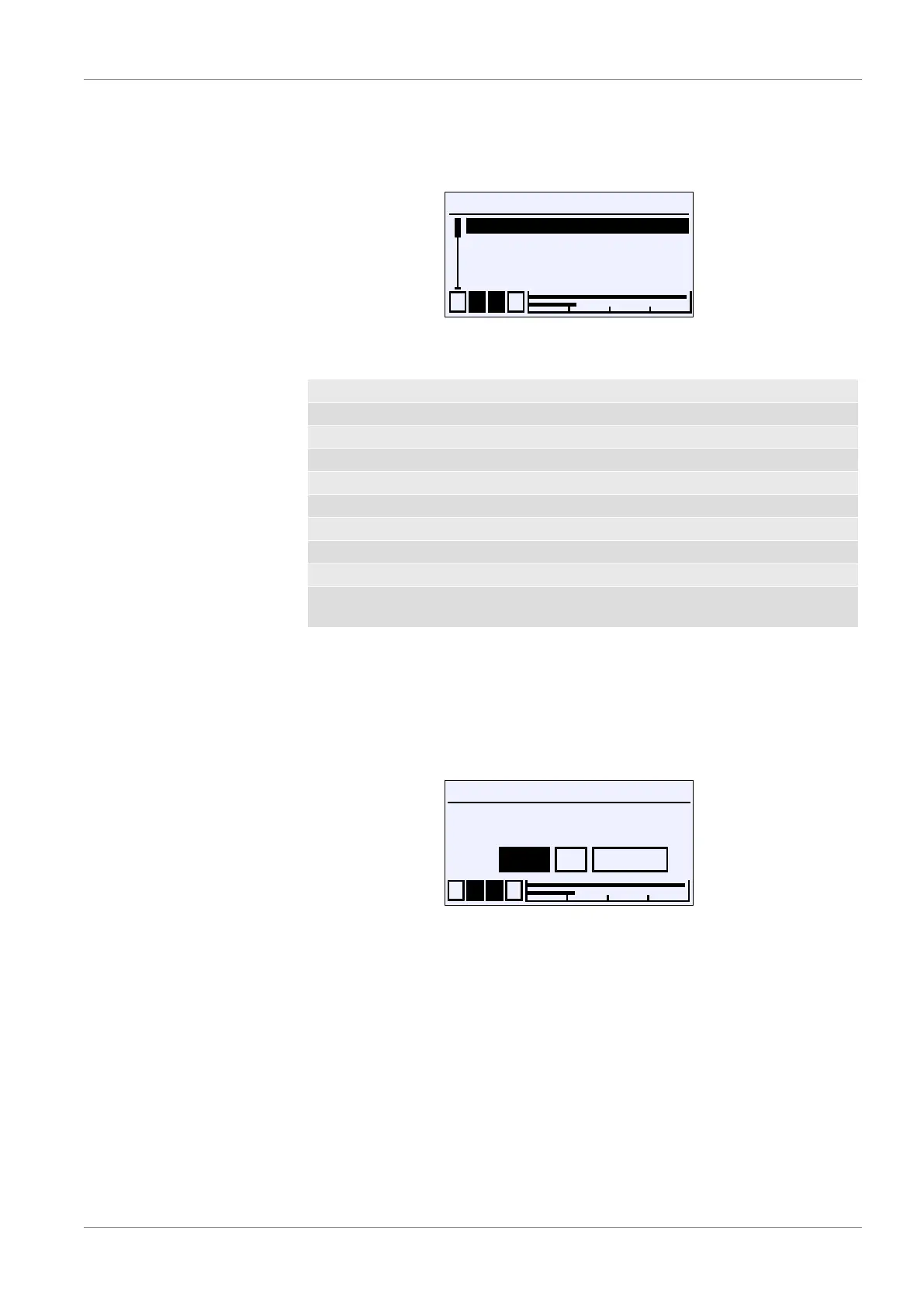
Fig.128: LCD colour
The following colours can be selected for the back lighting.
OFF
Red
Green
Yellow
Blue
Magenta
Cyan
White
Red/green Activation of the colour change red/green
Red/yellow/
green
Activation of the colour change red/yellow/green
The setting for the switch thresholds of the respective colour change are in the
menu item Colour change in the menu for the configuration of the channels.
5.5.4.6 LCD lighting
Path: \Configuration\Display\LCD lighting
Level: 3
LCD lighting
1 2 3 4
OK CancelEdit
0
s
U
Fig.129: LCD lighting
This parameter is used to define a time period after which the back lighting is
switched off once no more input has been entered via the keyboard. The light-
ing can be switched on again by pressing any button.
NOTICE!The parameter also impacts in the same way on the colour
change. When the lighting is switched off, a colour change is only display
when a button is pressed.
Values of 0 to 600 s can be entered. The lighting can be switched on perman-
ently with the parameter value 0s.













 To Next Page