FISCHER Mess- und Regeltechnik GmbH Operation | 5
BA_EN_FT90 47/108
5.3.3.1 User 1
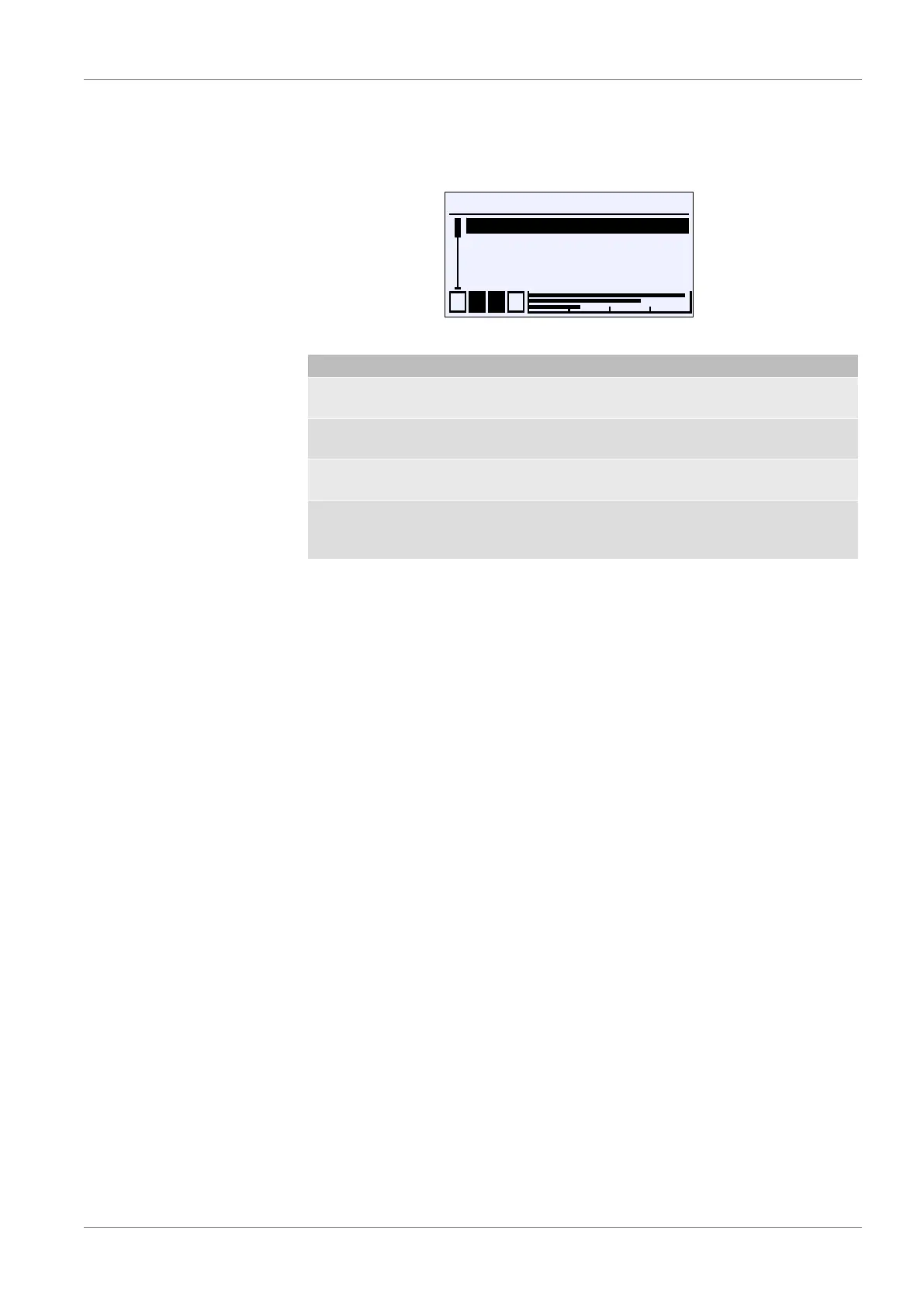
Path: \Login\Manage users\User 1
Level: 3
\...\...\User1
User 1 enabled
User 1 Passw.
User 1 permissions
Back
G
A
U
E
1 2 3 4
Fig.66: User 1
Menu name Description
User 1 enabled G The user can be enabled with this
parameter.
User 1 password The password for user 1 is defined with
this parameter.
User 1 permissions A The permissions for user 1 are defined
with this parameter.
Back E This is the exit point of the 'User 1'
menu. It is used to return to the 'Man-
age users' menu.
The parameter User 1 enabled activates user 1:
G User disabled
H User enabled
The password for the user is assigned with the parameter User 1
password . The password 000 is assigned with the default setting. Only nu-
merical passwords from 000 to 999 can be used.













 To Next Page