5 | Operation FISCHER Mess- und Regeltechnik GmbH
46/108 BA_EN_FT90
5.3.2 Timeout
Path: \Login\Timeout
Level: 2
If the device is switched to configuration mode and no button is pressed, the
device returns to the operating mode after the expiry of a defined time period.
This time range is set with the parameter Timeout .
Values entered in minutes. The value range covers 0 … 60 min. When the
value 0 is entered, the timeout function is switched off.
After the set timeout time has expired, a logged in user is logged off whist the
device switches to the operating mode.
If, however, the timeout function is deactivated, the user remains permanently
logged in. Users must log off manually.
The key symbol should indicate this possibly undesirable status.
5.3.3 Manage users
Path: \Login\Manage users
Level: 2
Manage users
User 1
User 2
User 3
Administrator
A
A
U
A
A
1 2 3 4
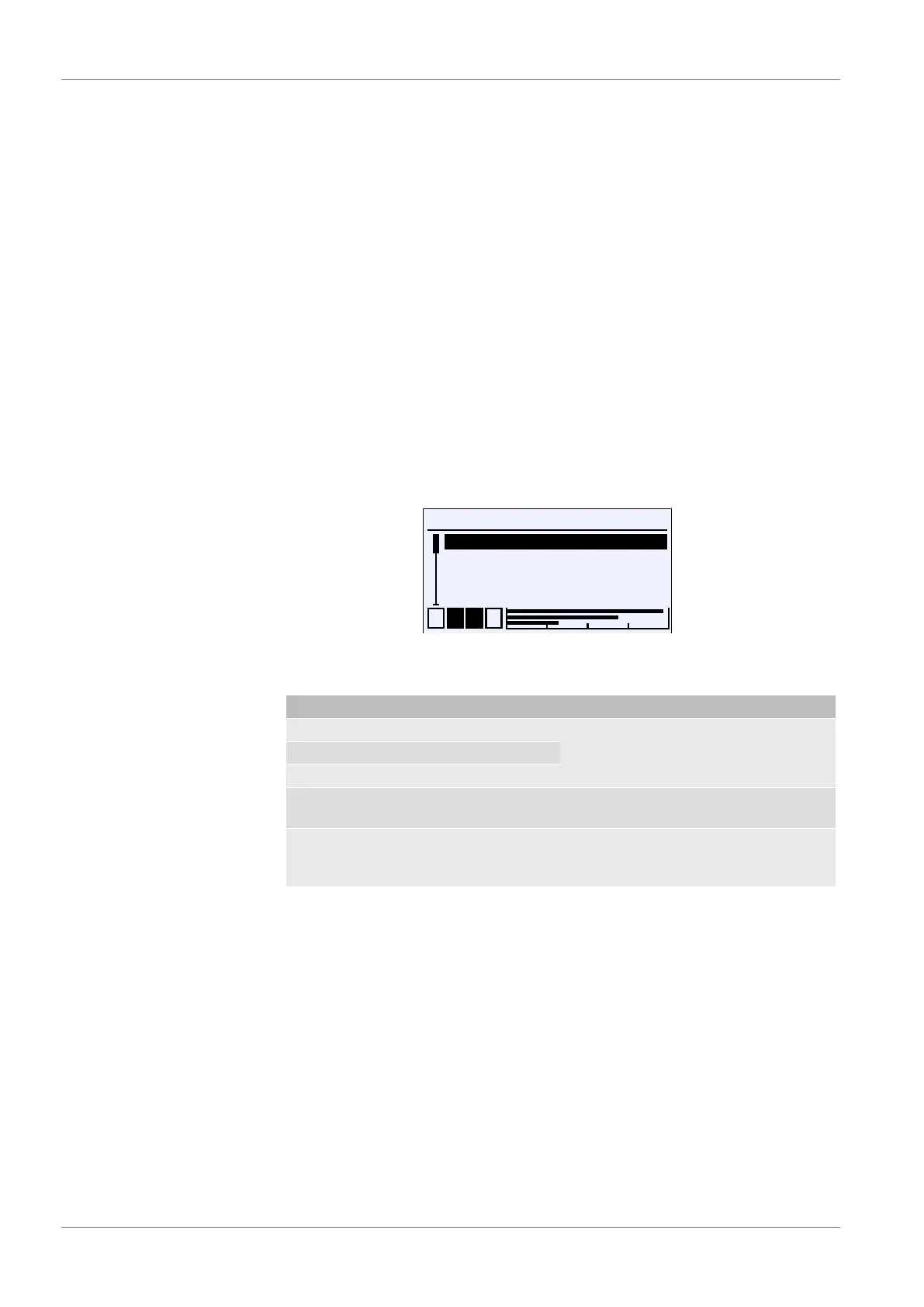
Fig.65: Manage users
The login menu consists of the following parameters and submenus:
Menu name Description
User 1 A This menu item is used to manage the
rights of the user in question.
User 2 A
User 3 A
Administrator A The password for the administrator is
defined in this menu.
Back E This is the exit point of the 'Manage
users' menu. It takes you back to the
main menu.
The menus for the users are identical, so only the menu for user 1 is described
here as an example for all.













 To Next Page