FISCHER Mess- und Regeltechnik GmbH Operation | 5
BA_EN_FT90 89/108
5.6 Info
Path: \Info
Level: 1
\Info
1 2 3 4
Device
Version
Input 1
Input 2
U
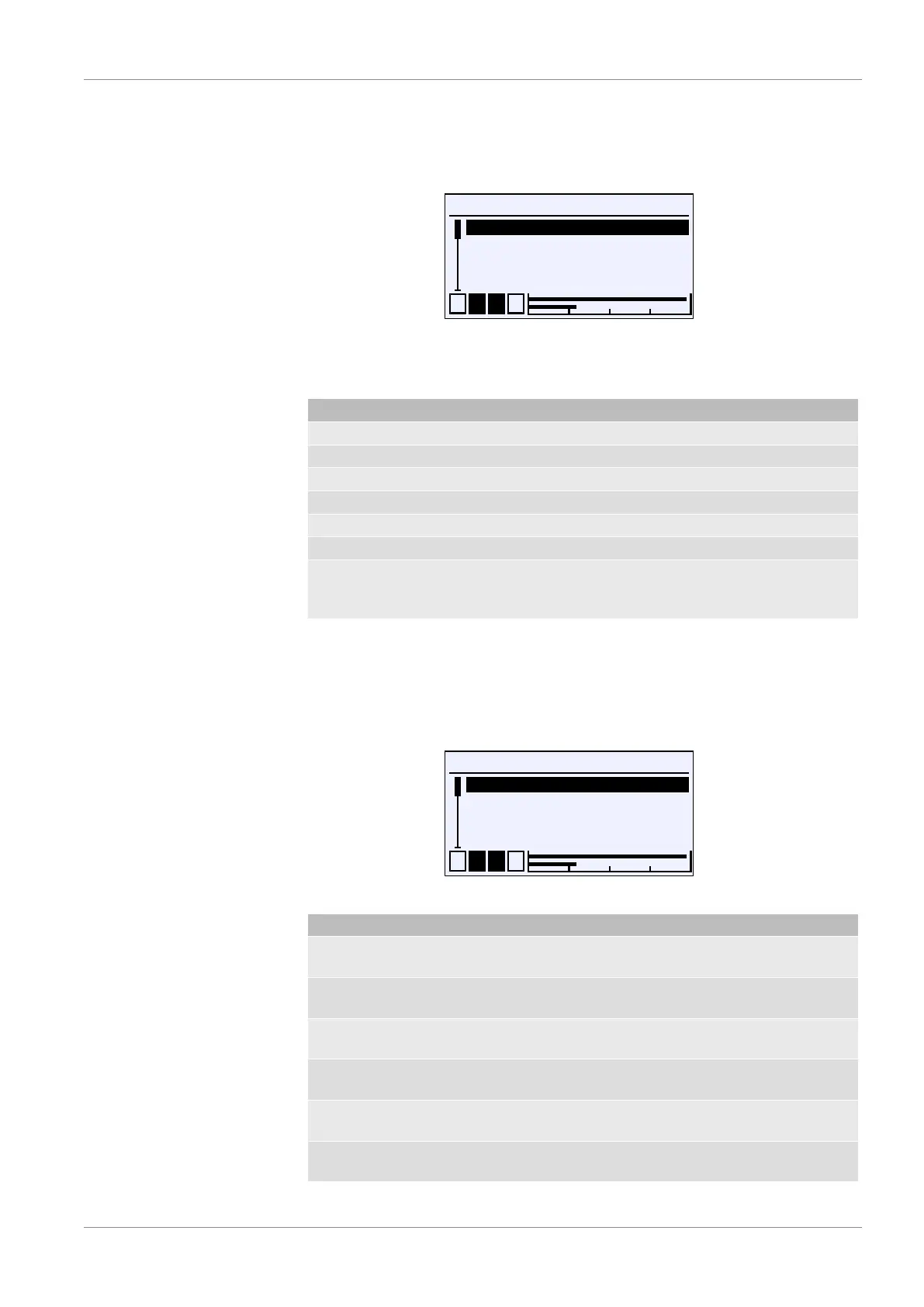
Fig.136: Info
Various information for configuration and setting of the device is provided in this
menu.
Menu name Description
Dev. Device type, serial number
Revision Firmware version
Input 1 Basic measurement range, spread
Input 2 Basic measurement range, spread
Analog output Output signal
Switch output Assignment, contact type
Back E This represents the output (exit) of the
information menu. Press 'back' to re-
turn to the main menu.
Information about the device and the configuration are provided in this menu.
5.7 Service
Path: \Service
Level: 1
\Service
1 2 3 4
Load configuration
Save configuration
USB —▶ configuration
Configuration—▶ USB
U
Fig.137: Service
Menu name Description
Load configuration The configuration saved in the flash
memory of the device is loaded.
Save configuration The configuration is saved in the flash
memory of the device.
USB —▶ configuration The configuration saved on a USB
drive is loaded.
Configuration —▶ USB The configuration is saved to a USB
drive.
Factory settings The parameterisation is reset to the
factory setting.
Update firmware The firmware update saved on a USB
drive is performed.













 To Next Page