5 | Operation FISCHER Mess- und Regeltechnik GmbH
44/108 BA_EN_FT90
5.3 Login
Path: \Login
Level: 1
Users that are not logged in only have access to the information menu. Users
must log in to gain access to the configuration.
\Login
Log in
Timeout
Manage users
Reset passwords
L
L
L
1 2 3 4
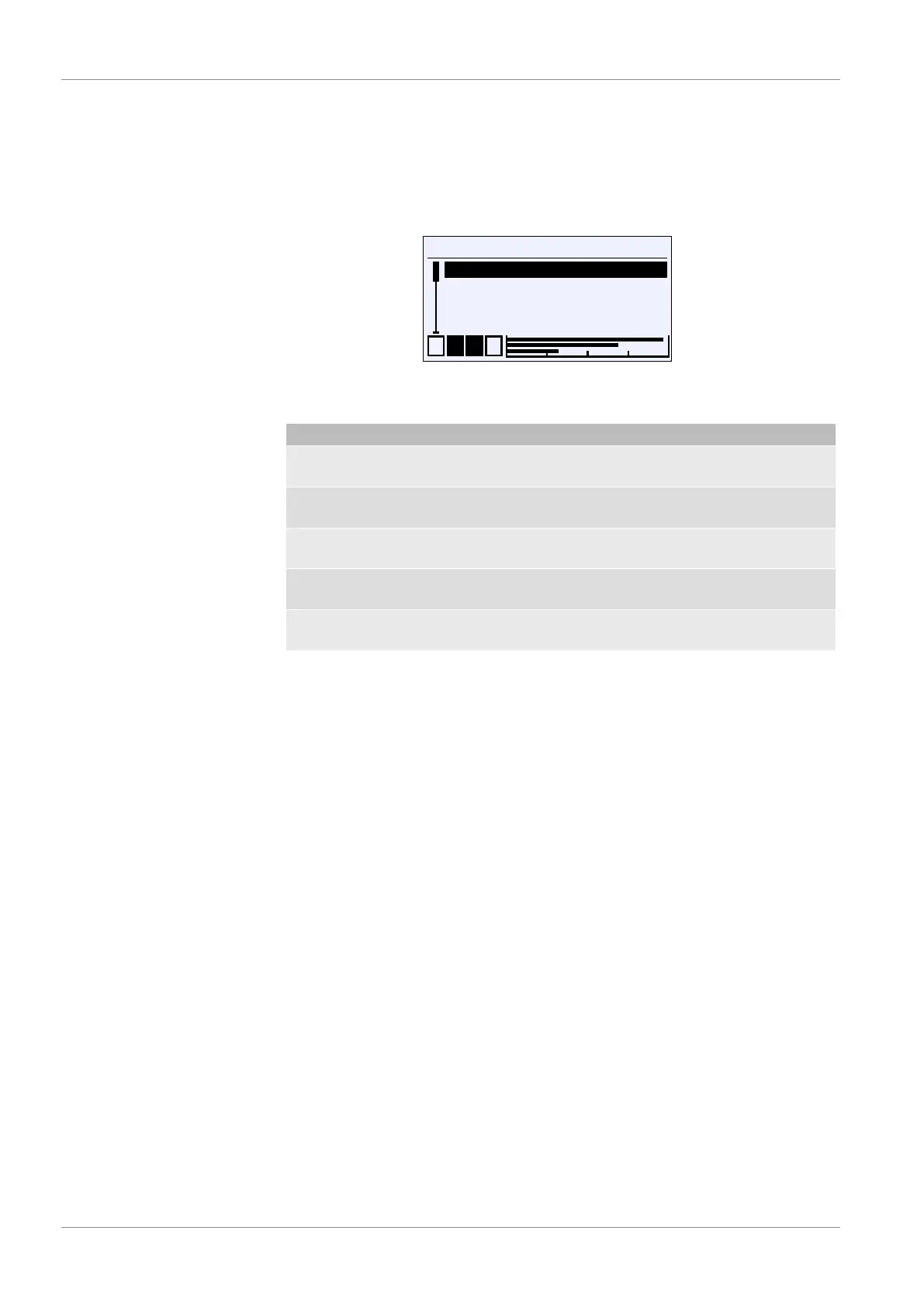
Fig.62: Login
The login menu consists of the following parameters and submenus:
Menu name Description
Log in/Log out Users can log in and out with this
menu item.
Timeout The timeout function is defined with
this parameter.
Manage users A This submenu is for managing users
and passwords.
Reset passwords This menu item is used to reset all
passwords to 000 .
Back E This is the login menu exit point. It
takes you back to the main menu.













 To Next Page