5 | Operation FISCHER Mess- und Regeltechnik GmbH
42/108 BA_EN_FT90
5.1.6.3 Selection of options
For example: Path: \Configuration\Channel 2\Measurement C2\Meas.range C2 unit
Meas.range C2 unit
°C
°F
Back
R
R
E
U
1 2 3 4
Meas.range C2 unit
U
°C
°F
Back
R
R
E
1 2 3 4
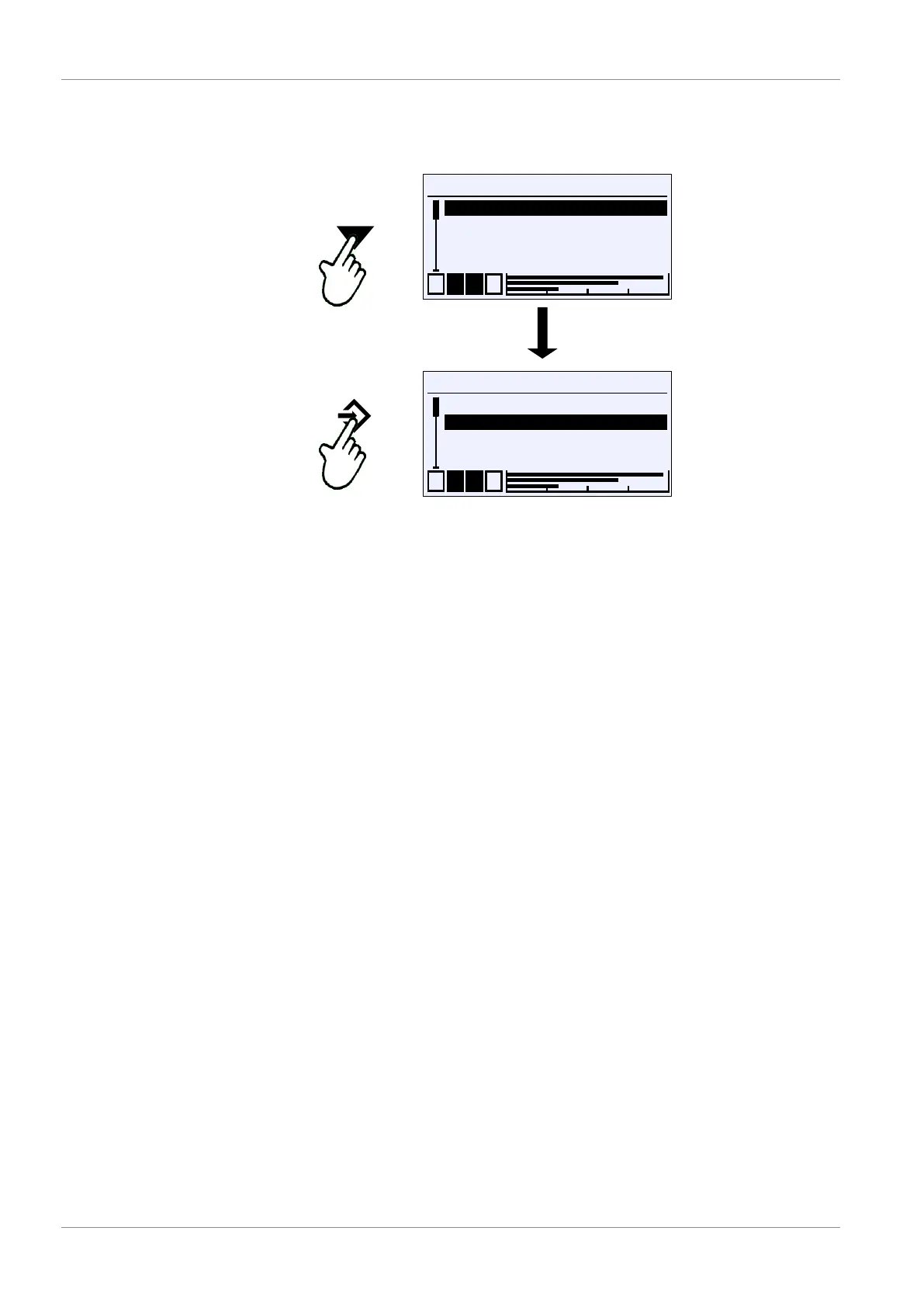
Fig.60: Entry of options
The cursor is moved with the buttons ÿ and þ . Only one of the offered op-
tions can be selected. The button û is used to select the option marked by the
cursor.
You can use the 'Back' exit button to return to the calling menu. The selected
option is saved.













 To Next Page