FISCHER Mess- und Regeltechnik GmbH Operation | 5
BA_EN_FT90 43/108
5.2 Main menu
Path: \
Level: 0
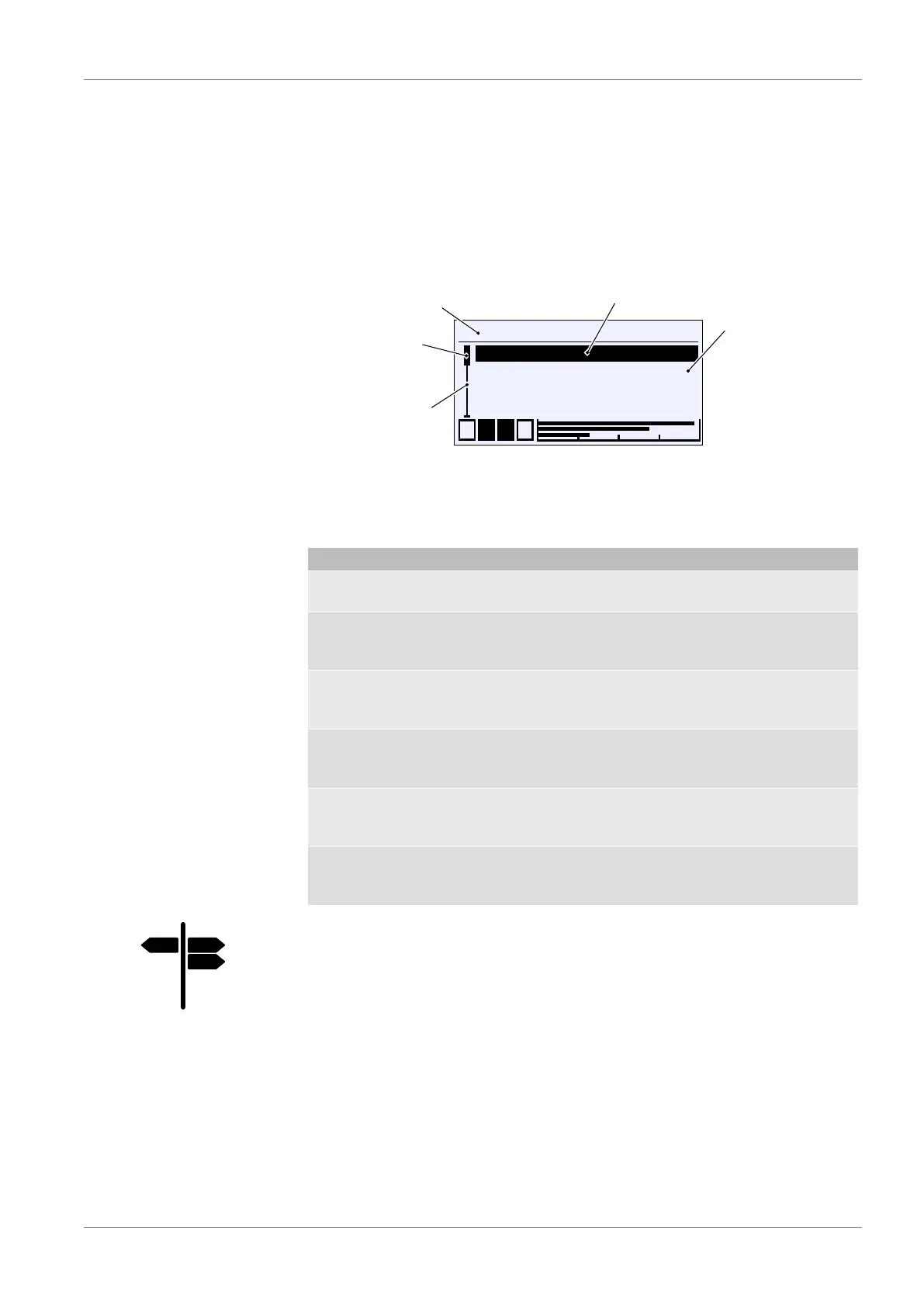
Pressing the button û takes the user from operating mode to configuration
mode. The main menu is displayed. The bar graph display and display of the
switch outputs still remain visible.
NOTICE!The device also remains operational even during configuration.
All parameter changes have a direct effect.
\
Login
Quick access
Configuration
Info
A
L
L
A
1 2 3 4
Path (Level 0)
Cursor
Indicator
Page area
Position marker
Fig.61: Main menu
The indicator A shows that there is a submenu on the following level. The
main menu comprises the following menus:
Menu name Description
Login A In this menu, users can log in and out
as well as manage passwords.
Quick access A This menu contains important paramet-
ers and menus that can be reached
and changed in quick access mode.
Configuration A The device is configured using this
menu. There are up to four menu
levels.
Info A This menu contains information about
the hardware and software of the
device and its configuration.
Service A The firmware of the device can be un-
dated and parameters can be loaded
and saved with this menu.
Back E This is the exit level of the main menu.
It takes you back to the 'Meas. data
display' screen.
Signposts [►Page]
• Login [}44]
• Quick access [}50]
• Configuration [}52]
• Info [}89]
• Service













 To Next Page