5 | Operation FISCHER Mess- und Regeltechnik GmbH
48/108 BA_EN_FT90
5.3.3.1.1 User 1 permissions
Path: \Login\Manage users\User 1\User 1 permissions
Level: 4
User 1 permissions
View configuration
Edit configuration
Update firmware
Manage users
G
U
G
G
G
1 2 3 4
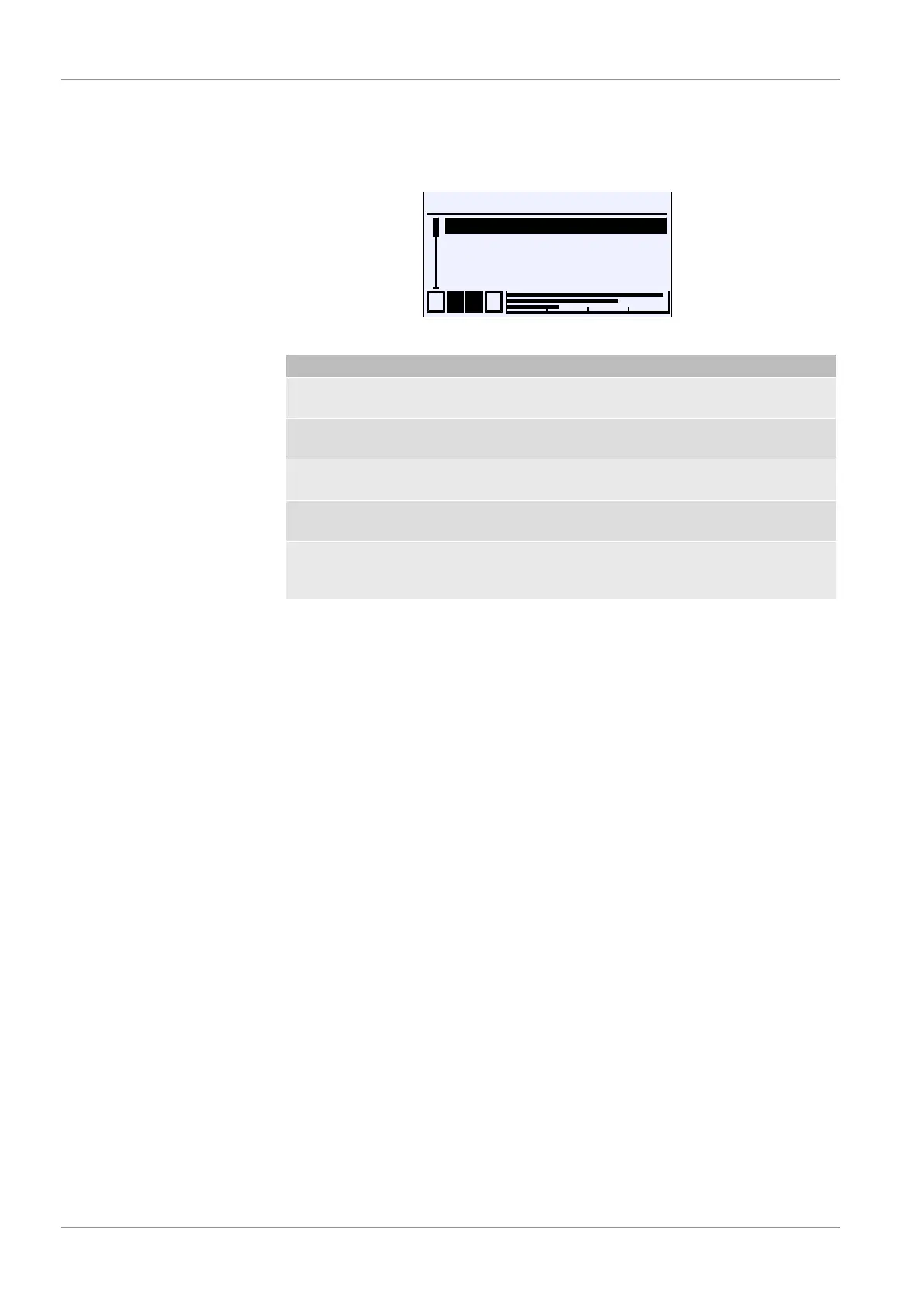
Fig.67: User 1 permissions
Menu name Description
View configuration G This parameter assigns read permis-
sion.
Edit configuration G This parameter assigns read and write
permission.
Update firmware G This parameter assigns permission to
perform an update.
Manage users G This parameter assigns user manage-
ment permission.
Back E This is the exit point of the 'User 1 per-
missions' menu. It takes you back to
the 'User 1' menu.
The parameter 'View configuration' is used to define whether the user
may read the configuration. The activation of read permission is indicated by the
crossed-out pencil symbol. This indicates that the user does not have write per-
mission.
Read and write permission is assigned with the parameter 'Edit
configuration' . This permission allows the user to change the configura-
tion. Access to the service menu is allowed. However, the user does not have
permission to manage users or perform a firmware update.
Permission to update the firmware is assigned with the parameter 'Update
firmware' .
Permission to change user permissions is assigned with the parameter
'Manage users' .
A user with all permissions does not have access to the administrator menu
and is not allowed to reset the passwords to the factory settings.













 To Next Page