Operation
How to Access the Memory
4
4-47
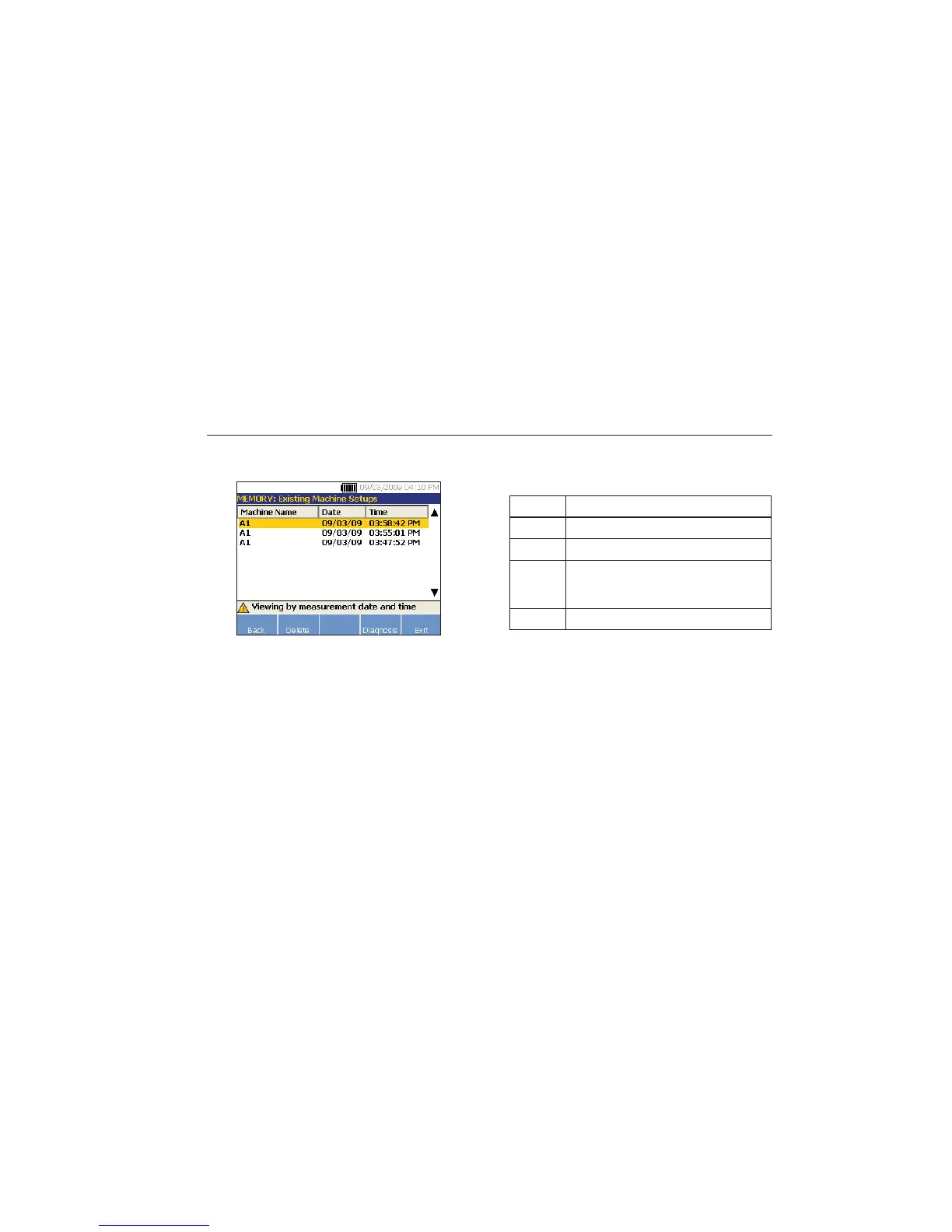
1. Use the Dial to select a date or push View to
see the machines measured on that date.
gbk71.bmp
2. Scroll and select the machine with date and
time.
Table 4-25 is a list of the softkey functions of View by
Measurement date and time screen.
Table 4-25. View by Measurement Date Functions
Softkey Function
Back Go to the previous screen.
Delete Delete the measurement details.
Diagnosis
Diagnose the measured data. For more
details about diagnosis, see “How to
Diagnose.”
Exit Exit to the Startup screen.



 To Next Page