FRICK QUANTUM CONTROL PANEL
OPERATION
S90-010 O
Page 15
When a Shutdown occurs, the screen backlight will flash on
and off to alert an operator of the shutdown. This visual
alarm will help get the attention of the operator in a noisy
engine room environment where audible alarms may not
be heard. Pressing any key on the keypad will clear the
flashing backlight.
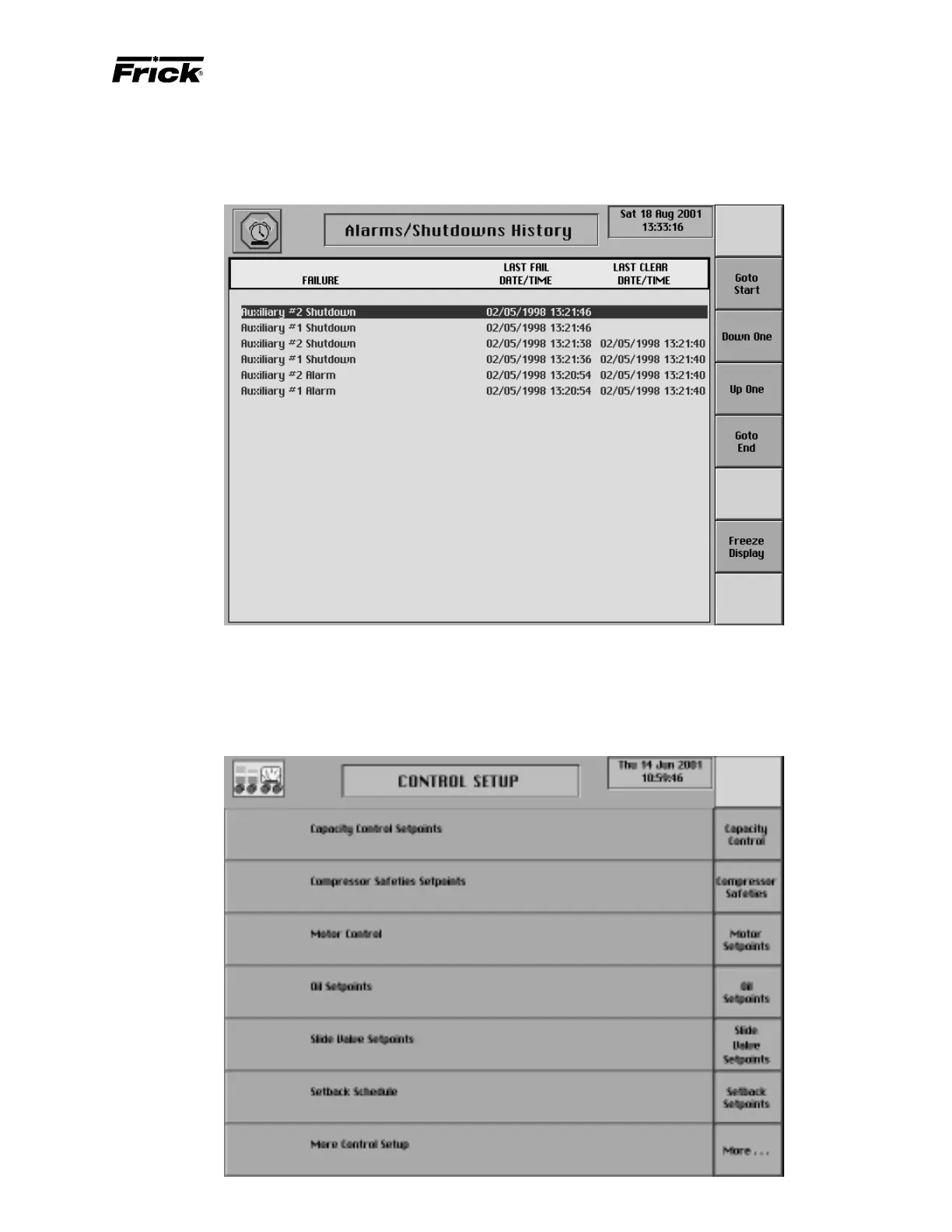
MAIN MENU SELECTION - ”ALARMS/SHUTDOWNS HISTORY” SCREEN
[Freeze Display] - Accesses the “Freeze” screen. Use
the arrow keys or the screen command keys on the
‘Alarms/Shutdowns History” screen to select an alarm
or shutdown and then press this screen selection key
to view it’s “Freeze” screen.
MAIN MENU SELECTION - ”CONTROL SETUP” SCREEN



 To Next Page