FRICK QUANTUM CONTROL PANEL
OPERATION
S90-010 O
Page 46
CONTROL SETUP -
OPTIONS SETUP -
”Input Module Selection” SCREEN
display will be the capacity control that will be made
active using the following control logic:
• When input module 20 is not energized:
Mode 1 is the active Capacity Control.
• When input module 20 is energized:
Mode 2 is the active Capacity Control.
When this feature is enabled, these inputs force which Ca-
pacity Control is active, even if a different Capacity Control
mode is selected somewhere else. Only if the Capacity
Control mode was forced by these inputs will Remote-I/O
be displayed for the Capacity Control source on the “Oper-
ating Status” display. The [Make Active] key will not be
available on a Capacity Control setpoint screen when this
feature has been enabled.
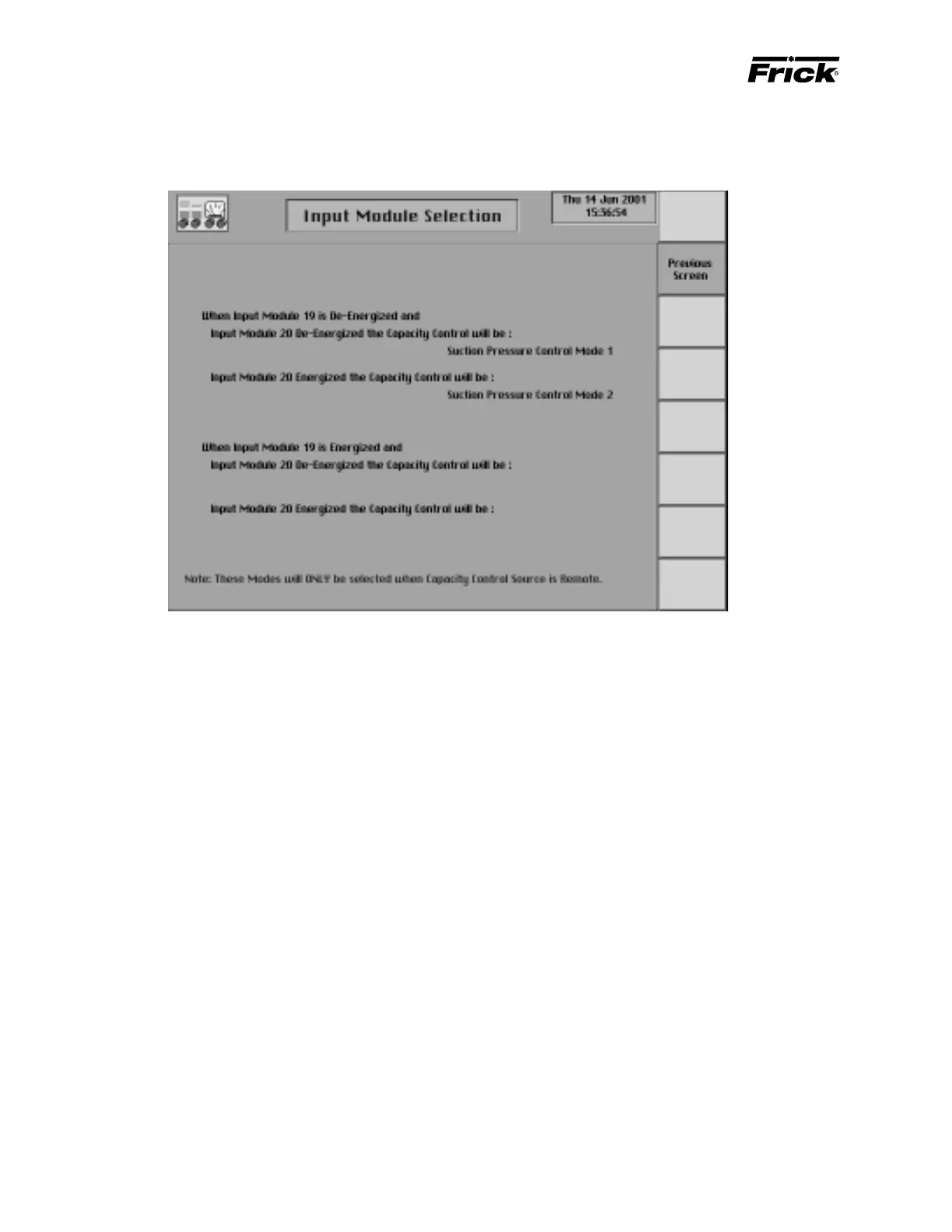
This screen is shown if the ”Input Module Capacity Control
Selection” was enabled in Panel Setup. These modes will
be selected only when Capacity Control source is
remote.The following control logic is concluded about input
module 19 and 20:
When input module 19 is deenergized, the enabled
Capacity Control that is listed first on the “Capacity
Control” screen will be the Capacity Control that will be
made active using the following control logic:
• When input module 20 is not energized:
Mode 1 is the active Capacity Control
• When input module 20 is energized:
Mode 2 is the active Capacity Control.
When input module 19 is energized, if a second Ca-
pacity Control has been enabled, the enabled Capac-
ity Control listed secondly on the “Capacity Control”



 To Next Page