FRICK QUANTUM CONTROL PANEL
OPERATION
S90-010 O
Page 64
The Capacity Control options that were enabled in Panel
Setup are shown. Only two control modes can be enabled.
A control mode that is currently the active Capacity Control
mode can not be disabled unless another Capacity Control
mode has been enabled. The other enabled Capacity Con-
trol is made active, when disabling the current one, so ac-
tive Capacity Control setpoints can always be viewed and
modified. The following Capacity Control modes are pro-
vided as selections:
• Suction Pressure Control Modes
• Process Temperature Control Modes
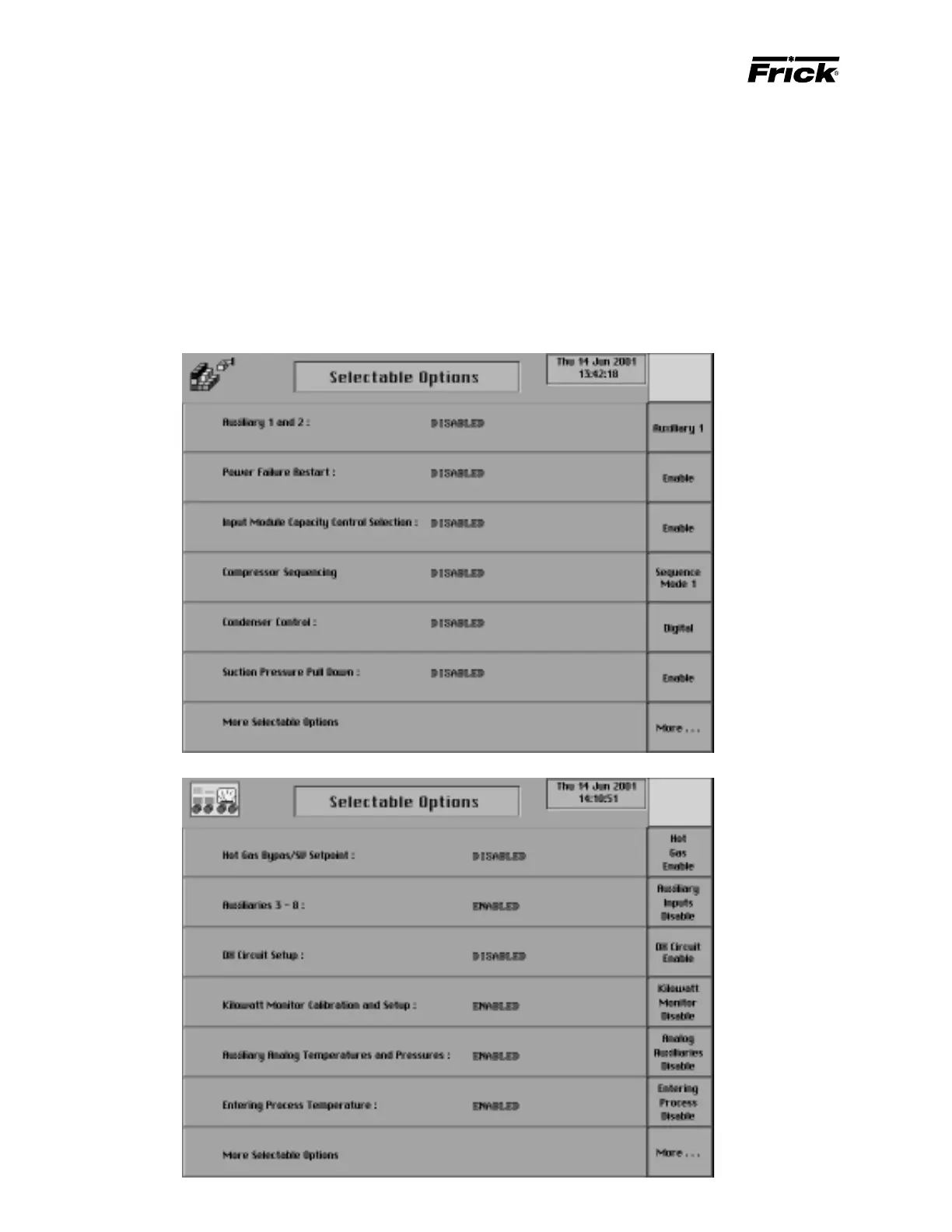
PANEL SETUP - ”Selectable Options” SCREENS
• Discharge Pressure Control Modes
• Discharge Temperature Control Modes
The following selection key is provided:
[Enable Mode] - This key is provided if the control is
disabled.
[Disable Mode] - This key is provided if the control is
enabled.



 To Next Page